Top Trusted Barcode Scanner Manufacturers & Manufacturer for Jacksonville
An evidence-led buying guide for Jacksonville teams comparing scanner manufacturers, with transparent product-fit notes for A2/A3 book scanners, OCR document cameras, visual presenters and OEM/ODM supply.
8 Scanner & Visualizer Products for Jacksonville Buyer Review
The eight models below preserve the product image paths and product URLs supplied by the original Quibow page. They are organized for real Jacksonville buying scenarios: archive capture, classroom display, hybrid meetings, counter documentation and OCR-heavy office work. Most stock scanners start from 1 piece or 1 set, while selected document cameras start at 2 pieces; confirm current MOQ before a formal PO.
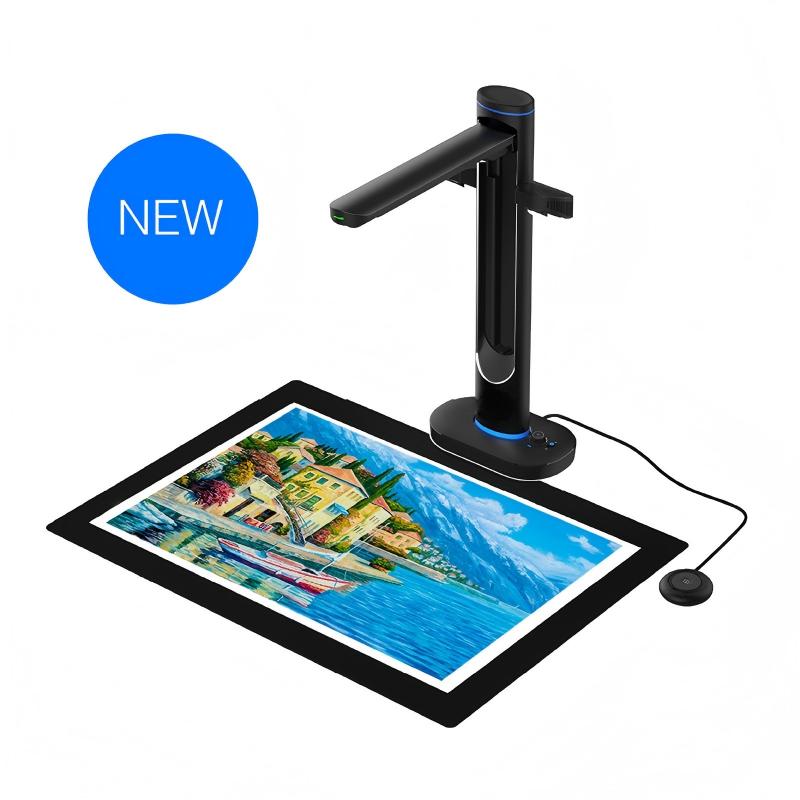
A2 Large Format Book Scanner Dual 48MP CMOS Sensors High-Speed Desktop Overhead Scanner for Windows & MacOS
- Dual 48MP CMOS capture
- A2 overhead desktop scanning
- Windows & macOS workflow
Best fit: newspapers, maps, large archives and archival masters that require high resolution at A2.
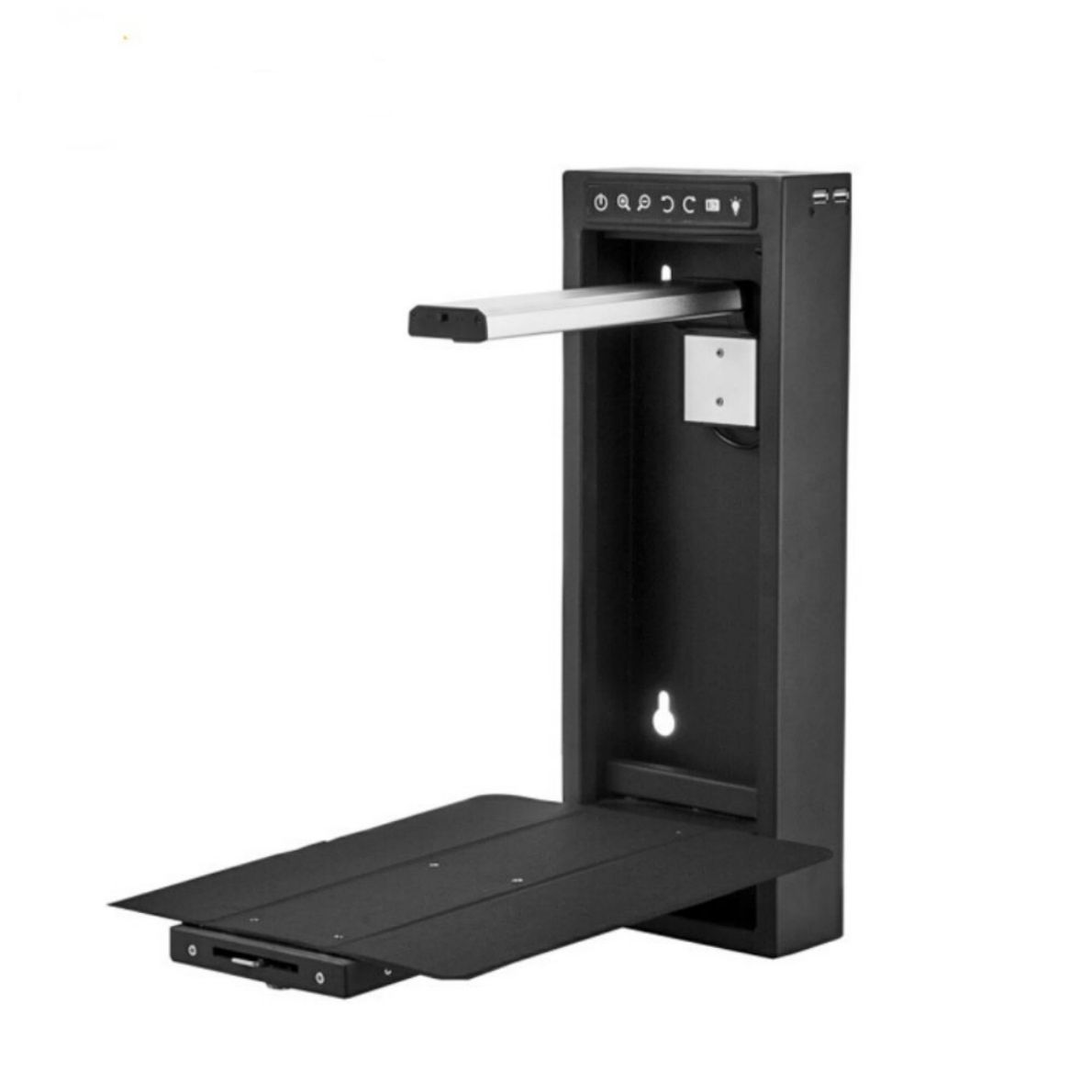
Document Camera A4 Visualizer Wall Version USB CMOS Sensor 10MP 1-Second Scan Document Scanner Stock for Classroom Smart
- 10MP CMOS sensor
- Wall-mounted A4 visualizer
- 1-second scan workflow
Best fit: smart classrooms, training rooms and wall-mounted demonstration stations with limited desk space.
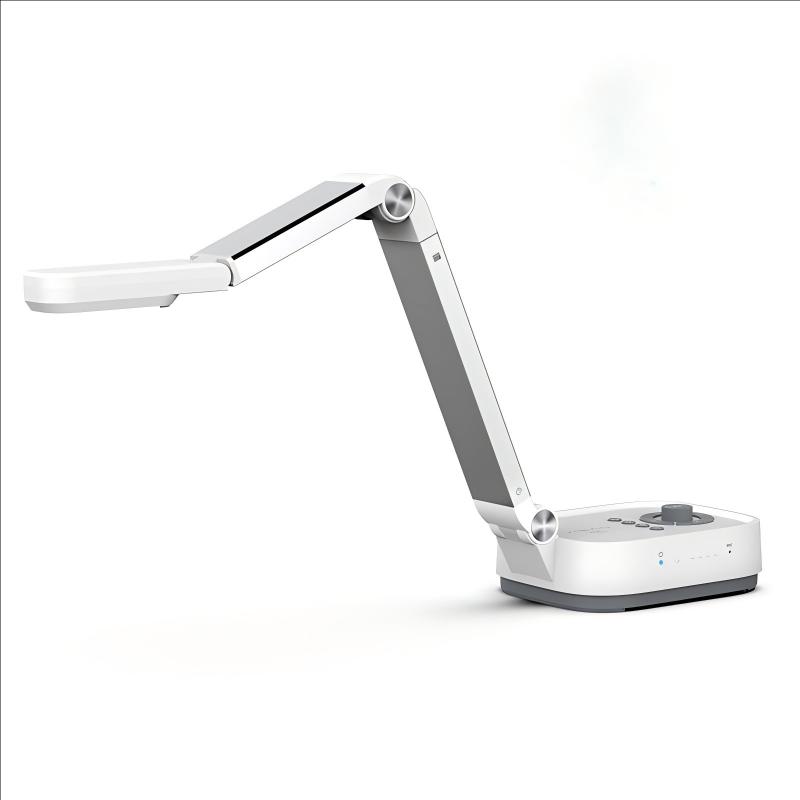
16MP 3D Desktop Visualizer Document Camera with Microphone 120X Zoom /VGA A3 Scan Size LED Light & Foldable for Education
- 120X zoom, A3 scan size
- Built-in microphone and LED light
- Foldable education design
Best fit: classroom object display, hybrid teaching and training rooms that need a compact foldable camera.
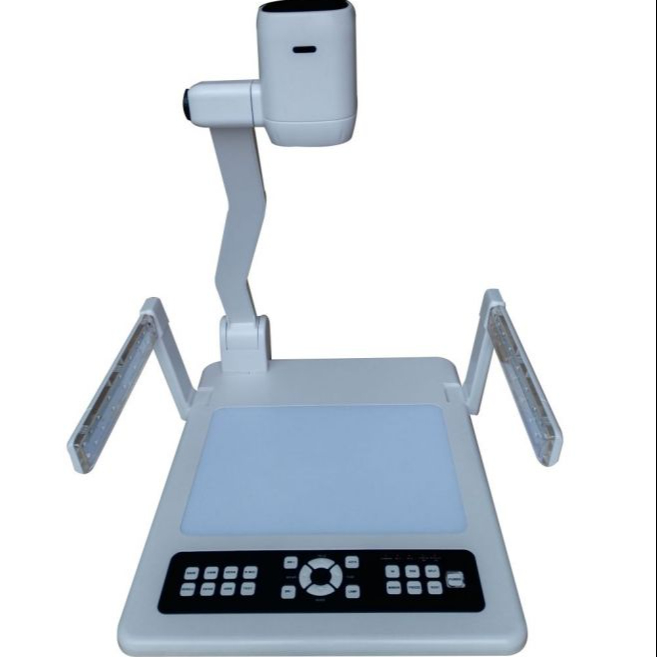
Factory Desktop Document Camera Visualizer 22X Optical Zoom with Interface HD MI RS232 Audio Mic Video
- 22X optical zoom
- HDMI, RS232, audio and mic
- Desktop presentation format
Best fit: meeting rooms, lecture capture and integrator projects requiring stable optical zoom and control interfaces.
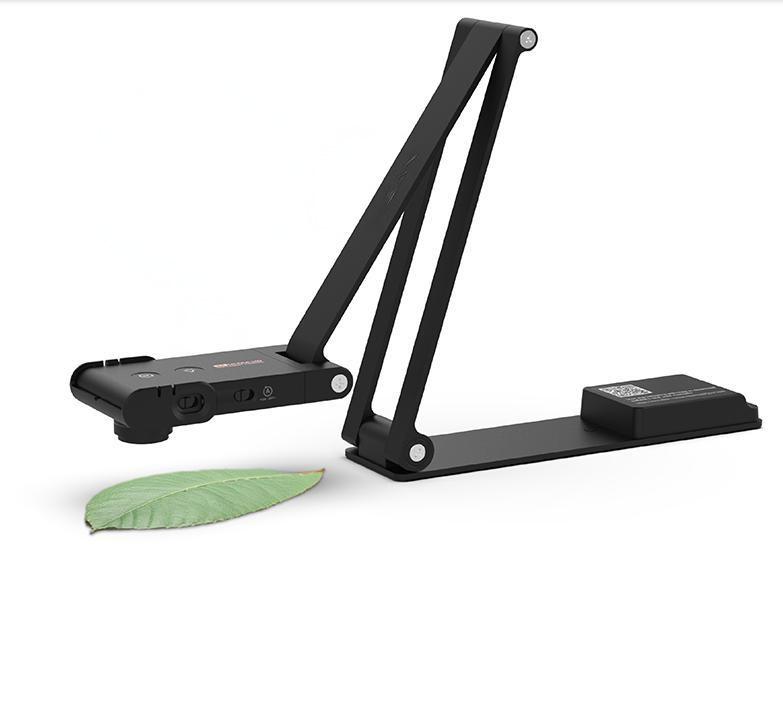
4K 2-in-1 USB 13MP Document Camera Visualizer AI Noise Cancellation 20X Macro Lens Foldable Design Microphone A3 Max 1-Year
- 4K and 13MP output
- AI noise cancellation microphone
- 20X macro lens, foldable
Best fit: hybrid meetings, distance learning and customer-facing counters where clean audio matters.
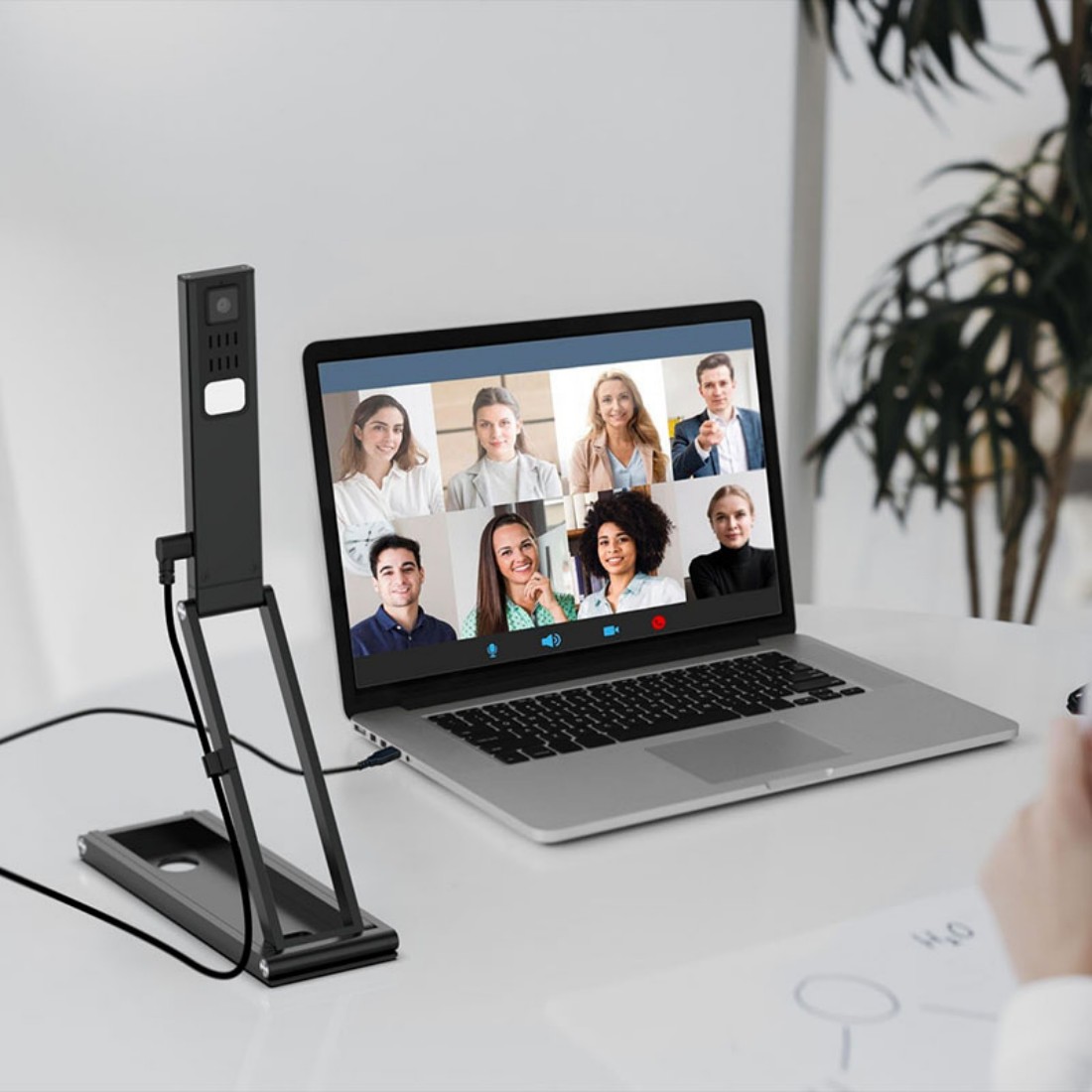
A3 4K Visual Presenter Document Camera with USB Interface for School Training Teaching Meetings Featuring Webcam Function
- A3 presentation area
- 4K visual presenter
- USB and webcam function
Best fit: schools, training centers and meeting rooms that need one camera for documents and live demonstration.
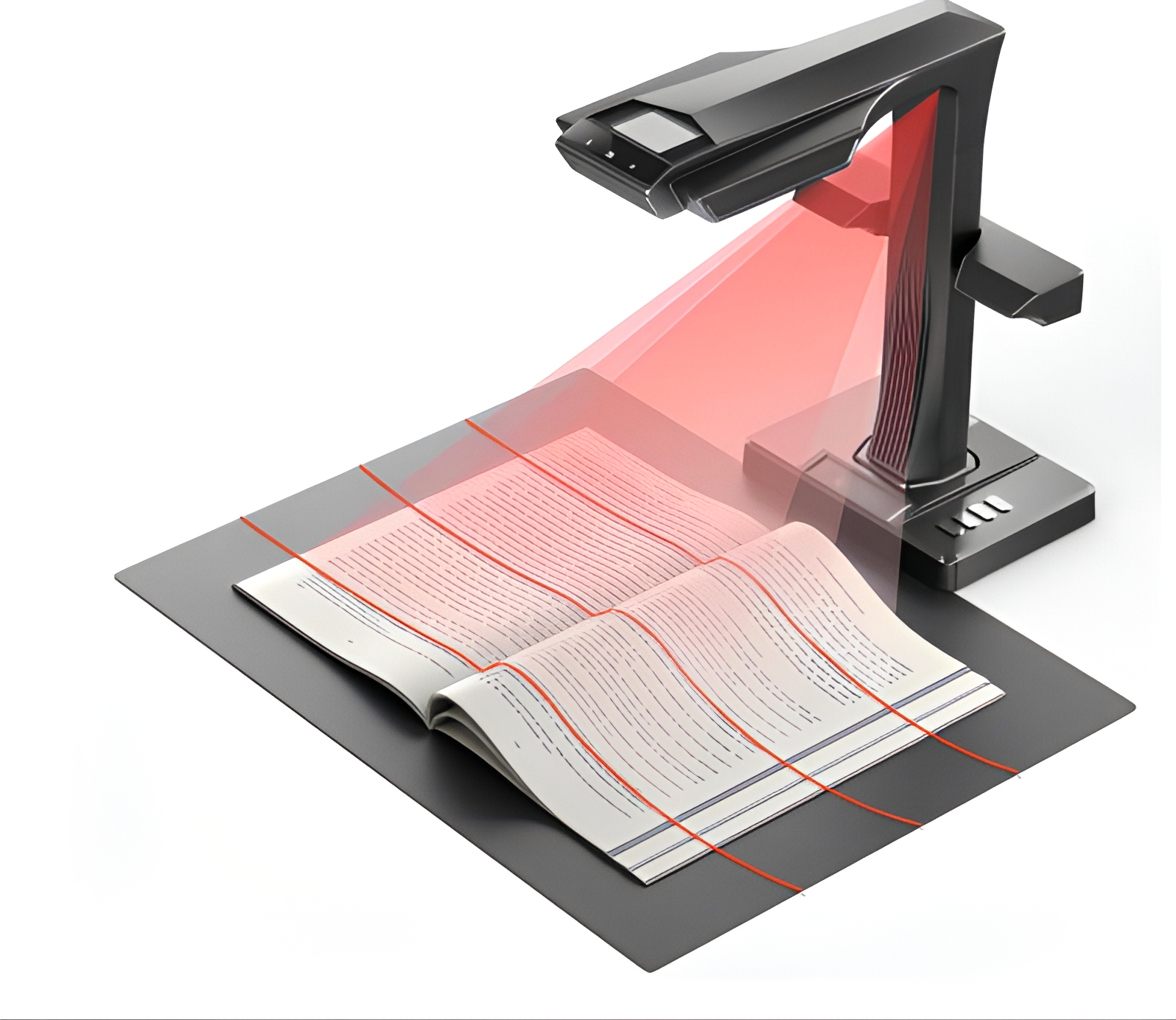
Book Scanner 38MP A3 Document Camera Auto Curve Flattening High Speed Overhead Scanner for Library Office
- 38MP high-resolution capture
- Auto curve flattening
- Library and office overhead format
Best fit: libraries, archives and records teams that need strong A3 detail without pressing fragile bindings.
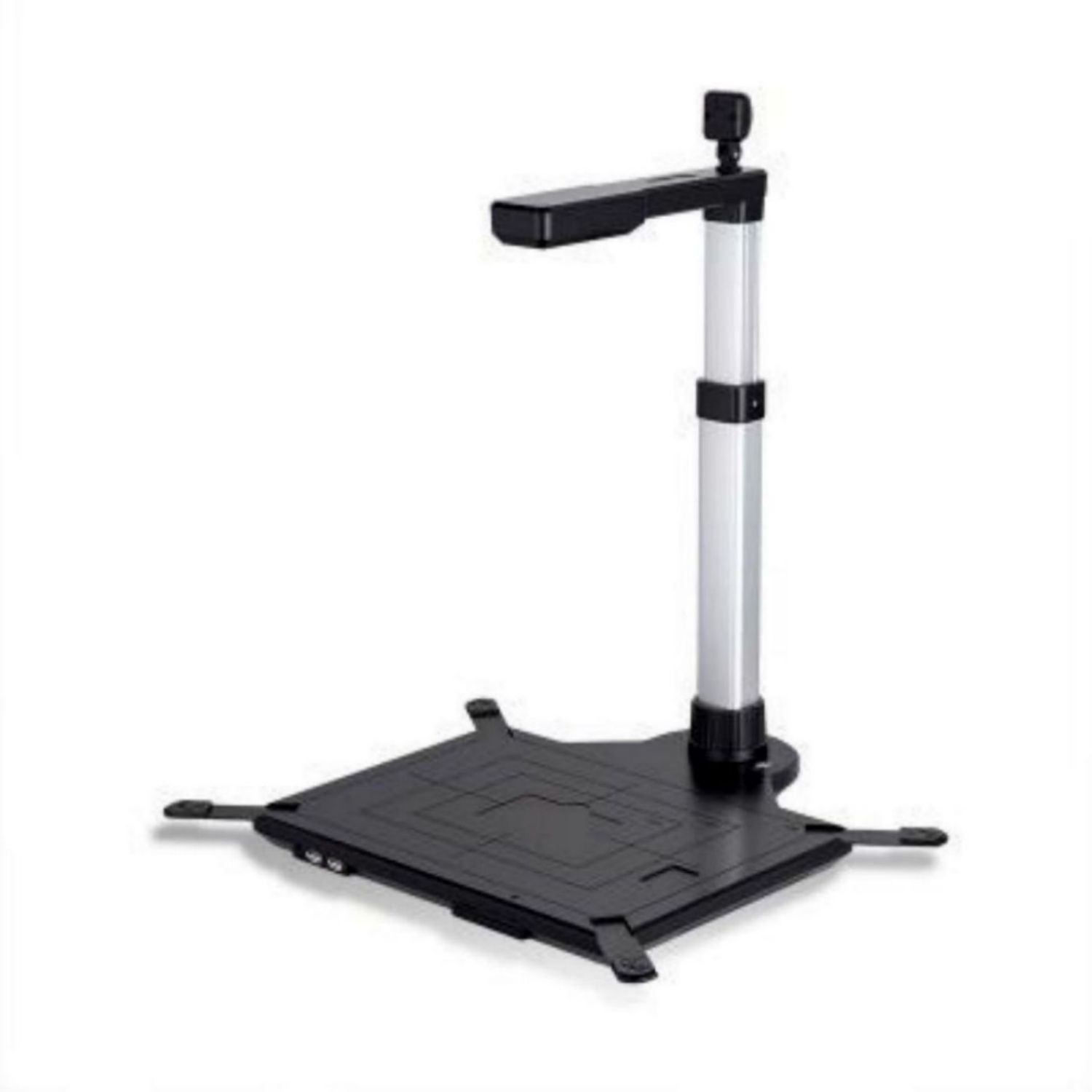
Professional USB Dual Camera Scanner for A3 Documents Supports OCR PDF Multi-Languages High-Speed 1-Second Scan 360-Degree
- Dual-camera A3 capture
- OCR, PDF and multi-language output
- 1-second scan, 360-degree workflow
Best fit: law firms, government counters and document-heavy offices that need OCR-ready capture.
Barcode Scanner Manufacturers vs. Document Imaging: Clarify the Brief First
The phrase “top trusted barcode scanner manufacturers & manufacturer for Jacksonville” combines several intent signals: supplier trust, local geography and a product category. It does not mean every product should be labelled “barcode.” Search Quality Raters are trained to assess purpose, expertise and trust—not keyword repetition. A page that presents an overhead book scanner as a handheld barcode scanner would create a poor user experience and weaken E-E-A-T.
Quibow’s source material clearly describes a document-imaging business: A3 and A2 overhead book scanners, flatbed scanners, document cameras and visual presenters built on CIS, CMOS and CCD imaging. If the Jacksonville RFQ is for asset tags, parcel labels, retail POS barcodes or warehouse picking, the buyer should ask for a 1D/2D scan engine specification, symbology support, IP rating, drop rating, interface and SDK. If the RFQ is for preserving books, capturing forms or projecting objects in a classroom, the products above are a better fit. This distinction is the first information-gain checkpoint.
A trusted manufacturer page should also state scope openly. Quibow is not presented here as a Jacksonville warehouse or as a dedicated handheld barcode scanner OEM; the disclosed profile is a Guangzhou-based supply partner with on-site checked status, export experience and OEM/ODM coordination. That honesty helps a procurement team compare like with like.
How to Verify Before a Jacksonville PO
- Check business type, location and the on-site verification record.
- Ask for response time and reorder data as evidence, not adjectives.
- Request sensor, resolution, interface, OS support and warranty in writing.
- Insist on sample scans for your exact page size, language and document condition.
- Confirm whether barcode decoding is native, integrated through an SDK, or outside the supplier’s scope.
If you need 1D/2D decoding, do not rely on a document camera without a scan-engine specification.
Why Jacksonville Buyers Review Quibow as a Scanner Supply Partner
Guangzhou Quibow Electronic Co., Ltd. is a technology-driven supplier focused on image data acquisition and conversion. Its original content lists high-speed document cameras, book scanners, flatbed scanners and ID card recognition high-speed cameras, with product design and development, production coordination, export sales and after-sales support. Quibow also welcomes OEM/ODM projects, including logo printing, packaging, housing color, capture software branding and SDK integration on selected models.
For a Jacksonville procurement file, the disclosed company profile matters. The business is established in 2020, operates as a trading company with on-site checked status, and is based in Guangzhou, Guangdong, China. Its stated annual revenue range is US$1M–US$2.5M, with a team of 5–10 dedicated specialists and main markets in Eastern Europe, North America and South America. The company reports ≤1h average response time, 100% message response rate and a 27% buyer reorder rate. Listed models commonly carry a 1-year warranty backed by remote technical support.
Payment and delivery terms are part of the same trust review. Quibow accepts T/T, L/C, PayPal and Western Union in USD, EUR, HKD or CNY, with FOB, EXW and DDU delivery terms. For Jacksonville, confirm the DDU quotation, customs broker, import duties, liftgate delivery and the final receiving address before issuing a PO. This is not a substitute for your own vendor audit, but it gives you the exact questions to verify.
Where Quibow Scanners and Visualizers Fit in Jacksonville Workflows
Jacksonville’s mix of public-sector offices, healthcare, education, financial services, legal teams and port-related logistics creates several distinct document-capture scenarios. The right model depends on whether the original can be pressed flat and whether the output must be searchable.
Public Records, Libraries & Archives
Non-contact overhead capture protects bound books, periodicals, maps and fragile records. A2 models suit newspapers and large maps; A3 models fit books, files and office records. Add OCR so PDFs become searchable for Jacksonville records teams.
Education & Training
Visual presenters display textbooks, science objects and handwritten work on projectors or flat panels. Look for A3 capture, optical zoom, HDMI/VGA/USB and a microphone if classrooms or corporate training rooms use hybrid delivery.
Healthcare & Clinics
Registration desks often need fast capture of forms, insurance cards and ID documents. Pair high-resolution document cameras with privacy controls and retention rules; verify whether local network restrictions require offline capture or a specific output format.
Legal, Title & Insurance
Deeds, title files, claims and signed packets benefit from 1-second capture, OCR and searchable PDF. For Jacksonville firms with busy closing desks, choose a model with a stable stand, one-touch capture workflow and reliable output naming.
Port, Logistics & Field Offices
Bills of lading, customs packets, proof-of-delivery forms and packing lists are document-capture tasks. For carton-level barcode scanning, specify a separate 1D/2D barcode scanner; do not substitute a document camera for a compliant barcode workflow.
Financial Services & Small Business Counters
Dual-camera and visualizer options can capture documents and ID portraits at service counters. Confirm software compatibility, encryption and audit logging before connecting any scanner to customer data systems.
What Is Changing in Jacksonville Scanner Procurement
Buyers are not only comparing hardware; they are comparing evidence, workflow fit and long-term support. These trends shape the questions that should appear in a Jacksonville RFQ.
Records Modernization & Audit Readiness
Jacksonville agencies, law firms and healthcare groups are moving paper into searchable repositories. Buyers increasingly request OCR language support, PDF/A output, image-quality checks and a documented chain of custody.
Hybrid Classrooms & Distributed Training
Schools and corporate training teams need cameras that can switch between document close-up and room demonstration. 4K and 16MP visualizers with HDMI, USB and microphone support are replacing single-purpose display tools.
Cloud-First Capture & OCR Workflows
Scanning is no longer only a desktop action. Teams want TWAIN/WIA or SDK integration, network-ready capture and metadata that flows into document management systems. Ask for sample output inside your own workflow.
Procurement Scrutiny Around Supplier Claims
Buyers are checking on-site verification, response rates, reorder records, warranty terms and trade capacity. A supplier that publishes verifiable metrics and scope limits is easier to approve than one with vague superlatives.
CIS, CMOS, CCD and Megapixel Planning for Your Document Size
Choosing a scanner by megapixels alone is not enough. The sensor platform determines how the page is illuminated and captured; the pixel count determines the practical resolution at a given document size. The first decision is whether the original can be pressed flat.
CIS Contact Image Sensor
A slim linear sensor that reads the page at close range. Compact, low-power and efficient for sheet-fed paths. Best for high-volume office batches, invoices, contracts and ADF workflows; the S2060W ADF scanner is a representative source-site model.
CMOS Area Sensor
Captures the whole page in one shot from above, so books do not need to be pressed flat. Software can flatten curves, remove fingers and correct perspective. Best for bound books, newspapers, live teaching and counter services; covers 18MP–48MP book scanners and 4K visualizers.
CCD Linear Sensor
A moving optical carriage with greater depth of field and stable color. It is tolerant of slightly raised originals such as book gutters. Best for photos, artwork and zero-margin bookedge scanning without spine shadow.
| Document Size | Pixels at 300 dpi | Recommended Capture | Quibow Match |
|---|---|---|---|
| A4 210 × 297 mm | 2480 × 3508 ≈ 8.7 MP | 10MP or higher | 10MP A4 wall visualizer; dual-camera counter models |
| A3 297 × 420 mm | 3508 × 4961 ≈ 17.4 MP | 18–24MP; up to 38–48MP for archival masters | 38MP A3 overhead book scanner; professional dual-camera A3 OCR scanner |
| A2 420 × 594 mm | 4961 × 7016 ≈ 34.8 MP | 48MP for roughly 340 dpi | A2 dual 48MP overhead book scanner |
| Photos & Art | 600–2400 dpi optical | Flatbed with 48-bit color | Request current A3 flatbed list from the source catalogue |
For Jacksonville tender documents, state the dpi at the final page size, not only megapixels. An A3 page at 300 dpi needs about 17.4MP; an A2 sheet needs about 34.8MP. If your master-file target is 300 dpi at A2, a 16MP 3D visualizer is not the best archival choice even though it is excellent for classroom display. The 38MP A3 overhead scanner, the dual 48MP A2 scanner and the professional dual-camera A3 OCR scanner are stronger candidates.
Barcode Scanner or Document Scanner? Match the Device to the Task
This comparison protects both budget and compliance. A barcode scanner and a document scanner solve different problems, even though both appear in “scanner manufacturer” searches.
| Requirement | What to Specify | How Quibow Fits |
|---|---|---|
| Warehouse picking, asset tags, retail POS | 1D/2D scan engine, symbologies, IP/drop rating, Bluetooth/USB, SDK and certifications | Use a dedicated barcode scanner RFQ. Quibow’s supplied portfolio is document imaging, not a handheld barcode scanner line. |
| Bound books, newspapers, maps | A2/A3 overhead capture, curve flattening, color accuracy, OCR and output format | A2 dual 48MP overhead scanner; 38MP A3 overhead scanner; dual-camera A3 OCR scanner. |
| Classroom objects and textbooks | A3 capture, 4K or 16MP, optical zoom, HDMI/VGA/USB and microphone | 16MP 3D visualizer; 22X desktop visualizer; A3 4K visual presenter. |
| Office contracts and forms | ADF or flatbed, duplex ppm, OCR, TWAIN/WIA and daily duty cycle | Request the ADF and A3 flatbed list from the source catalogue, including the S2060W class. |
| ID and counter documentation | Dual camera, fast capture, OCR, privacy controls and software integration | 10MP A4 wall visualizer; professional dual-camera A3 scanner. |
| OEM/ODM branding | Logo, packaging, housing color, software branding, SDK and approval samples | Quibow supports OEM/ODM per project; confirm MOQ, schedule and custom scope. |
From Requirement Review to Jacksonville Delivery
Quibow’s published OEM/ODM workflow is practical for Jacksonville resellers, systems integrators and institutional buyers who need a branded solution rather than a one-off purchase. Sample scans are especially important for OCR languages, curved book pages and low-contrast documents.
Requirement Review
Confirm document size, daily volume, operating system, output format, barcode-versus-document scope and deadline.
Model Matching
Recommend sensor platform and resolution, then provide sample scans or a live remote demonstration.
Customization
Logo, packaging, housing color, software branding, OCR languages and SDK integration on selected models.
Quality Inspection
Check focus, lighting uniformity, driver installation and capture speed before export packing.
Shipping & Support
Export packing, remote setup support and a 1-year warranty on listed models; confirm spare-part and DOA terms.
Payment Methods
T/T, L/C, PayPal and Western Union
Payment Currency
USD, EUR, HKD or CNY
Delivery Terms
FOB, EXW and DDU; confirm duties and customs broker for Jacksonville
Common Local Procurement Questions
These answers reflect the original Quibow company information and the supplied product catalogue. Confirm model-specific terms in writing before issuing a purchase order.
Are you a barcode scanner manufacturer for Jacksonville buyers?
Not in the narrow sense. Quibow’s supplied portfolio is document-imaging hardware: overhead book scanners, flatbed scanners, document cameras and visual presenters. If you need 1D/2D barcode decoding for warehouse, retail or asset tracking, use this page to evaluate supplier transparency, but issue a barcode-specific RFQ with scan engine, symbologies, IP rating, SDK and certifications. The scope is stated openly so your procurement team can compare like with like.
What is the MOQ, and can Jacksonville teams request samples?
Most stock book scanners, A2 large-format scanners and flatbed scanners start from 1 piece or 1 set; several document camera models start from 2 pieces. OEM/ODM MOQ is confirmed per project. For Jacksonville, request sample scans first, then a sample unit if the project justifies freight and customs. Put page size, dpi, OCR language and output format in the request.
Do you ship to Jacksonville, and what delivery terms are available?
Yes. Export packing from Guangzhou can be quoted FOB, EXW or DDU. For Jacksonville, confirm whether the DDU quotation includes residential delivery, liftgate, import duties and customs clearance. Many buyers use a local customs broker. Air freight is common for samples; sea freight is more economical for multi-unit rollouts. Lead time depends on stock, customization and inspection.
Will the scanners work with Windows, macOS and US office power?
Many models support Windows and macOS, and some are verified on Apple M1 Macs, but compatibility is model-specific. Ask for driver, SDK, TWAIN/WIA and OS confirmation before purchase. For US offices, confirm the power adapter input and USB/HDMI/VGA cabling. Do not assume that a classroom visualizer with HDMI also provides a computer-free capture workflow.
Which model should we choose for A3 or A2 documents at 300 dpi?
For 300 dpi at A3, budget around 17.4MP; 18MP, 24MP, 38MP and 48MP models are more appropriate than 16MP for archival masters. For 300 dpi at A2, plan around 34.8MP; a dual 48MP A2 overhead scanner is the right class. A 16MP A3 visualizer is better for classroom display, object demonstration and lower-resolution OCR.
Do you support OEM/ODM and SDK integration for a local reseller?
Yes. Quibow supports OEM/ODM including logo, packaging, housing color, capture software branding and SDK integration on selected models. For Jacksonville resellers, document the target brand, packaging artwork, connector requirements, software stack and compliance documents. Confirm which items are standard versus custom, and lock approval samples before mass production.
What warranty and technical support is included?
Listed models such as A3 flatbed scanners, A2 overhead scanners and the S2060W ADF scanner commonly carry a 1-year warranty backed by remote technical support. Ask for the exact warranty statement for your model, spare-part policy, DOA process and escalation contact. For multi-site Jacksonville deployments, clarify who provides onsite labor; remote support does not replace local IT resources.
How do we request the catalog and a formal quotation?
Use the Get Catalog button to request current specifications, MOQ, lead time, sample scans and an FOB/EXW/DDU quotation. Include document size, daily volume, target dpi, OCR languages, operating system, barcode-versus-document scope and delivery ZIP code in Jacksonville. The more complete your brief, the faster the supplier can respond.
Request a Scanner Shortlist, Sample Scan and Current Catalog
Share your page sizes, daily scan volume, OCR languages, output format, barcode-versus-document scope and delivery ZIP code. Quibow can confirm suitable models, current MOQ, sample scans, warranty terms and FOB/EXW/DDU options. For barcode-only RFQs, state the requirement clearly so the supplier can confirm whether it is inside or outside the document-imaging portfolio.