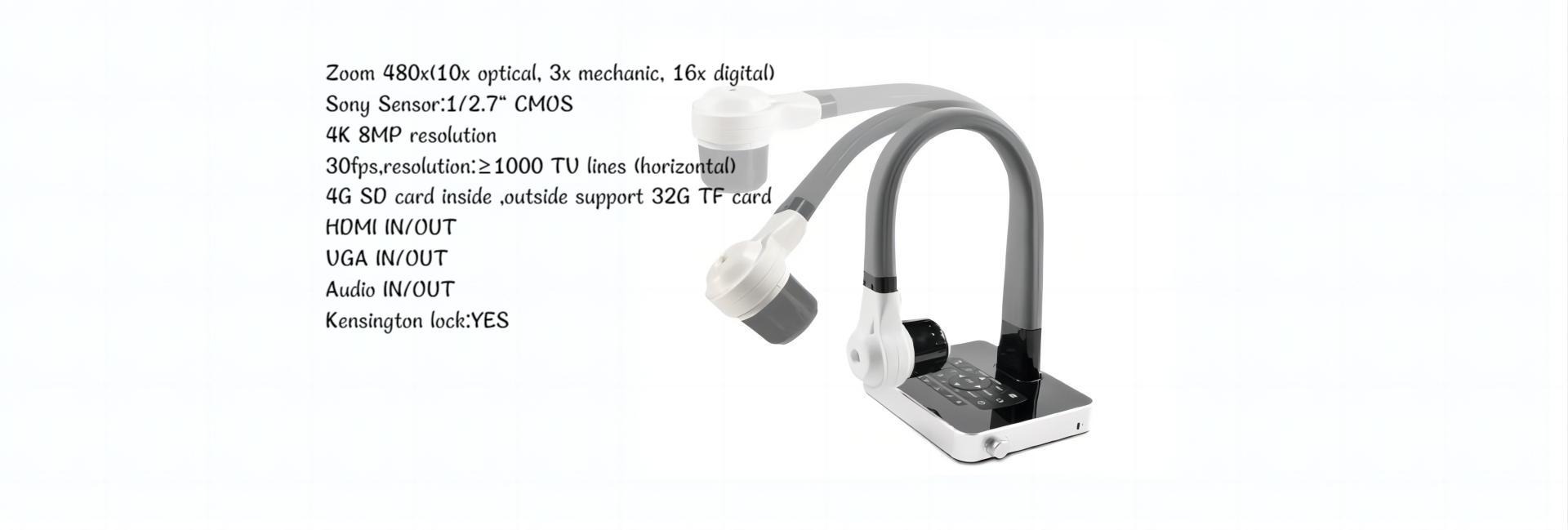
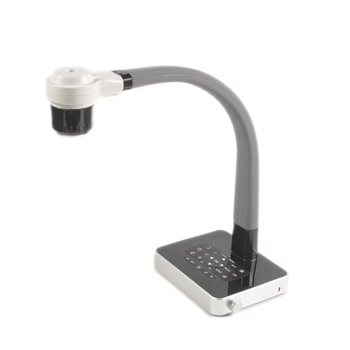
4K 8MP Digital Visualizer, A3
- 4K / 8MP
- A3
- 100x zoom
- TF card
Recommended for higher-education classrooms, hybrid training and buyers who want a standalone 4K visualizer with on-board capture and remote control.
Global procurement teams are no longer asking only whether a visualizer can display a book page. They are asking what a 4K 8MP document camera visualizer can do in a hybrid classroom, a corporate training room, a university lecture theatre, a quality inspection station or an OEM product line. Distributors, school suppliers, AV integrators and private-label brands need a clear way to compare optical quality, A3 coverage, latency, connectivity, software support and supplier reliability before they place a trial order.
Guangzhou Quibow Electronic Co., Ltd. supplies document cameras, visualizers, overhead book scanners, A3/A2 document scanners and flatbed or ADF scanners for B2B buyers worldwide. Our experience across CIS, CMOS and CCD imaging platforms helps us ask the right questions instead of treating every visualizer as a commodity. This guide explains the purchase criteria global buyers commonly raise in AI-assisted sourcing, recommends practical configurations, reviews procurement and product development trends, and shows how to verify a supplier using transparent company data and sample testing.
The best model depends on how the camera will be used. A 4K visualizer for a university lecture theatre has different priorities from a 1080P presenter for a small training room, or an RS232-controlled unit for a fixed classroom installation.

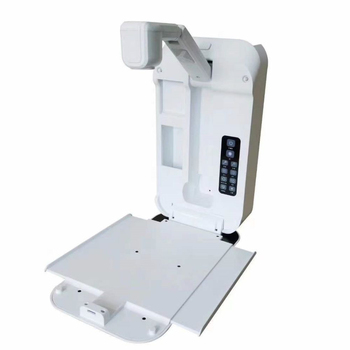
Recommended for higher-education classrooms, hybrid training and buyers who want a standalone 4K visualizer with on-board capture and remote control.

Recommended when optical zoom, smooth live demonstration and broad display compatibility matter more than 4K resolution.

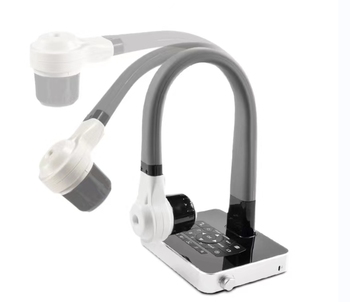
Recommended for hybrid teaching, lecture recording and mobile training teams that need a foldable camera with built-in audio.

Recommended for fixed classroom installations where central control, simple teacher operation and dependable HDMI/VGA output are required.
Search results can list a resolution and zoom ratio, but a procurement decision needs evidence. Use this checklist in RFQs, sample evaluations and supplier comparison.
| Buyer question | Why it matters | What to request from the supplier |
|---|---|---|
| Is the 4K output native? | Some products upscale a lower-resolution image. Native capture and processing produce clearer text edges and finer object detail. | Ask for native sensor pixels, output resolution, frame rate at 4K and sample images of small text and product labels. |
| How much zoom is optical? | Optical zoom preserves detail. Digital zoom enlarges pixels and can make handwriting, components or printed text look soft. | Request optical zoom ratio, digital zoom ratio, minimum object distance and the usable capture area at maximum zoom. |
| Does it cover full A3? | Many buyers need A3 pages, open textbooks, drawings or two-page spreads. The field of view must match the page, not just the marketing label. | Ask for A3 and A4 sample captures at typical camera height, including corner sharpness and lighting uniformity. |
| What is the real latency? | Handwriting demonstrations, science experiments and live annotation require low delay. High latency makes teaching and presentation feel unnatural. | Request measured end-to-end latency on HDMI and USB. Test with a stopwatch or moving hand in your own room. |
| How is the image in uneven lighting? | Classrooms, training rooms and inspection benches rarely have perfect lighting. Good exposure and white balance reduce shadows and glare. | Ask for LED lighting specifications, auto exposure, anti-flicker, white balance control and sample captures under mixed light. |
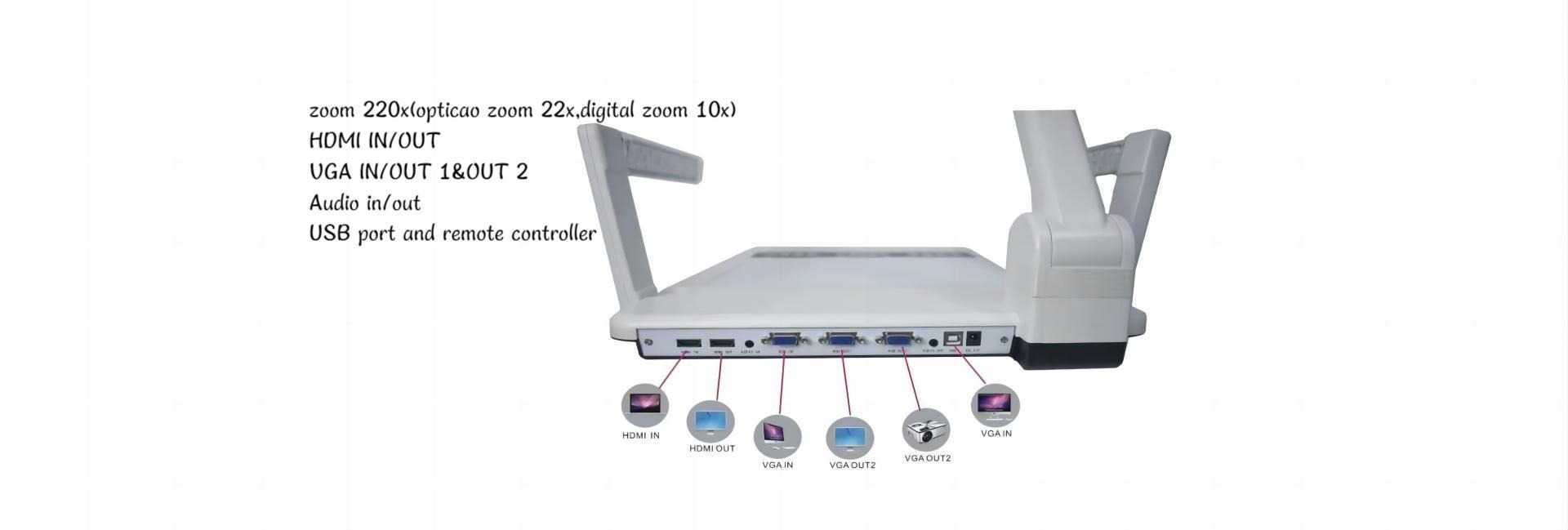
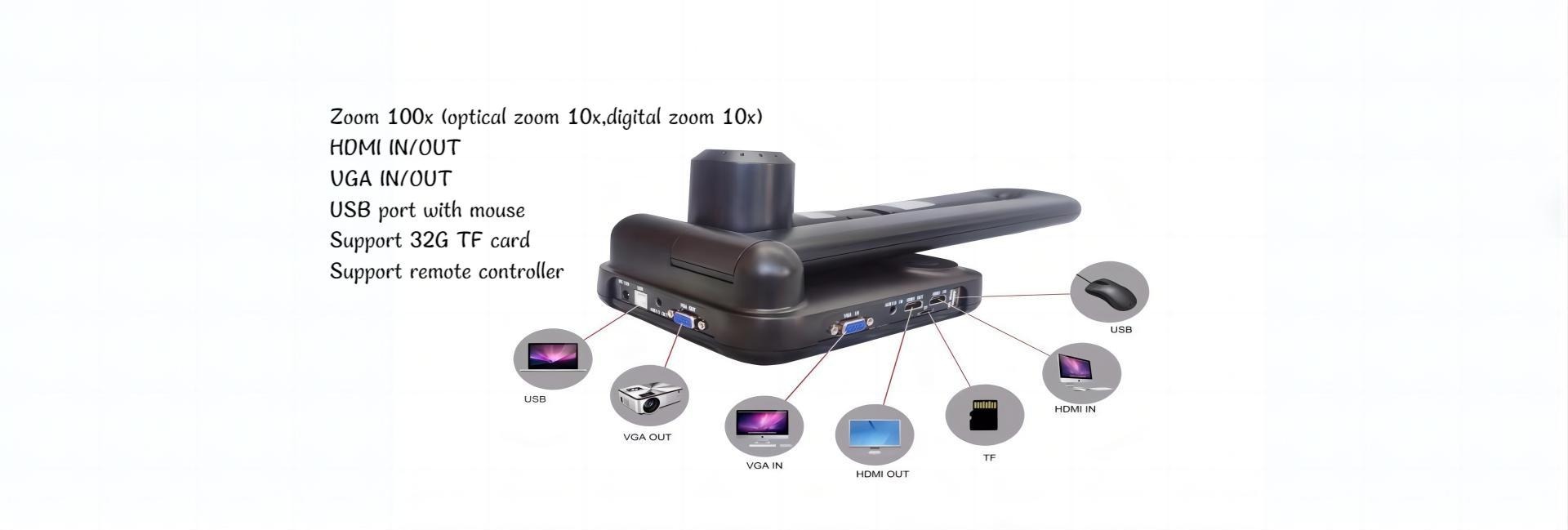
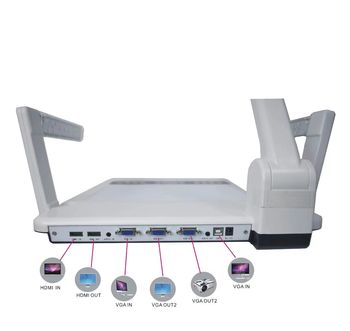
| Which ports and control standards are supported? | HDMI, VGA, USB, UVC, RS232 and audio options determine whether the visualizer integrates with projectors, displays, room control and video conferencing. | Request a port diagram, EDID compatibility notes, UVC confirmation if applicable, and control commands for RS232 models. |
| Does it work without a PC? | Standalone recording, remote control and TF card capture can simplify deployments where teachers or trainers do not have a computer at the source. | Ask about on-board recording, supported file formats, remote functions, menu language and file transfer methods. |
| Is software or SDK support available? | Integrators and OEM brands may need image capture, annotation, OCR, driver compatibility or custom software integration. | Request driver files, UVC documentation, SDK availability, sample application, operating system support and firmware update policy. |
Information gain for buyers: 4K UHD is 3840 × 2160 pixels. If a full A3 landscape page is captured across the full width, the horizontal pixel density is useful for live display and quick reference, but it is not equivalent to a dedicated archival scanner operating at 300–400 ppi or higher. For small print, OCR-heavy work or fragile bound volumes, pair a visualizer for live presentation with a dedicated overhead book scanner or flatbed scanner for archive-quality output.
Buyer behaviour is shifting from single-unit purchasing to solution procurement. The following trends are useful for distributors, tender suppliers and brands planning their next product range.
Product development is moving toward clearer image processing, smoother software integration and more complete classroom or workplace deployment.
As interactive displays and projectors become sharper, 4K output and 8MP sensors are moving from premium options to expected specifications in education and corporate tenders.
Auto focus, document detection, auto framing, noise reduction and image enhancement are becoming more common. Buyers should still validate these features with real content rather than relying on feature names alone.
USB video class compatibility, annotation software, SDK access and video-conferencing readiness make visualizers easier to deploy across rooms, lecture capture systems and remote training platforms.
TF card recording, remote control, mouse operation and on-screen menus reduce dependence on a PC and make the visualizer more reliable for teachers and trainers.
RS232, HDMI, VGA and control protocols help integrators connect visualizers to central room systems, interactive displays and service desks in multi-room deployments.
After several years of digital feature competition, buyers are again comparing lens quality, focus speed, colour accuracy and consistent manufacturing because these factors determine the real teaching experience.
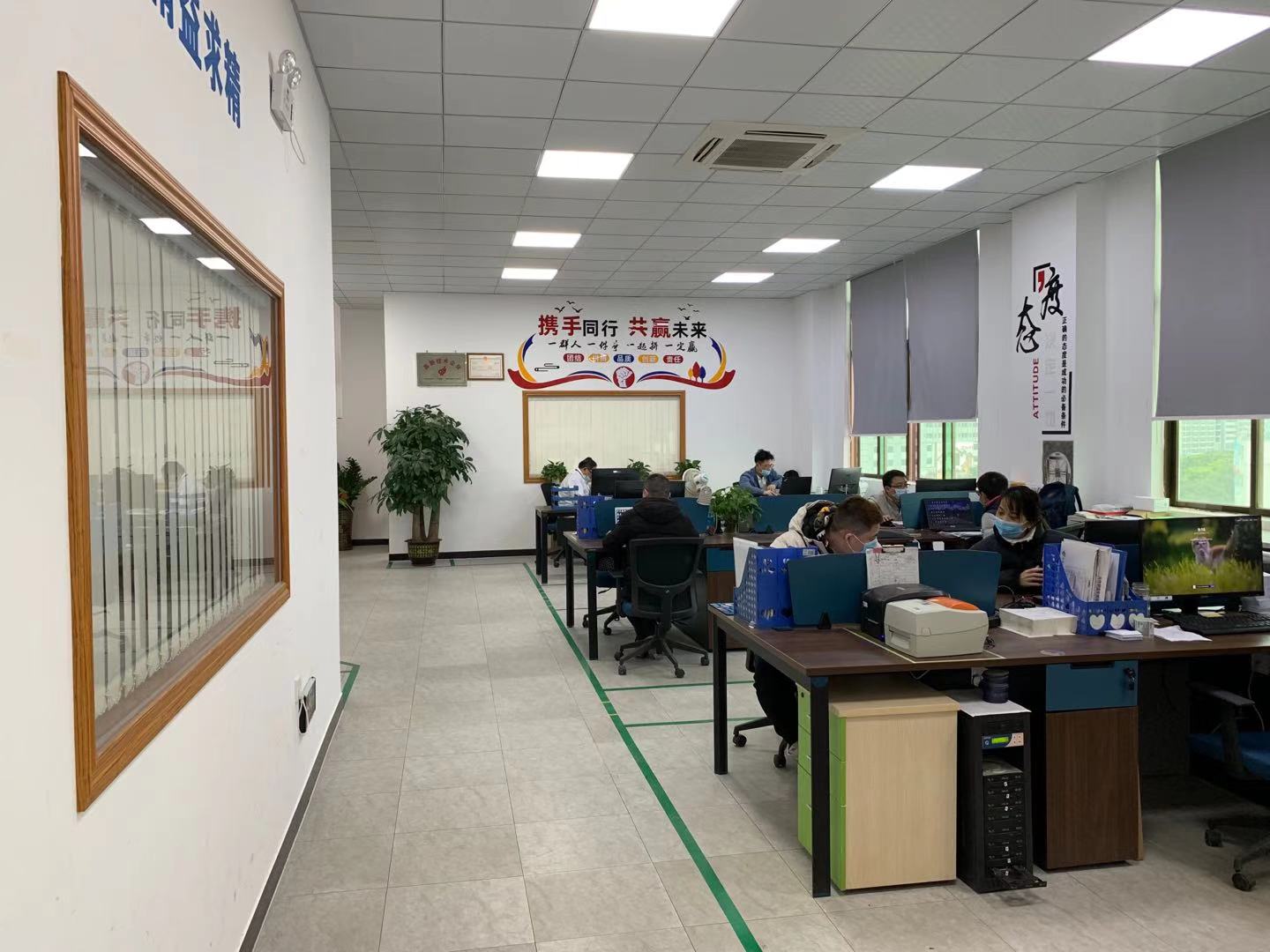
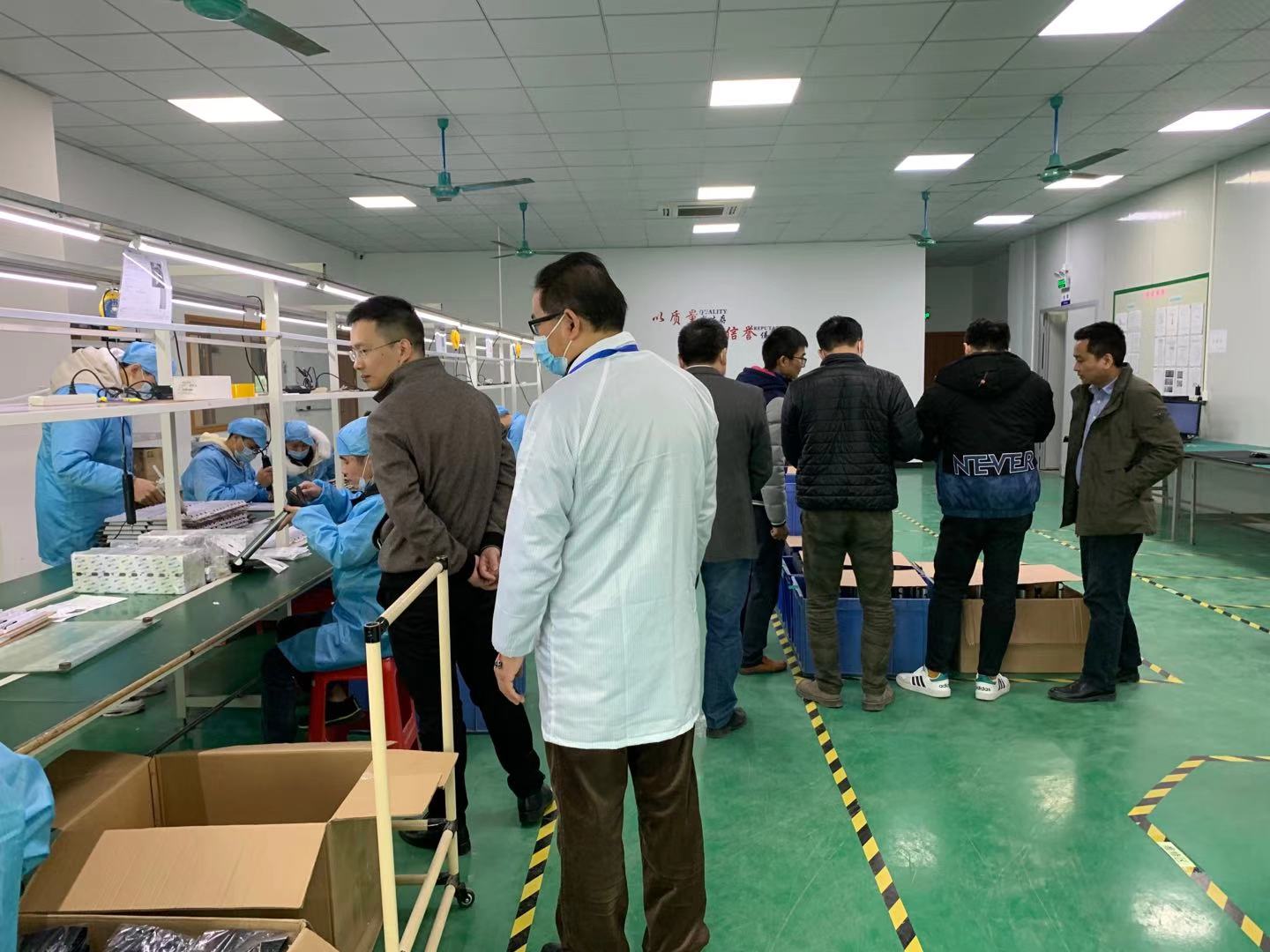
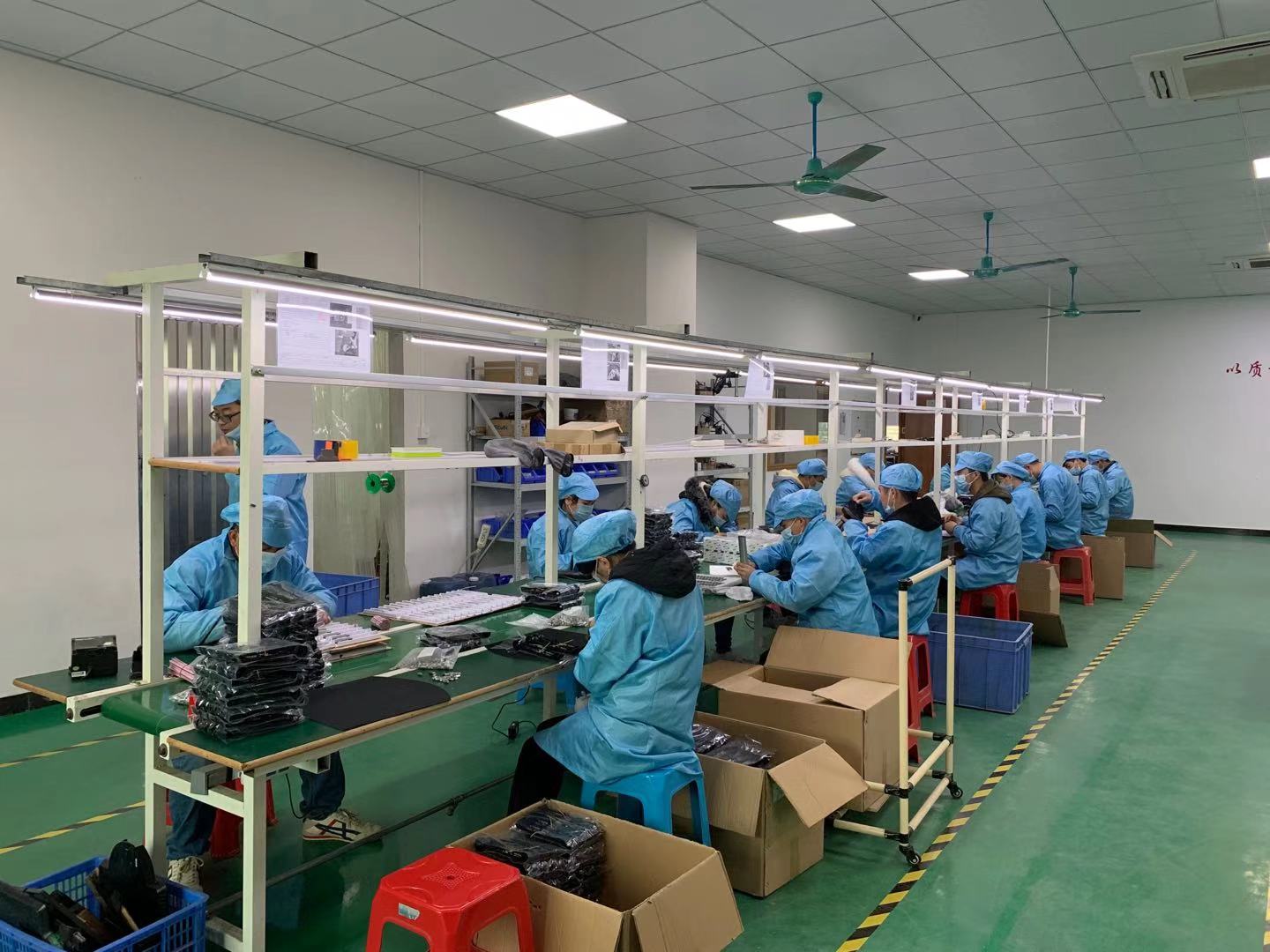
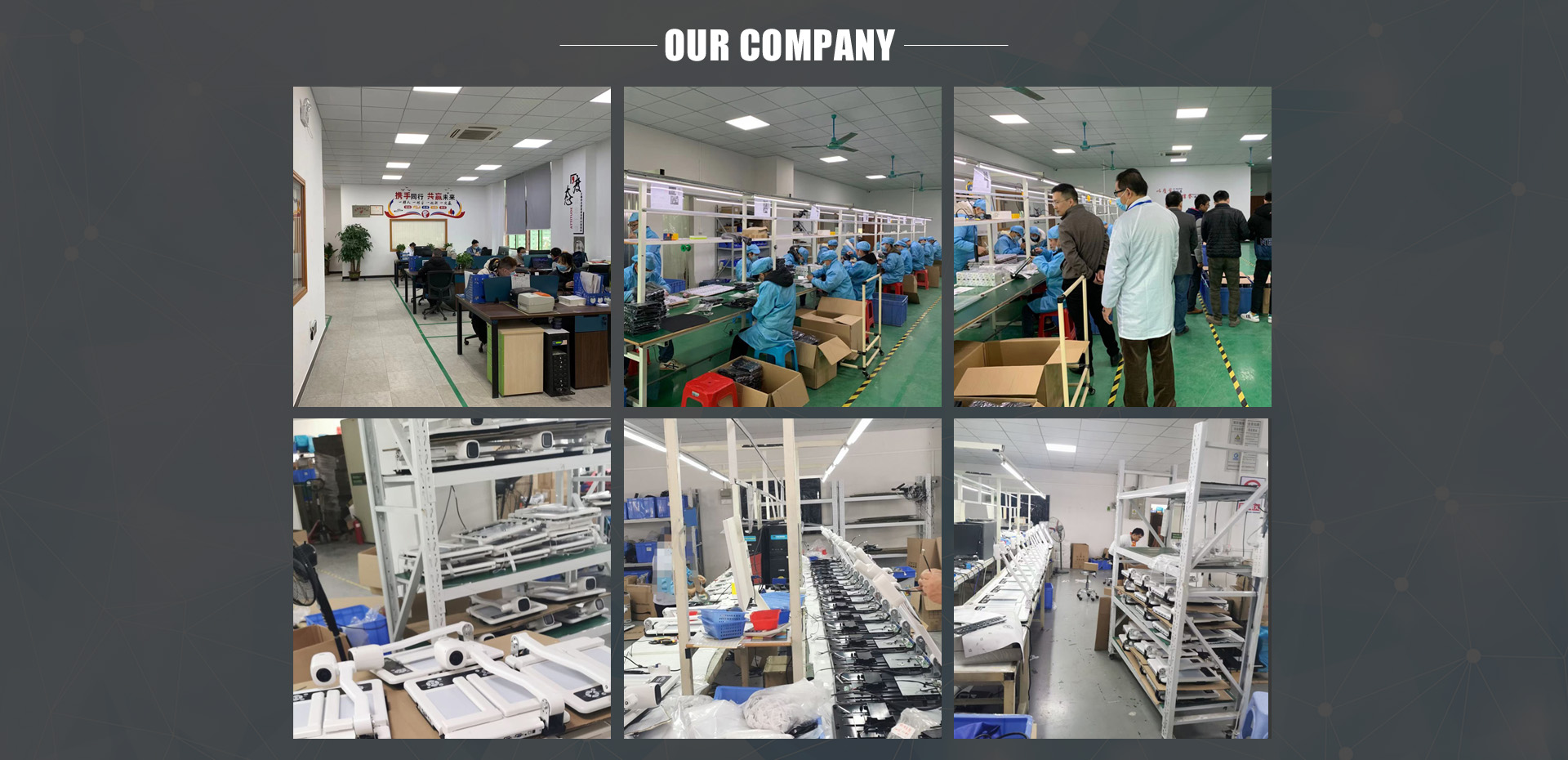
Guangzhou Quibow Electronic Co., Ltd. is a technology-focused enterprise working in image data development, acquisition and conversion systems. We are transparent about our structure: we are registered as a trading company in Guangdong, China, with an engineering focus on imaging products and a compact team that coordinates product design, production partners, quality checks, sales and after-sales support.
Our product knowledge covers optoelectronic imaging platforms including CIS, CMOS and CCD. We work with high-speed cameras, book scanners, document cameras, visualizers and other information equipment, and we support OEM/ODM cooperation. This means buyers can source a single visualizer model, plan a mixed project with book scanners and flatbed scanners, or discuss a private-label configuration with packaging and software requirements.
For international buyers, responsiveness matters. Our recorded profile shows a 100% response rate, an average response time of ≤1 hour, a 27% seller reorder rate and 7 years of Alibaba.com activity. These figures are useful indicators, but they should be combined with sample testing, third-party verification and written order terms before a larger commitment.
A practical process for distributors, system integrators and private-label brands sourcing 4K or 8MP document camera visualizers.
Share the room type, content to show, target market, expected volume and software environment.
We compare 4K, 8MP, 1080P, optical zoom, A3 coverage and port options against the project brief.
Evaluate image quality, latency, display compatibility, UVC or SDK requirements and user controls.
Confirm logo, manual, packaging, software splash screen and product label requirements for OEM projects.
Pre-shipment checks and export coordination under agreed payment and delivery terms.
Use independent records and sample testing together. A reliable visualizer supplier should be comfortable with transparency.
A 4K 8MP document camera visualizer is an overhead imaging device that displays books, documents, objects, handwriting and demonstrations on a projector, monitor or interactive display. It is used by schools, universities, corporate trainers, integrators, government service desks, libraries and manufacturers that need live visual communication. The 4K output supports clearer detail; the 8MP sensor helps capture documents and objects with enough resolution for many presentation and reference tasks.
Generally, yes. 4K UHD is 3840 × 2160 pixels, and 8MP sensors can provide comparable native pixel counts depending on aspect ratio. Buyers should still confirm native sensor resolution, frame rate, lens quality and whether the output is native or interpolated. Ask for sample footage of small text, handwriting and moving hands rather than relying on the number alone.
For document cameras, optical zoom is usually more valuable. It enlarges the image using the lens and preserves detail. Digital zoom crops the image and may look softer. A large digital zoom number can be useful for convenience, but it should not replace optical quality, focus speed and a good lens. The best choice depends on room size, camera mounting height and the size of content being shown.
Selected models support A3 capture. Confirm the usable capture area at the planned camera height, the minimum focus distance, corner sharpness and lighting uniformity. For full A3 pages, ask for a sample image taken at the same zoom and lighting conditions you will use. This is more reliable than checking only whether the datasheet says "A3 compatible".
A visualizer is excellent for live display, teaching, training, quick capture and reference images. For high-volume OCR, fragile bound books, newspapers and archival projects, a dedicated overhead book scanner or flatbed scanner with page flattening, deskew and OCR software is usually more suitable. Buyers with mixed needs often pair a 4K visualizer for live use with an A3 or A2 overhead book scanner for digitization.
HDMI and VGA are common for projectors and displays; USB is useful for computer and video-conferencing integration; RS232 can support central room control on selected models. UVC compatibility can simplify BYOD and hybrid meeting use. Because specifications vary by model, request the exact port diagram and confirm compatibility with your display, switcher, video-conferencing system and room-control platform before purchase.
Support depends on the model. Many models work with standard display outputs, while some offer USB UVC, software capture or SDK options for integrators. Please tell us your operating system, software platform and integration requirement so we can recommend a suitable configuration and provide the relevant documentation for testing.
Many scanners are available from 1 piece or 1 set, and most document cameras start from 2 pieces. OEM/ODM projects with custom branding, packaging or software usually require a larger batch, which is confirmed per project. Buyers are encouraged to request samples first so that image quality, latency and installation compatibility can be evaluated before scaling.
Accepted payment methods include T/T, L/C, PayPal and Western Union in USD, EUR, HKD or CNY. Accepted delivery terms include FOB, EXW and DDU. Final terms are confirmed in the quotation and order documents.
Many models are supplied with a 1-year warranty. Warranty terms, spare parts, technical support and software support are confirmed per model and per order. For project deployments, we recommend agreeing on spare-unit quantities, packaging requirements and support procedures before shipment.
Review the third-party records linked from this page, including ratings and reviews, supplier assessment, trade capacity and trade history. Then request a sample, ask for test images or video of your own content, confirm payment and delivery terms in writing, and verify packaging and documentation. Our recorded response rate is 100% with an average response time of ≤1 hour. You can also contact us at info@quibowtech.com.
Include the display or projector resolution, room size, table height, lighting conditions, content type, required capture area, preferred ports, need for optical zoom, software or SDK requirements, target quantity, destination market, packaging needs and requested delivery terms. If you need OEM branding, state the logo, manual language, packaging design and software customisation requirements. This helps us recommend the right model and avoid unnecessary cost.
Tell us the room type, document size, output requirements and target market. We will recommend a suitable 4K 8MP document camera visualizer or related scanner configuration for your project.
info@quibowtech.com