Top 10 Touch Screen Whiteboard Exporters & Wholesalers for Osaka
A buyer-intent guide to interactive flat-panel sourcing for Osaka classrooms, libraries, public offices and corporate training rooms — plus the document cameras, visualizers and book scanners that make every board more useful.
8 Document Capture Products for Interactive Whiteboard Deployments in Osaka
These are the capture-layer products Osaka buyers commonly pair with touch screen whiteboards, visual presenters and hybrid classrooms. Each product URL is preserved from the supplier catalogue.
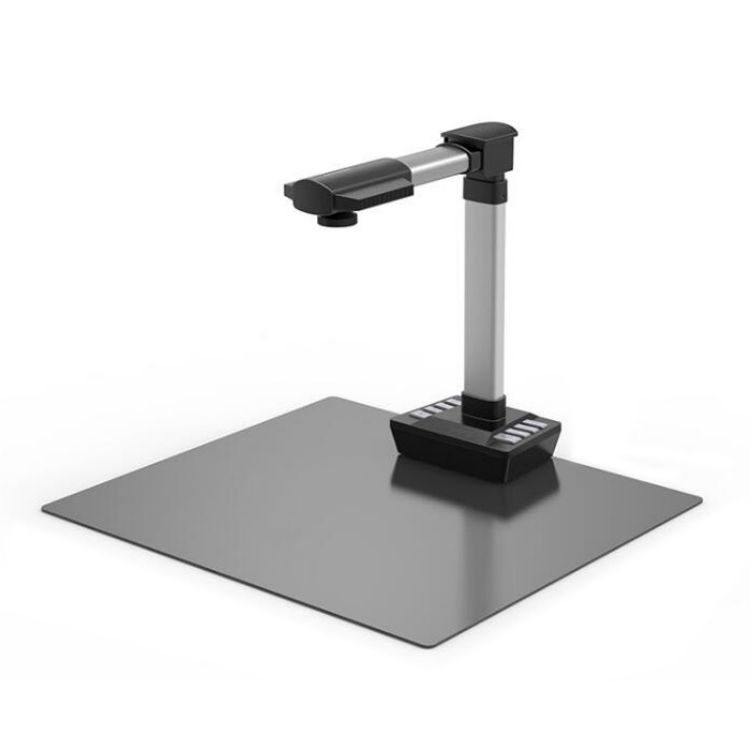
20MP OCR Aluminum Digital Visualizer Camera Classroom Office Training A3 Document Scanner USB Interface SDK Stock Black 1-Year
For Osaka classrooms and training rooms that need an A3 visualizer with OCR, USB output, SDK access and a durable aluminum body.
View product details →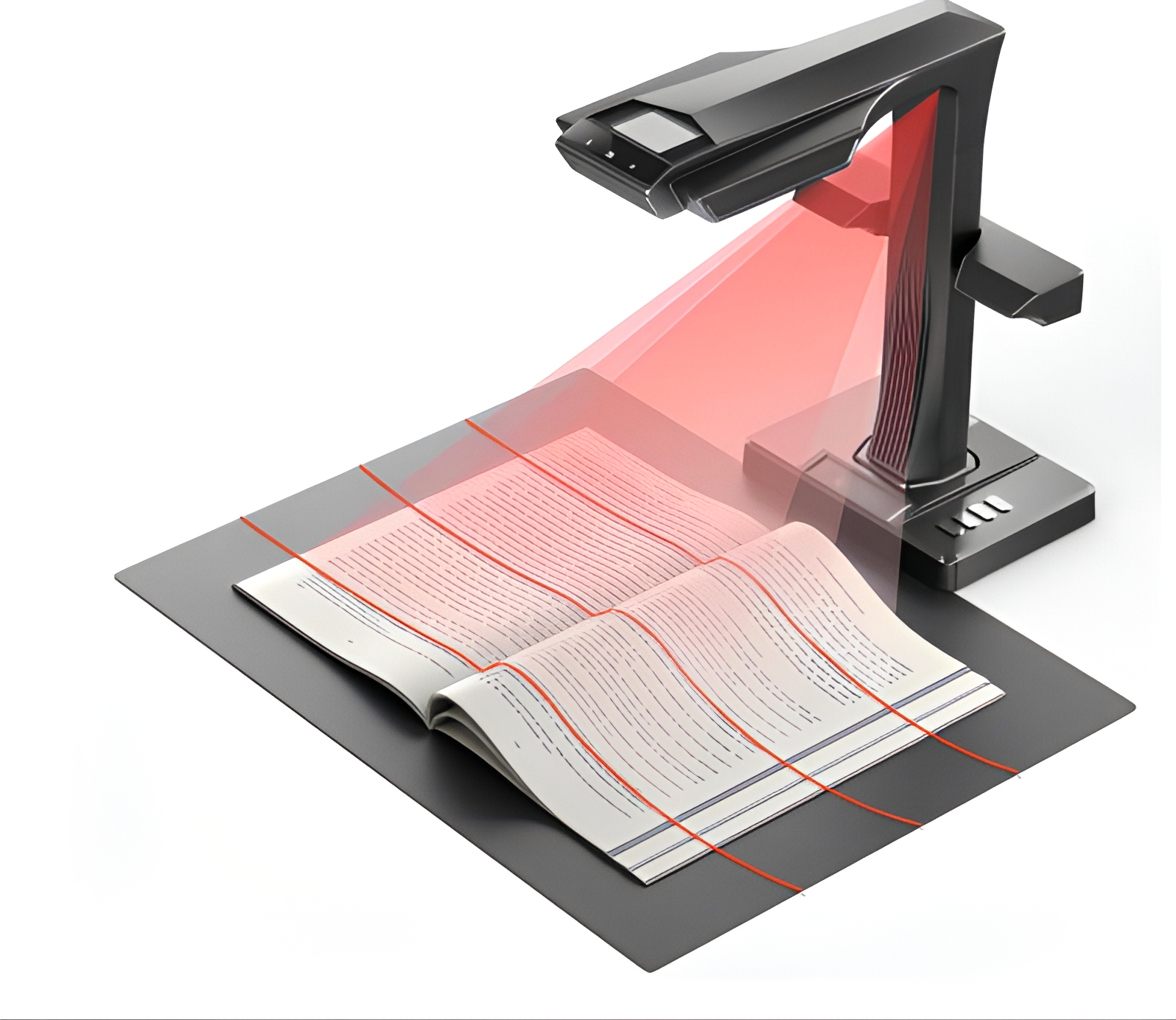
Book Scanner 38MP A3 Document Camera Auto Curve Flattening High Speed Overhead Scanner for Library Office
A high-resolution overhead scanner for libraries, archives and offices that need fast, non-contact capture of bound materials.
View product details →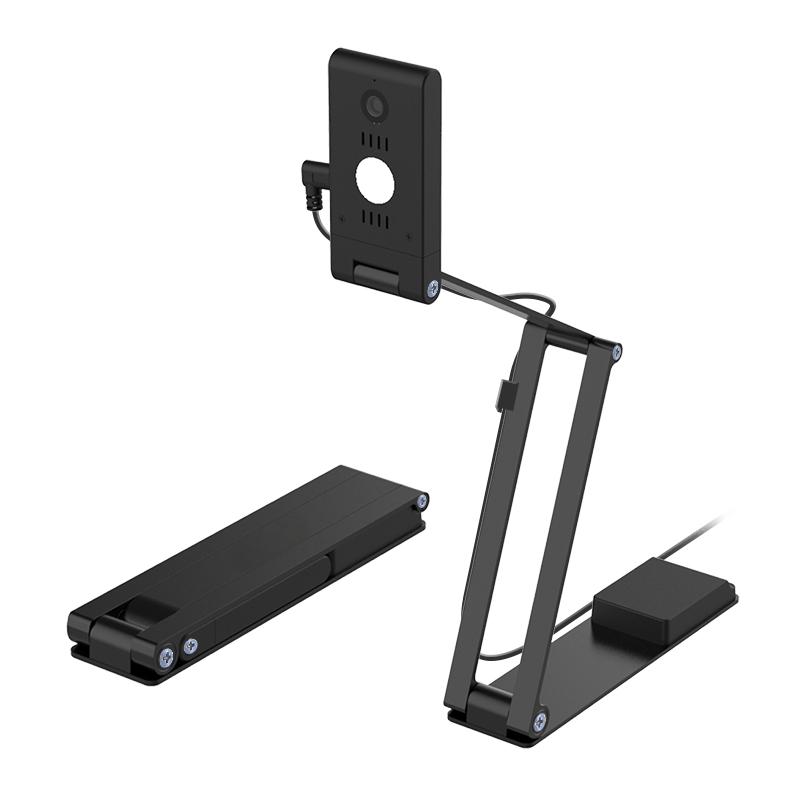
Value Priced 2-in-1 USB Digital Document Camera Visualizer A3 with 5MP 1/4" CMOS Sensor 10x Zoom 1-Year Warranty
An entry-level A3 visualizer for school reception desks, branch offices and simple presentation workflows where budget control matters.
View product details →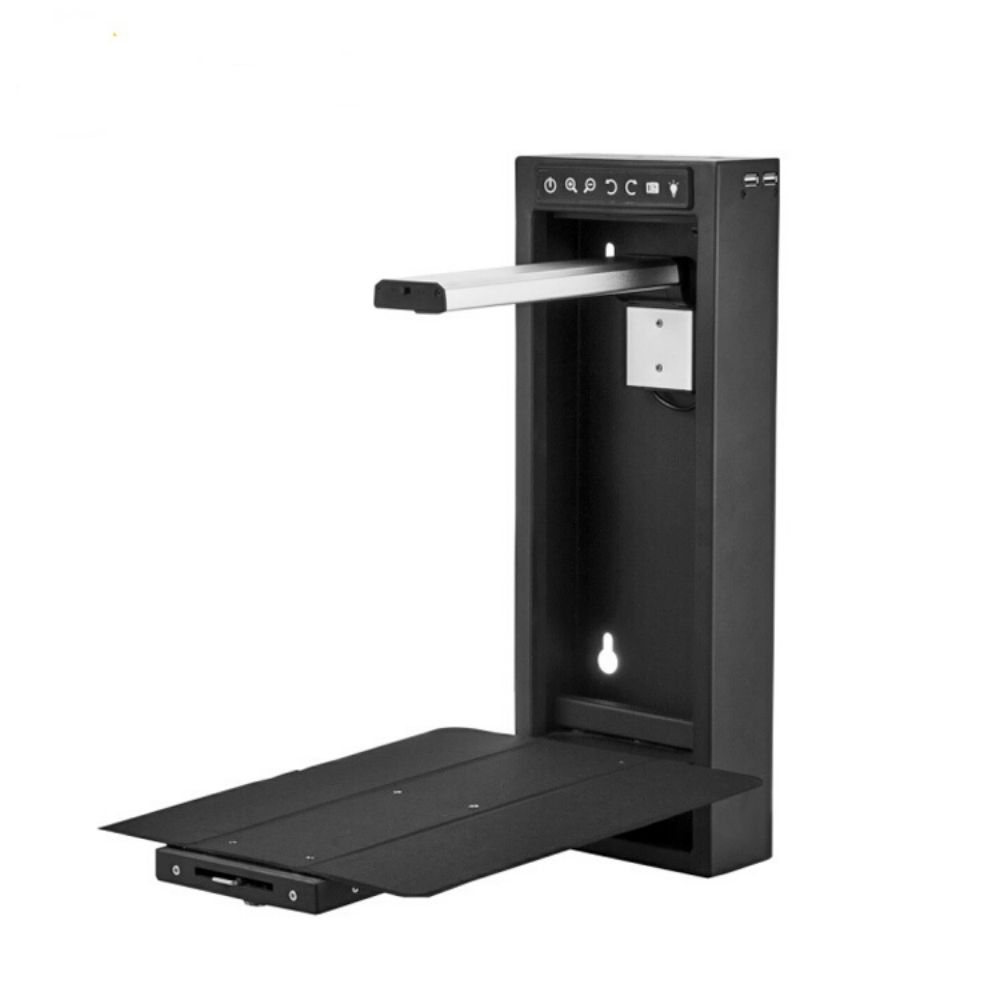
Online Training Portable 10MP A4 Document Scanner USB Interface Visualizer-in-Stock for Wall Version Black+Silver 1-Year
A compact USB document scanner-visualizer for online training, field sales and mobile teams that need A4 capture without a fixed room setup.
View product details →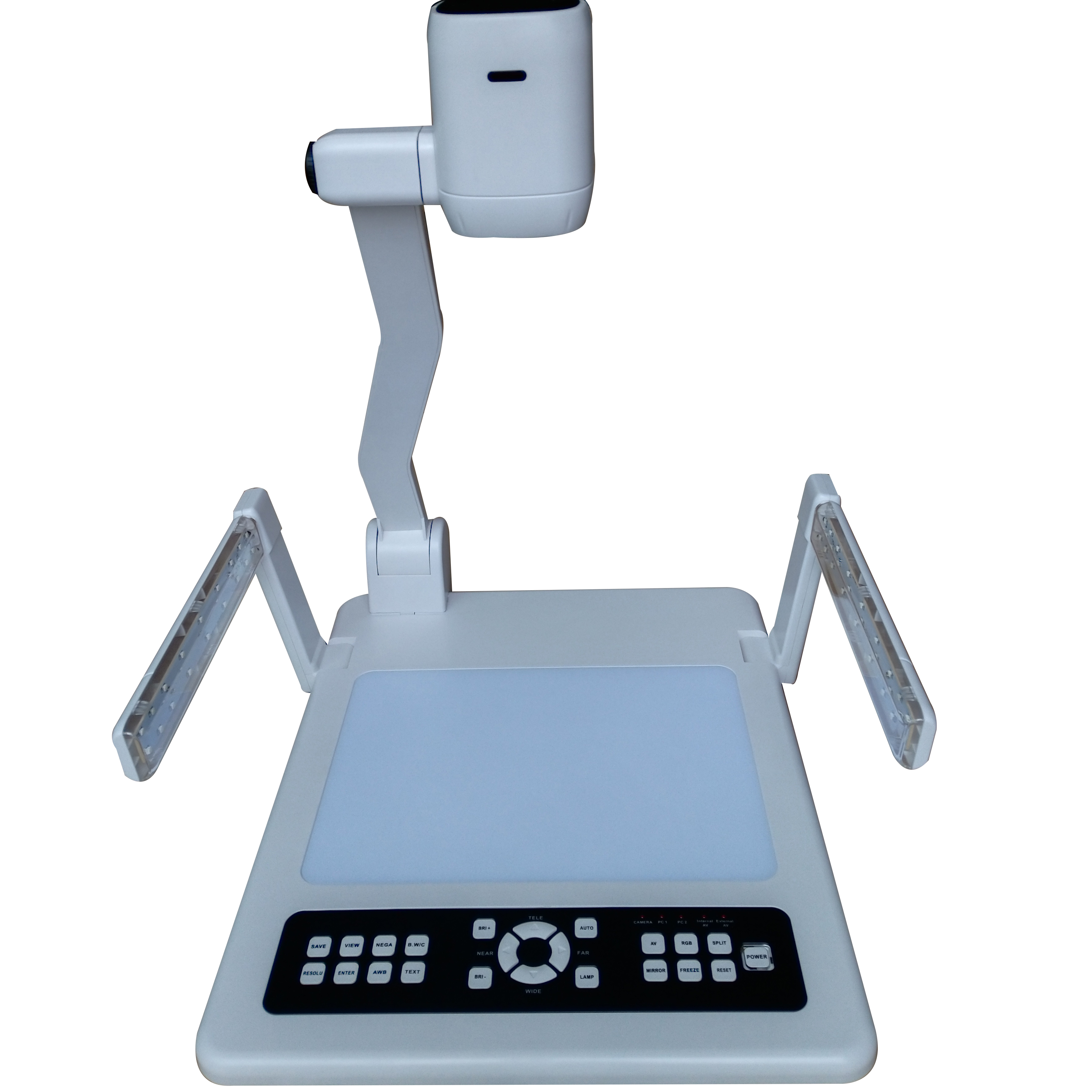
Modern Foldable Flexible Ultra HD Desktop Document Camera for School Video Output HD MI VGA Visualizer
A flexible desktop visualizer for classrooms and meeting rooms, with foldable arm design and HDMI/VGA presentation output.
View product details →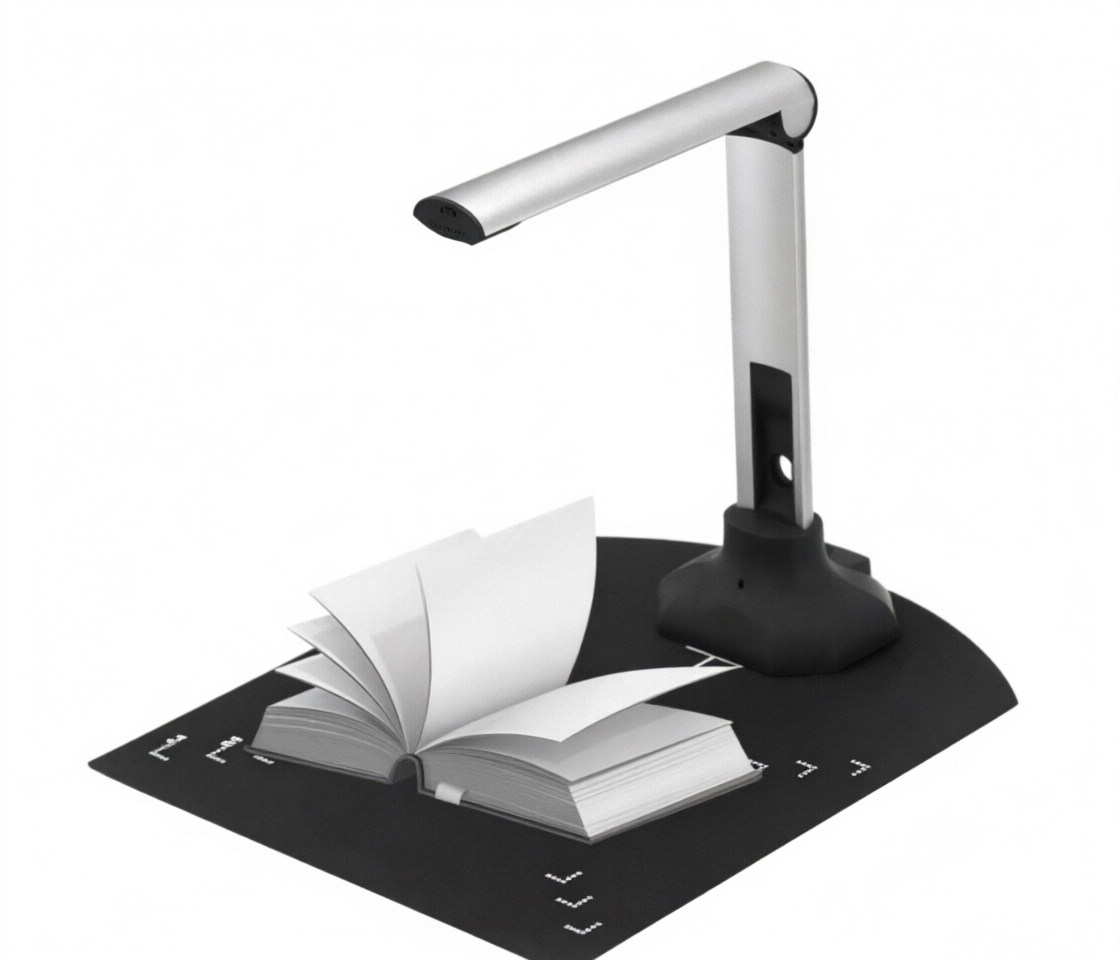
USB Document Camera Scanner 10MP CMOS Visualizer A4 Scanner for Office Education
A practical A4 USB document camera for office and education capture, with straightforward plug-in operation for everyday sharing.
View product details →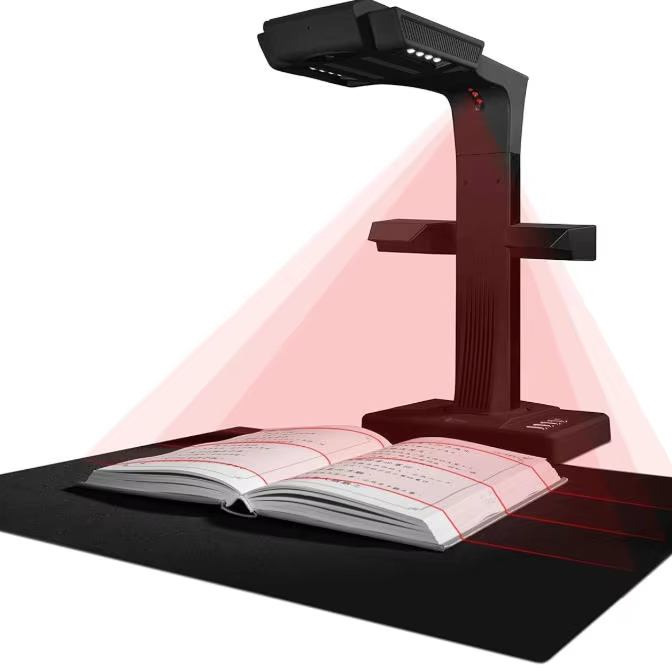
18MP A3 Book Scanner Overhead Document Camera Auto Curve Flattening OCR 180+ HDMI Visual Presenter for Office Library
An A3 overhead book scanner and visual presenter for libraries, administrative archives and classrooms that need OCR output.
View product details →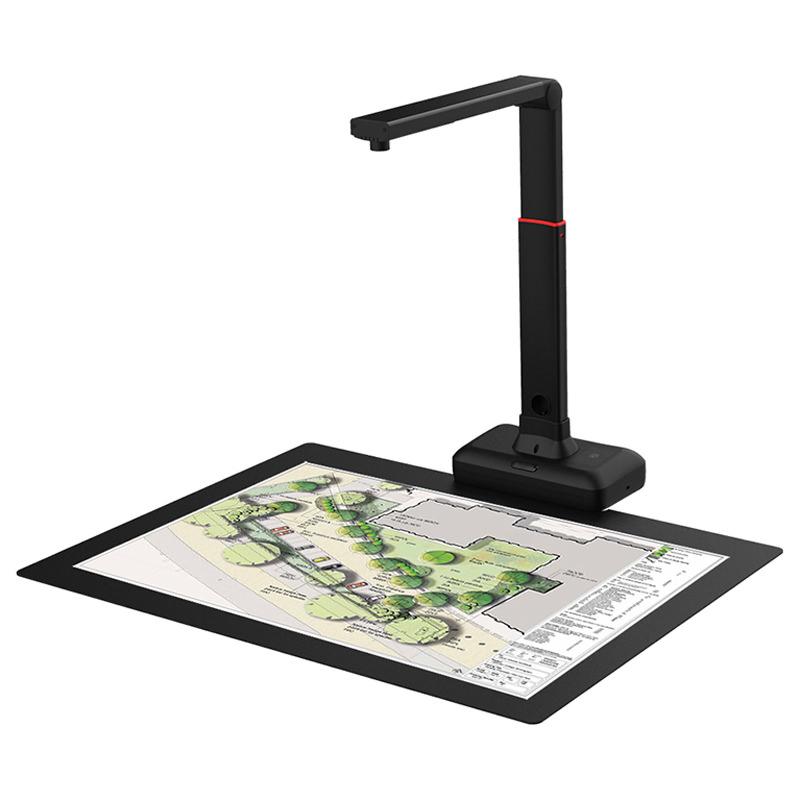
A2 Large Format Overhead Document Scanner 21MP USB Aluminum Text-to-Speech 1-Year Warranty in Stock
A large-format overhead scanner for newspapers, maps, engineering drawings and text-to-speech workflows in Osaka public services.
View product details →All eight products link to their original catalogue URLs. For bundle pricing, integration questions or OEM/ODM review, use the live inquiry button.
What “Top 10 Touch Screen Whiteboard Exporters & Wholesalers for Osaka” Really Signals
Osaka buyers who type this query are rarely looking for a decorative directory. They are trying to reduce risk before a school, municipal office, library or corporate training room commits to an interactive display rollout. In semantic-search terms, the query combines three intents: product discovery for a touch screen whiteboard, channel discovery for exporters and wholesalers, and local validation for Osaka. A useful response must cover all three without pretending that every panel factory is the same.
Google’s quality guidance rewards people-first, experience-backed content. For a buyer in Umeda, Namba, Sakai or the wider Kansai region, the real questions are practical: Will the panel work with a Japanese-language visualizer workflow? Does the supplier understand 100V power, PSE and VCCI documentation, Osaka port or Kansai International Airport logistics, and RMA procedures? Can the same wholesaler support the document camera, book scanner, software and training that make the board useful every day?
The “top 10” label is best used as a shortlist lens, not an unverified league table. A credible Osaka shortlist should combine the panel supplier, the capture-hardware supplier, the installation partner and the after-sales provider. That is why this white paper gives Osakan procurement teams a ten-point screening matrix and then explains where a specialist capture supplier such as Quibow fits into the total solution.
Information gain: the board is the stage, not the whole classroom
A touch screen whiteboard becomes valuable only when teachers, librarians or counter staff can place books, worksheets, products, ID documents or 3D objects into the live workflow. The document camera or visualizer is therefore not an accessory; it is the input layer that determines whether the board improves lessons or simply replaces a projector.
Osaka buyer intent map
Illustrative weighting based on common B2B procurement questions for Osaka education, archive and office projects in 2026.
Why Osaka Procurement Differs from a Generic “Japan” Search
Osaka is a dense commercial and public-sector region with a strong small-and-mid-size distributor culture, a large education base, and a procurement style that expects precise documentation. Post-Expo 2025 digital projects are more selective: buyers compare integration cost, spare parts and downtime, not only panel price.
Electrical and RF compliance
Confirm PSE mark where applicable, VCCI reports for ITE, RoHS declarations and Japanese labels. A CE or FCC file alone is not a substitute for Japanese market requirements. Ask every touch screen whiteboard exporter or wholesaler for model-level documents.
Physical and acoustic fit
For Osaka classrooms, check 100V/50–60Hz, plug type A, wall-mount load, anti-glare glass, front-facing ports, speaker clarity and cable routing. A specification that works in a showroom can still fail in a compact Japanese classroom.
Service and language
Ask for Japanese-language quick-start guides, firmware support windows, remote diagnostics and a named escalation contact. For a school or municipal buyer, response time is part of the product, not a separate service add-on.
The Top 10 Supplier Screening Matrix for Osaka Buyers
Use these ten checks for every touch screen whiteboard exporter, wholesaler and capture-hardware partner you consider. The goal is not to collect ten names; it is to make each name prove its fit.
Compliance dossier
Request PSE, VCCI, RoHS and relevant test reports, plus Japanese labels and import documents. Confirm whether certification covers the exact model and accessory set.
Japanese localization
Ask about Japanese UI, manuals, OCR languages, date formats, support hours and escalation. Localization should be visible in the quotation, not promised verbally.
Panel and touch quality
Validate 4K UHD resolution, anti-glare treatment, optical bonding, touch latency, palm rejection, multi-touch points and pen behavior with the actual whiteboard software.
Open platform
Check OPS slot, Android/Windows options, HDMI, USB-C, Wi-Fi, Bluetooth, firmware update policy and whether the panel can run third-party lesson or meeting software.
Capture ecosystem
Connect a visualizer or document camera before purchase. Confirm HDMI/VGA/USB workflow, driver support, OCR output, SDK access and the ability to capture books, objects and documents.
Logistics into Osaka
Compare FOB, EXW and DDU terms; check packing, pallet configuration, Osaka port or KIX routing, insurance and the documents your customs broker will require.
After-sales and RMA
Ask about warranty length, spare parts, remote support, repair turnaround and whether the wholesaler or a local partner handles first-line diagnosis in Japan.
OEM/ODM flexibility
For distributors, confirm logo, packaging, housing color, software branding and SDK integration. For end users, confirm that customization will not delay installation.
Cybersecurity and privacy
Review account management, local storage, cloud options, data export and update policy. Osaka public-sector and education buyers should align these checks with APPI and internal security rules.
Total cost and payment terms
Compare T/T, L/C, PayPal and Western Union options, currencies, training, installation, spare parts and warranty administration. The lowest panel quote is rarely the lowest project cost.
Performance Signals That Matter to Osaka Channel Partners
These supplier-file figures are useful because they show how a China-based export partner operates before a purchase order is issued. They should still be confirmed in the final contract and SLA.
Where a Touch Screen Whiteboard Meets Real Osaka Workflows
Osaka’s education, archive and office environments rarely need a board in isolation. They need a complete capture loop: show, scan, annotate, save, search and share.
Osaka K-12 and cram schools
Use the 20MP OCR A3 visualizer or the foldable Ultra HD desktop camera to place textbooks, science demonstrations and worksheets onto the whiteboard. OCR helps create searchable lesson notes.
Universities and research rooms
The 38MP A3 overhead book scanner and the 18MP auto-flattening scanner support research archives, journal pages and rare documents without pressing the spine flat.
Public libraries and archives
The A2 21MP overhead scanner handles newspapers, maps and large drawings, while the 38MP A3 model supports bound books. Capture can feed a public reading board or a searchable archive.
City counters and service desks
The 5MP 2-in-1 USB document camera and 10MP USB A4 visualizer help staff share forms, ID documents and signatures with a supervisor or customer without repeated photocopying.
Corporate training and hybrid meetings
The portable 10MP A4 scanner, foldable visualizer and 10MP USB camera support remote product demos, document review and whiteboard capture for Osaka sales teams.
Distributors and system integrators
OEM/ODM branding, packaging, software identity and SDK access allow Osaka channel partners to bundle capture hardware with interactive boards and local installation services.
Osaka Market Trends Shaping Whiteboard and Capture Procurement
The search phrase “touch screen whiteboard exporters and wholesalers for Osaka” is becoming more solution-oriented. Buyers now ask how the display, camera, software and service work together.
Panel-only to capture-complete
Schools and offices are budgeting for a complete room: panel, visualizer, document camera, annotation software and training. Capture completeness is becoming a differentiator in tender scoring.
Japanese-first AI and OCR
OCR output is more useful when Japanese text, tables and mixed layouts are handled accurately. Buyers increasingly ask for sample scans before approving a model.
Compliance as a filter
PSE, VCCI, RoHS and Japanese manuals are moving from “nice to have” to pre-qualification items. A fast quote without documents can create a slower customs or installation problem.
Stock plus customization
Osaka distributors want ready stock for urgent classroom replacements but also OEM/ODM flexibility for longer projects. Suppliers must support both without confusing lead times.
Resolution Math That Prevents an Osaka Archive Rework
A common procurement mistake is to compare megapixels without matching them to the document size. An A3 page at 300 dpi needs about 3508 × 4961 pixels, or roughly 17.4 MP. An A2 sheet at 300 dpi needs about 4961 × 7016 pixels, or roughly 34.8 MP. This is why a 21MP A2 scanner can be excellent for OCR and review but may fall short if a tender demands true 300 dpi across a full A2 master.
For OCR-only workflows, 200–250 dpi may be enough. For preservation masters, newspapers, maps and fine print, confirm the pixel math in writing. Ask the supplier for a sample scan at the exact document size and resolution you plan to accept.
For interactive whiteboard rooms, resolution also affects how legible a textbook page or product label appears on a 4K panel. A higher-resolution visualizer gives teachers more room to zoom without pixelation.
300 dpi pixel demand
Use these figures as a starting point, then match them to the scanner’s real optical resolution, lens quality and software correction.
How Quibow Strengthens an Osaka Touch Screen Whiteboard Supply Chain
To keep this white paper trustworthy: Guangzhou Quibow Electronic Co., Ltd. is an imaging-acquisition and conversion supplier. Its strength is the capture layer — document cameras, visualizers, A3/A2 overhead scanners, book scanners and flatbed/ADF scanners — rather than the manufacture of LCD or OLED touch panels. In an Osaka touch screen whiteboard project, Quibow is best evaluated as a capture-module and OEM/ODM partner, or as part of a bundle led by a panel supplier.
That transparency matters. Buyers who need the panel itself should qualify a panel factory separately and use the ten-point matrix above for both suppliers. Buyers who need the board to capture books, documents, products and 3D objects can use Quibow to complete that layer with CIS, CMOS and CCD imaging platforms.
- OEM/ODM support: logo printing, packaging, housing color, capture-software branding and SDK integration on selected models.
- Stock-friendly MOQ: many book scanners, A2 large-format scanners and flatbed scanners start from 1 piece or 1 set; selected document cameras start from 2 pieces.
- Export terms: T/T, L/C, PayPal and Western Union in USD, EUR, HKD or CNY; FOB, EXW and DDU delivery terms.
- Supplier profile: established in 2020, 5–10 dedicated specialists, annual revenue US$1M–US$2.5M, based in Guangzhou, Guangdong, China.
- Support signals: ≤1h average response time, 100% message response rate, 27% buyer reorder rate and 1-year warranty on listed models.
- Product scope: high-speed document cameras, book scanners, A2/A3 overhead scanners, flatbed scanners and ID-card recognition high-speed cameras.
Osaka Buyer FAQ: Whiteboards, Visualizers and Import Practicalities
These are the questions procurement teams commonly ask when they move from a search result to a real quotation.
Is Quibow a touch screen whiteboard manufacturer?
No. Quibow’s core is image acquisition and conversion: document cameras, visualizers, book scanners, A2/A3 overhead scanners and flatbed/ADF scanners. For a complete touch screen whiteboard project, qualify the panel supplier separately and use Quibow for the capture layer or as an OEM/ODM partner.
Which Quibow products can connect to an interactive whiteboard workflow?
Visualizer-style models such as the 20MP OCR A3 visualizer, foldable Ultra HD desktop camera and 10MP USB camera can feed live images through HDMI, VGA or USB workflows. Overhead book scanners and A2 scanners typically output to a PC, where files can be opened, annotated and displayed on the board. Confirm the exact connection path for your chosen model before ordering.
What is the minimum order quantity for Osaka buyers?
Many stock book scanners, A2 large-format scanners and flatbed scanners start from 1 piece or 1 set. Several document camera models start from 2 pieces. OEM/ODM quantities are confirmed per project after logo, packaging, software branding and SDK requirements are reviewed.
Do you support OEM and ODM orders for Osaka distributors?
Yes. Quibow supports OEM/ODM projects that can include logo printing, packaging, housing color, capture-software branding and SDK integration on selected models. Share your target price, volume, language requirements and software ecosystem early so the project can be checked against available platforms.
Which Japanese compliance documents should an Osaka buyer request?
For electrical and ITE products, ask for the applicable PSE documentation, VCCI reports, RoHS declaration, Japanese labels, model-level test reports and any software licence information. Confirm that the certificate scope matches the exact model, voltage and accessory set you will import. The final compliance path should be reviewed with your Japanese importer or customs broker.
Are the scanners and cameras compatible with Windows and macOS?
Many models, including the A2 large-format scanners and the 1200 DPI A3 flatbed scanner from the wider Quibow range, support Windows and macOS, and some are verified on Apple M1 Macs. Compatibility should be confirmed for each model and software version before shipment.
What payment and delivery terms are available?
Quibow accepts T/T, L/C, PayPal and Western Union in USD, EUR, HKD or CNY. Delivery terms include FOB, EXW and DDU. For Osaka delivery, confirm the Incoterm, insurance, port or airport routing and customs-clearance responsibility in the proforma invoice.
What warranty and technical support are included?
Listed models such as the A3 flatbed scanners, A2 overhead scanners and S2060W ADF scanner come with a 1-year warranty, backed by remote technical support. Ask for the RMA process, diagnostic steps, spare-parts availability and expected response window in writing.
How should an Osaka buyer arrange shipping and sample scans?
For shipping, prepare the commercial invoice, packing list, HS code, certificate of origin and any compliance documents requested by your broker. For sample scans, share the document size, target dpi, OCR languages and output format. Our team can recommend a model and, where practical, provide sample capture outputs before order confirmation.
What is the fastest way to start a quotation?
Use the live inquiry button on this page and include your document sizes, daily volume, target resolution, integration method, delivery city in Osaka, preferred Incoterm and any OEM/ODM requirement. A complete brief reduces back-and-forth and allows the supplier to confirm stock, lead time and documentation faster.
Request a 2026 Osaka-Ready Quotation and Sample Capture Plan
Share your touch screen whiteboard size, classroom or archive workflow, document sizes, OCR languages, target delivery date and preferred Incoterm. We will help match the right capture hardware and confirm the commercial terms.