Toronto B2B Scanner Supply · OEM / ODM · OCR-Ready

Digital Paper Scanner Manufacturer & Suppliers serving Toronto

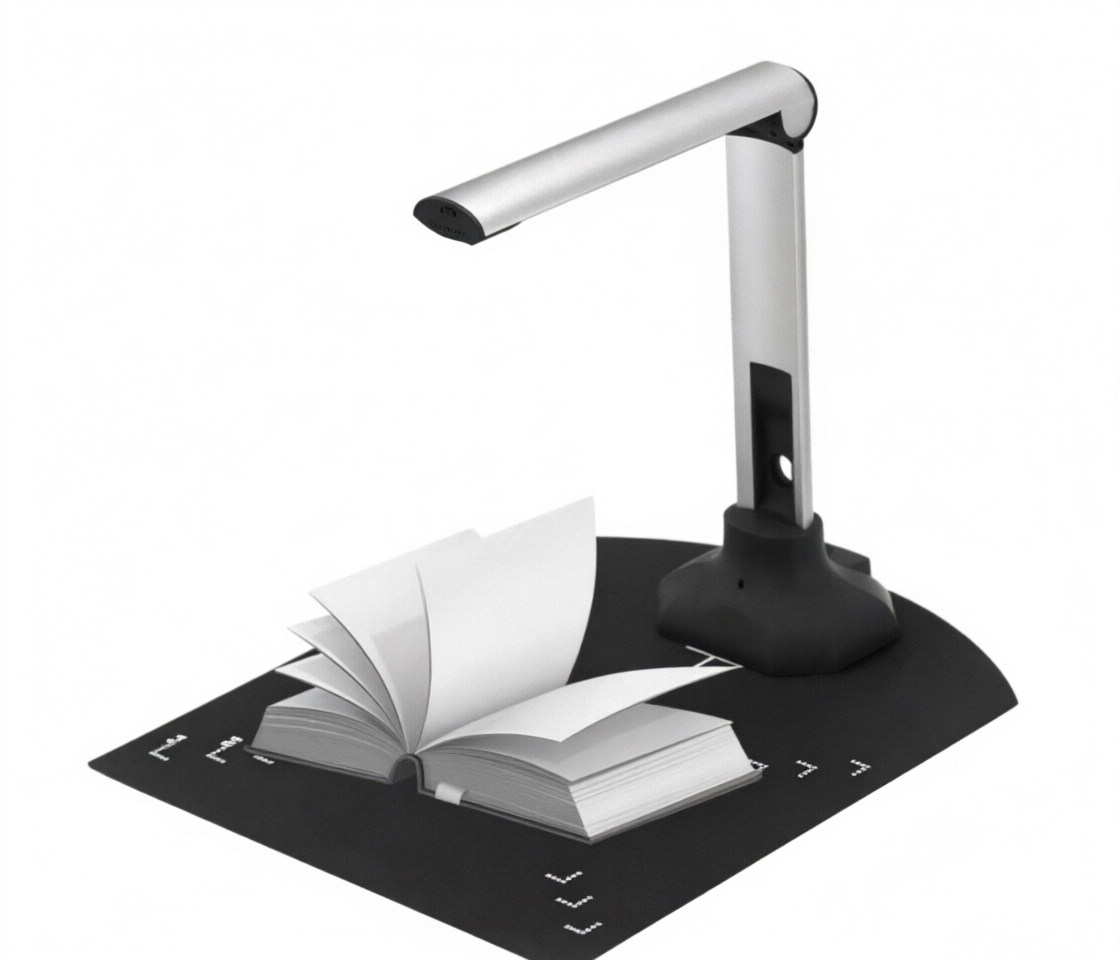
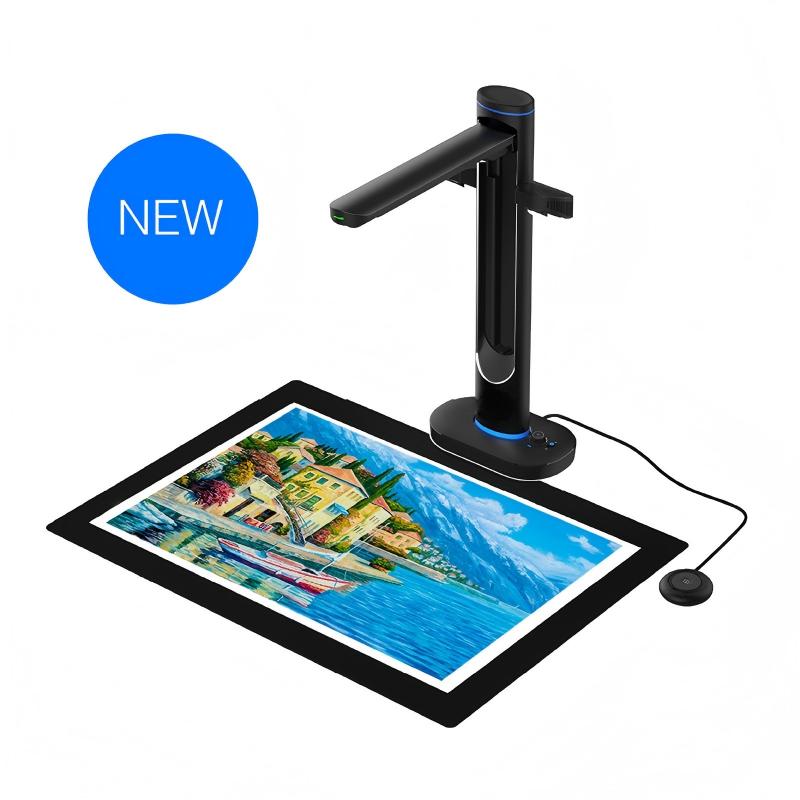
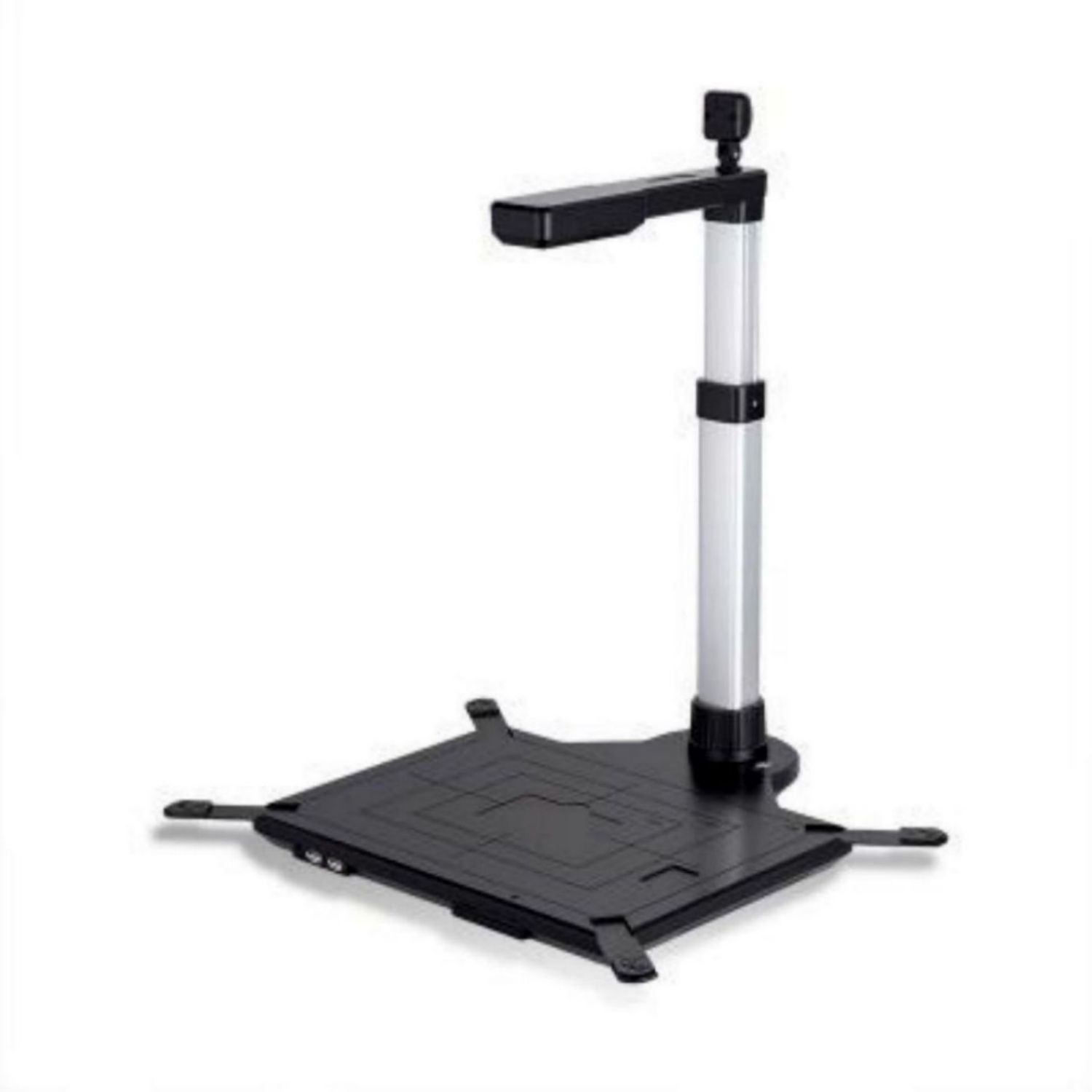
Factory-direct document cameras, A3/A4 overhead scanners, wall-mounted visualizers, and A2 book scanners for Toronto archives, schools, clinics, legal teams, public counters, and system integrators — supported by OEM/ODM engineering, SDK options, and practical application guidance.

Recommended Product Platforms

Eight Scanner Platforms Selected for Toronto Documents, Counters, and Classrooms

Each card below uses the original product URL. The selection covers compact wall-mounted capture, high-speed dual-camera scanning, A3 OCR workflows, A2 book and archive digitization, and presentation-grade visualizers.

≤1hAverage response time for buyer inquiries
100%Message response rate
27%Buyer reorder rate
1-YearWarranty on listed scanner models
Toronto Procurement Perspective

Toronto’s Document Reality: Scanner Choice Is an Operational Decision

A white-paper view for buyers comparing digital paper scanner manufacturers and suppliers serving Toronto, the GTA, and Ontario.

Toronto is not a single market. It is a dense network of public institutions, universities and colleges, hospital campuses, law firms, insurance offices, property managers, school boards, small businesses, and community service counters. Many of those workflows still depend on paper: signed permits, student records, lease packages, clinical intake forms, court exhibits, development drawings, heritage photographs, supplier invoices, and identification documents. When a scanner fails, the delay is rarely about the device alone; it becomes a queue at a counter, a missing record, or a missed service deadline.

That is why a Toronto buyer should evaluate a digital paper scanner as operational infrastructure, not as a commodity accessory. The right scanner reduces handling, protects fragile originals, creates searchable records, and fits the physical reality of the workplace. In downtown Toronto, that often means limited desk depth, shared hoteling stations, public-facing counters, and a need for equipment that can be mounted or moved without disrupting service. Across the GTA, demand may shift toward higher-volume scanning, A3 drawings, ID capture, classroom presentation, or library digitization.

The strongest specification is therefore not simply the highest megapixel count. It is the best match among document size, daily volume, OCR need, software compatibility, privacy model, mounting method, warranty path, and supplier responsiveness. A 10MP A4 scanner may be ideal for a clinic intake desk but the wrong choice for a newspaper archive. A 48MP A2 overhead scanner may be essential for maps and broadsheets but unnecessary for ordinary office invoices. The buying decision should start with the workflow, not the catalogue number.

For Toronto procurement teams, a practical tender or RFQ should ask for sample scans, OCR language support, Windows or macOS compatibility, SDK documents, mounting dimensions, power requirements, warranty terms, and the supplier’s response process. Those details create information gain: evidence that the supplier understands the application rather than only listing hardware specifications. A manufacturer that can explain when CIS, CMOS, or CCD is appropriate is more useful than one that claims every scanner fits every job.
Localized Applications

Where Digital Paper Scanners Deliver Value in Toronto and the GTA

These scenarios are written for real purchasing conversations: limited space, public accountability, privacy expectations, mixed document sizes, and a need for fast, repeatable capture.

Libraries, Archives, and Special Collections

Bound books, newspapers, historical photographs, and fragile records should not be pressed flat. Overhead A2 and A3 scanners support non-contact capture, OCR to searchable PDF, and high-resolution digital masters for Toronto libraries, university collections, and community archives.

Toronto Classrooms and Training Rooms

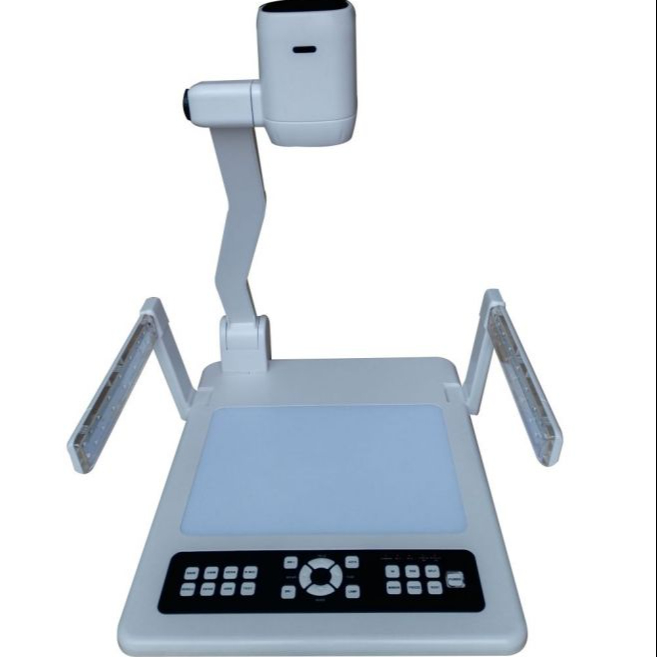
A document camera with optical zoom can show textbooks, science demonstrations, calculators, components, and handwritten examples on a projector or display. Wall-mounted 10MP visualizers are especially useful in compact classrooms where desk space must remain available for students.

Clinics, Hospitals, and Wellness Teams

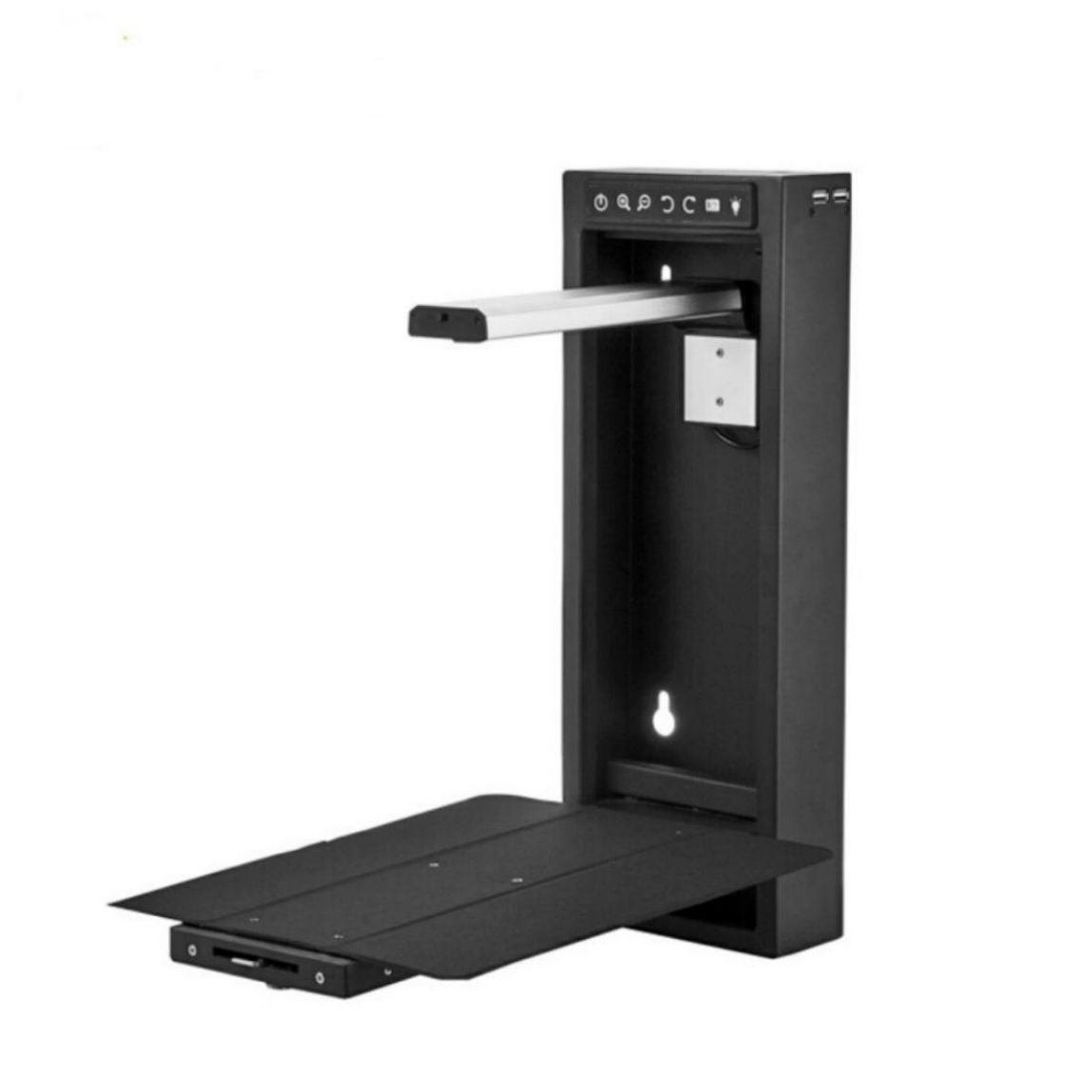
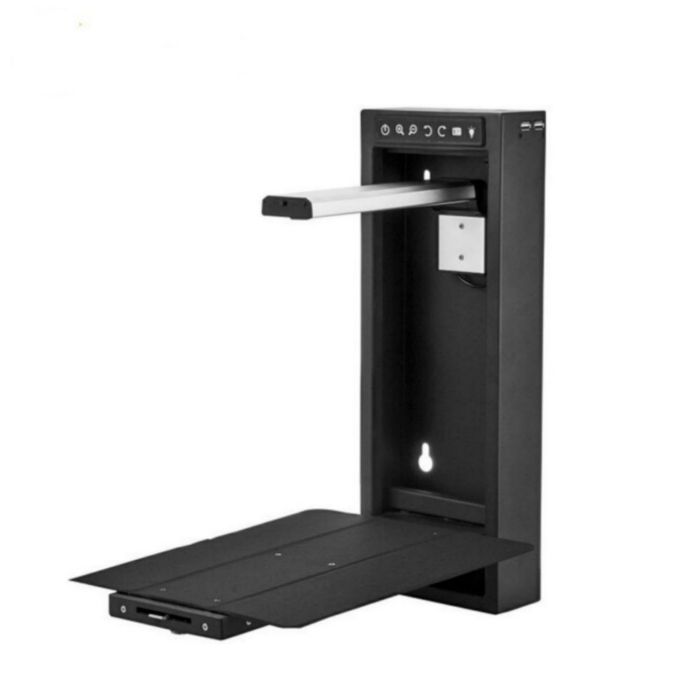
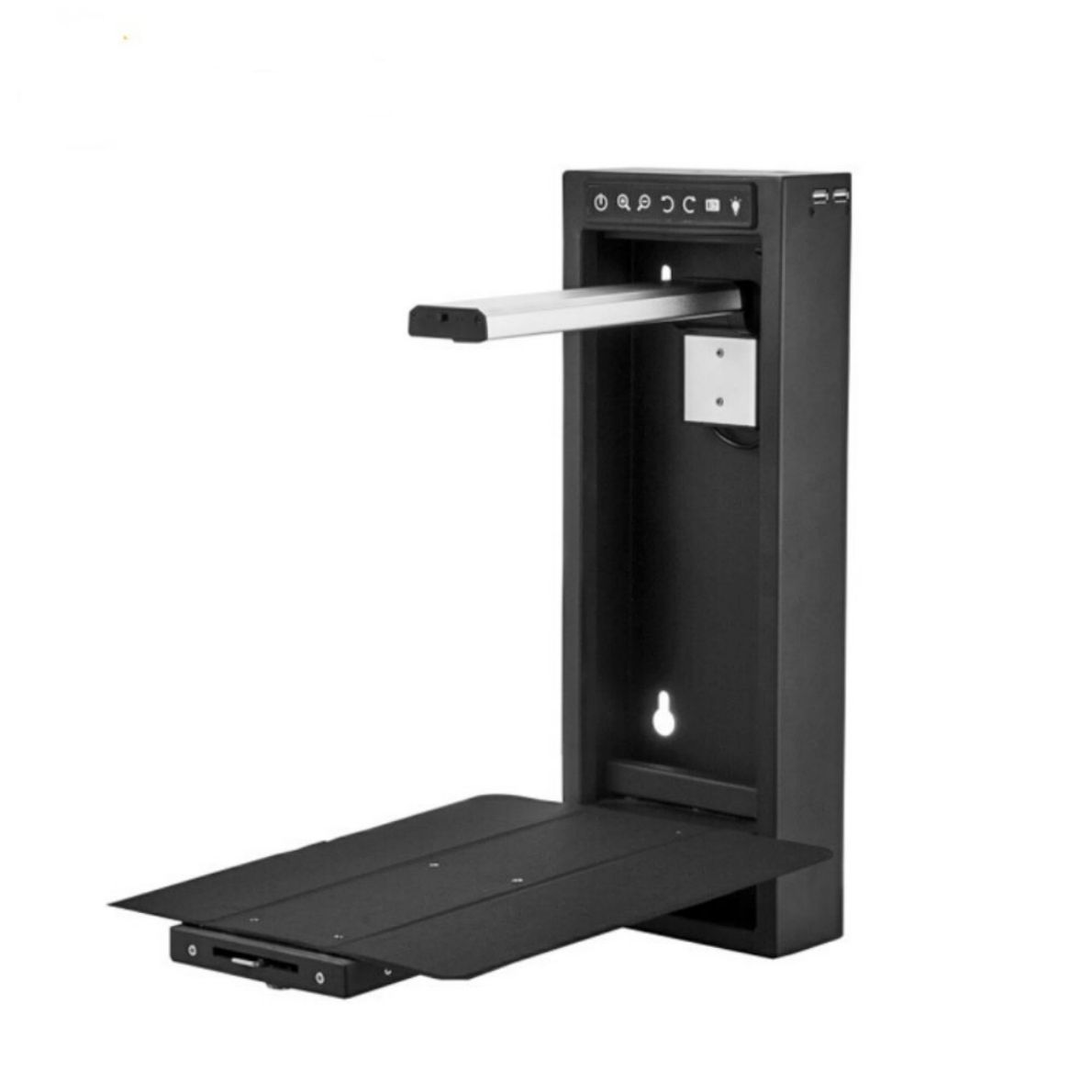
Intake forms, consent pages, referrals, and identification are still common at reception desks. A wall-mounted A4 scanner with local USB capture allows quick digitization without turning the counter into a scanning station, while keeping the workflow simple for staff and patients.

Legal, Insurance, and Real Estate Files

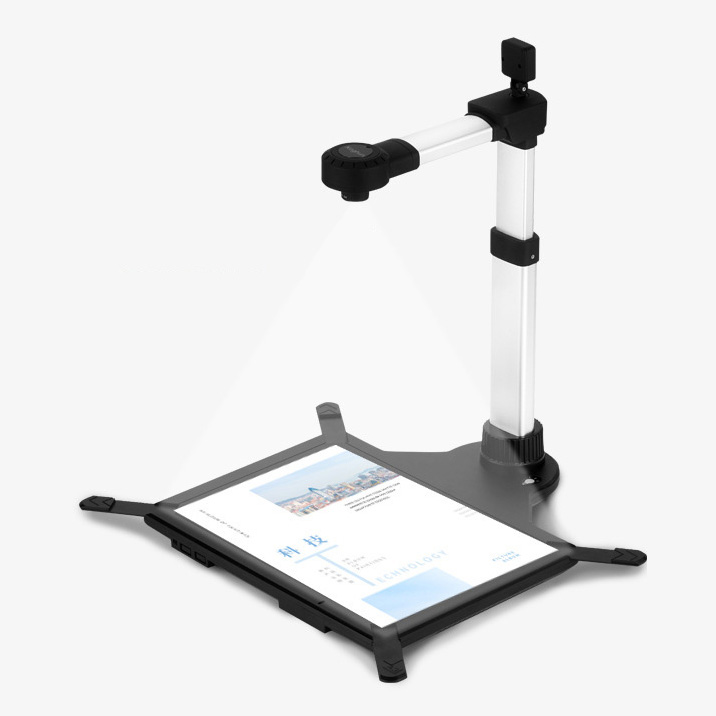
A3 case files, exhibit photos, signed leases, title documents, and claim packages often need fast capture plus searchable OCR. A dual-camera A3 scanner with 360-degree rotation and PDF output helps Toronto teams move documents into review systems without retyping key text.

Municipal, Banking, and Service Counters

Public-facing counters need speed and consistency. A dual-camera system can capture a document and an ID or person-related image, while OCR and SDK support help integrate capture into queue-management, onboarding, or records workflows without adding unnecessary desktop hardware.

Distributors, Integrators, and OEM Buyers

Toronto technology resellers and system integrators may need configurable hardware rather than a finished retail box. OEM options such as logo, packaging, housing color, software branding, and SDK access allow partners to build a local solution on a proven scanner platform.

Product Recommendation Matrix

Match the Scanner to the Toronto Workflow

Use this quick matrix before requesting a quote. It helps narrow the conversation from “which scanner is best?” to “which capture behavior does the workflow actually require?”

Toronto WorkflowRecommended ScannerWhy It Fits
Classroom, hybrid training, and live demonstration22X Optical Zoom Desktop Visualizer; 10MP Wall Version A4 VisualizerOptical zoom and live video output are more useful than raw resolution when teaching small objects, text, or demonstrations. Wall mounting preserves desk space.
Rare books, newspapers, maps, and archive mastersA2 Large Format Dual 48MP Book ScannerA2 overhead capture supports oversized originals, avoids flattening bound spines, and provides enough resolution for archival scanning at demanding dpi targets.
Legal files, insurance claims, and A3 exhibitsProfessional USB Dual Camera A3 Scanner with OCRFast A3 capture, 360-degree flexibility, multi-language OCR, and PDF output support review-heavy administrative workflows.
ID, intake, and public service countersHD Dual Camera 16MP + 2MP; Wall-Mounted A4 Visualizer with OCRA dual-camera layout can handle document and ID capture, while wall-mounted A4 models reduce counter clutter and keep capture local.
High-volume office scanning and shared desks60 ppm Dual Camera A3/A4 Scanner; A4 10MP High-Speed ScannerThroughput, stretchable capture positions, and simple USB connection help staff move documents without retraining on complex equipment.
OEM, kiosk, SDK, and distributor projectsA4 Wall-Mounted 10MP OCR Scanner; A4 Black USB 5V 10MP ScannerSDK availability, wall-mountable design, OEM options, and compact USB capture make these platforms suitable for customized local deployments.
Localized Trends

Toronto and Ontario Trends Shaping Scanner Demand

Buying behavior in Toronto is moving toward practical digitization: smaller footprints, privacy-aware capture, OCR-ready records, and suppliers who can document their capabilities.

01

Privacy-First, Local Capture

Ontario organizations handling personal, health, legal, or student information often prefer scanning workflows that keep capture on a local PC rather than requiring an unnecessary cloud step. USB document cameras and local OCR workflows support that expectation.

02

OCR- and AI-Ready Records

Searchable PDFs, multi-language OCR, and clean page images are becoming prerequisites for records management. Toronto teams want scanners that produce usable source files for indexing, review, accessibility, and long-term retention.

03

Space-Efficient, Wall-Mounted Capture

Downtown offices, clinics, libraries, and service counters rarely have spare desk depth. Wall-mounted A4 visualizers and compact overhead scanners reduce physical footprint while keeping fast document capture available where work happens.

04

Verifiable Suppliers and Mixed Hardware

Procurement teams are asking for sample scans, trade records, warranty clarity, and evidence of OEM capability. The winning supplier is not only the lowest price; it is the one that can support Windows, macOS, SDK integration, and after-sales communication.

Manufacturer Advantages

What Guangzhou Quibow Electronic Co., Ltd. Brings to Toronto Buyers

Our role is to reduce technical uncertainty before a purchase and support repeatable deployment after delivery. The advantages below are drawn from the company profile and product program.

Imaging Platform Expertise

Our product work spans CIS, CMOS, and CCD imaging. That matters in Toronto because flatbed, overhead, wall-mounted, and ADF workflows each have different sensor and lighting requirements; a responsible recommendation starts with the document and environment.

OEM and ODM Customization

We support logo printing, packaging, housing color, capture software branding, and SDK integration on selected models. Toronto distributors and system integrators can build a local product or deployment around proven hardware rather than starting from a blank sheet.

Quality Inspection Before Export

Listed models are checked for focus, lighting uniformity, driver installation, and capture speed. For Toronto buyers planning a classroom, clinic, or archive rollout, this reduces the risk of inconsistent units arriving across a multi-device order.

Responsive B2B Communication

Our buyer communication profile includes ≤1 hour average response time, 100% message response rate, and a 27% buyer reorder rate. Fast clarification matters when a Toronto procurement deadline requires specifications, images, sample scans, or a model recommendation.

Flexible MOQ and Trade Terms

Many stock book scanners, A2 large-format scanners, and flatbed scanners start from one piece or one set; selected document camera models start from two pieces. Payment methods include T/T, L/C, PayPal, and Western Union, with USD, EUR, HKD, or CNY and FOB, EXW, or DDU delivery terms.

Transparent Company Background

Guangzhou Quibow Electronic Co., Ltd. is based in Guangzhou, Guangdong, China, and was established in 2020. We focus on image data acquisition and conversion equipment, serve markets including Eastern Europe, North America, and South America, and support remote technical communication and a 1-year warranty on listed models.

Resolution Engineering

How Many Megapixels Does a Toronto Project Really Need?

Megapixels only matter in relation to page size. A scanner’s sensor must cover the width and height of the document at the required resolution. For a 300 dpi archival master, an A4 page needs approximately 8.7MP, an A3 page needs approximately 17.4MP, and an A2 page needs approximately 34.8MP. That is why a 10MP scanner is usually acceptable for A4 capture, while a 48MP A2 scanner is the safer choice for oversized archive masters.

OCR and on-screen reading often work well at 200–250 dpi, so a 10MP or 18MP scanner can still deliver excellent value for ordinary forms, contracts, and teaching material. For photographs, artwork, or reproduction work, optical resolution and color depth matter more than the megapixel headline; a dedicated flatbed with higher optical dpi is often more appropriate than an overhead camera.

Toronto buying tip: if a tender or archive policy specifies 300 dpi at A2, do not assume that any high-megapixel camera will meet the requirement. Ask the supplier for a sample scan at the final output size and confirm the effective dpi, lighting uniformity, and OCR result.

Approximate Pixels Required at 300 dpi

Use this visual guide to compare scanner classes before requesting a quotation.

A48.7 MP
A317.4 MP
A234.8 MP
Product match: 10MP A4 visualizers; 18–24MP A3 scanners; dual 48MP A2 book scanners. For 200–250 dpi OCR workflows, the lower end of each range may be sufficient.
Toronto Buyer FAQ

Questions Toronto Buyers Ask Before Choosing a Scanner Supplier

Clear answers reduce procurement friction. If your question is not covered here, send the document size, daily volume, and target output format through the inquiry button below.

What does “serving Toronto” mean if Guangzhou Quibow is based in China?

We serve Toronto as a B2B export supplier and application partner. The company is based in Guangzhou, China, and supplies scanners to international buyers. For Toronto customers, the working relationship typically includes model recommendation, sample scan discussion, export packing, shipping coordination, remote technical communication, and warranty support for listed models. We do not claim a Toronto retail storefront or local office; the value is direct factory communication combined with practical application support.

Which scanner is best for a Toronto classroom or training room with limited space?

For compact rooms, start with the 10MP wall-mounted A4 visualizer if the priority is document capture, forms, or shared counter-space savings. If the priority is live teaching with small objects, textbooks, science demonstrations, or detailed components, the desktop visualizer with 22x optical zoom is usually more suitable because optical zoom preserves image clarity during presentation. Many Toronto classrooms use one wall-mounted unit for capture and one presentation visualizer for teaching.

Can your scanners capture A3 drawings, legal files, and court exhibits?

Yes. The professional USB dual-camera A3 scanner supports A3 documents, OCR PDF output, 1-second scan capture, and 360-degree positioning. The 16MP + 2MP dual-camera model also supports A3/A4 document workflows with 60 pages/minute throughput. For oversized maps, newspapers, and archive pages, the A2 dual 48MP large-format scanner is the better match because it covers A2 originals in one overhead shot.

Do you support OCR for searchable PDFs and searchable archives?

Several models support OCR and searchable PDF workflows, including the wall-mounted A4 OCR scanner and the professional A3 dual-camera scanner. OCR performance depends on document quality, language, font size, and lighting. Toronto buyers should specify the languages and output formats required, then request sample scans so that the OCR result can be reviewed before purchase.

Are the scanners compatible with Windows and macOS?

Many models, including A2 large-format scanners and selected flatbed scanners, support Windows and macOS, and some are verified on Apple M1 Macs. Compatibility should be confirmed for the exact model, operating-system version, and software version before shipment. This is especially important for Toronto organizations with mixed hardware, managed IT environments, or accessibility requirements.

How can Toronto organizations keep scanned records private?

Where privacy is a concern, choose a workflow that captures through a local USB-connected device and stores files on an approved local or organizational system. Many of our scanners are designed for direct PC capture and do not require a third-party cloud service to scan. Toronto clinics, law firms, school boards, and public agencies should still confirm their own retention, encryption, and access-control policies before deployment.

What is the minimum order quantity, payment method, and delivery term?

Most stock book scanners, A2 large-format scanners, and flatbed scanners start from 1 piece or 1 set. Several document camera models start from 2 pieces. OEM/ODM quantities are confirmed per project. Payment methods include T/T, L/C, PayPal, and Western Union, in USD, EUR, HKD, or CNY. Delivery terms include FOB, EXW, and DDU.

What warranty and technical support do Toronto buyers receive?

Listed models such as the A3 flatbed scanners, A2 overhead scanners, wall-mounted A4 scanners, and selected document cameras carry a 1-year warranty, backed by remote technical support. For larger Toronto deployments, ask for a model-specific support checklist covering driver installation, first-use testing, image-quality checks, and OCR settings. Sample scans and compatibility confirmation are available before shipment.

Can you recommend a scanner before I place an order?

Yes. Send the document size, daily scanning volume, target resolution, operating system, required output format, available space, and whether the unit will be wall-mounted or placed on a desk. For architectural, legal, healthcare, classroom, or archive workflows, also mention the most common document type. That information allows us to recommend a realistic platform rather than simply quoting the highest specification.

Planning a Scanner Rollout for Toronto or the GTA?

Share the document sizes, daily volume, OCR needs, software environment, and available counter or desk space. We will match the requirement to the most sensible scanner platform and provide product details, sample-scan guidance, MOQ, warranty, and trade terms.

  • Document sizes: A4, A3, A2, bound books, ID cards
  • Daily volume and capture speed
  • OCR languages and searchable PDF output
  • Windows, macOS, or SDK integration
  • Wall-mounted, desktop, or counter-space constraints
Send an Inquiry
No extra redirection is added to this inquiry button. It uses the existing live-chat trigger on the page.