Eight drawing, document and visualizer scanners for Caloocan buyers
These production-ready models cover A4 counter capture, A3 permit drawings, A3 bound-book scanning, A2-ready overhead capture configurations, OCR, SDK integration and classroom visualisation. OEM logo, packaging, software branding and power-plug configuration can be discussed during quotation.
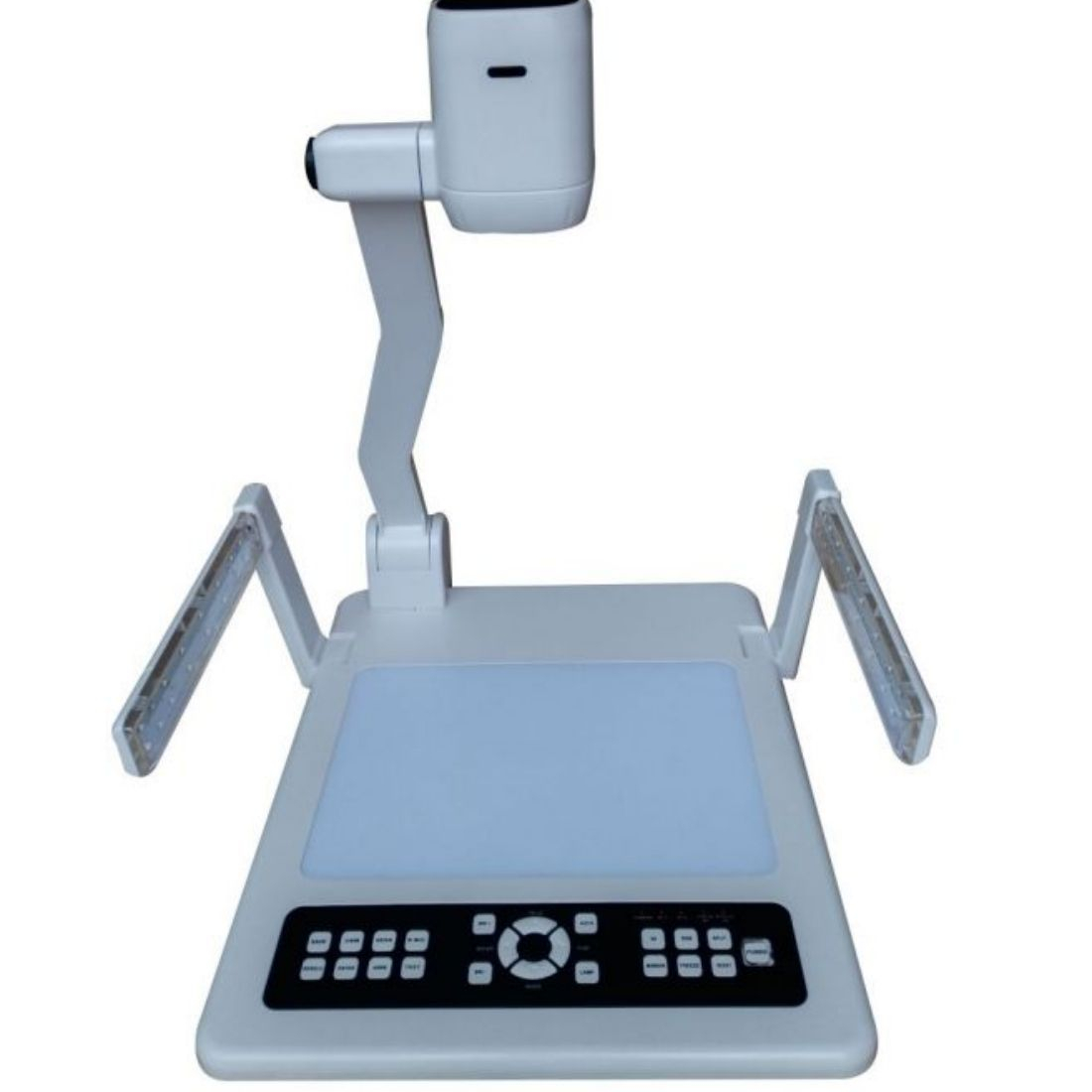
Factory 22X Optical Zoom Desktop VGA HD MI Audio Interface High Resolution Document Camera Visualizer
A presentation-grade visualizer for Caloocan training rooms, engineering plan reviews and hybrid classrooms where a live camera view must stay sharp on projectors or displays.
- 22X optical zoom for detailed drawing notes
- HDMI, VGA and audio interface workflow
- Desktop format for fixed training stations
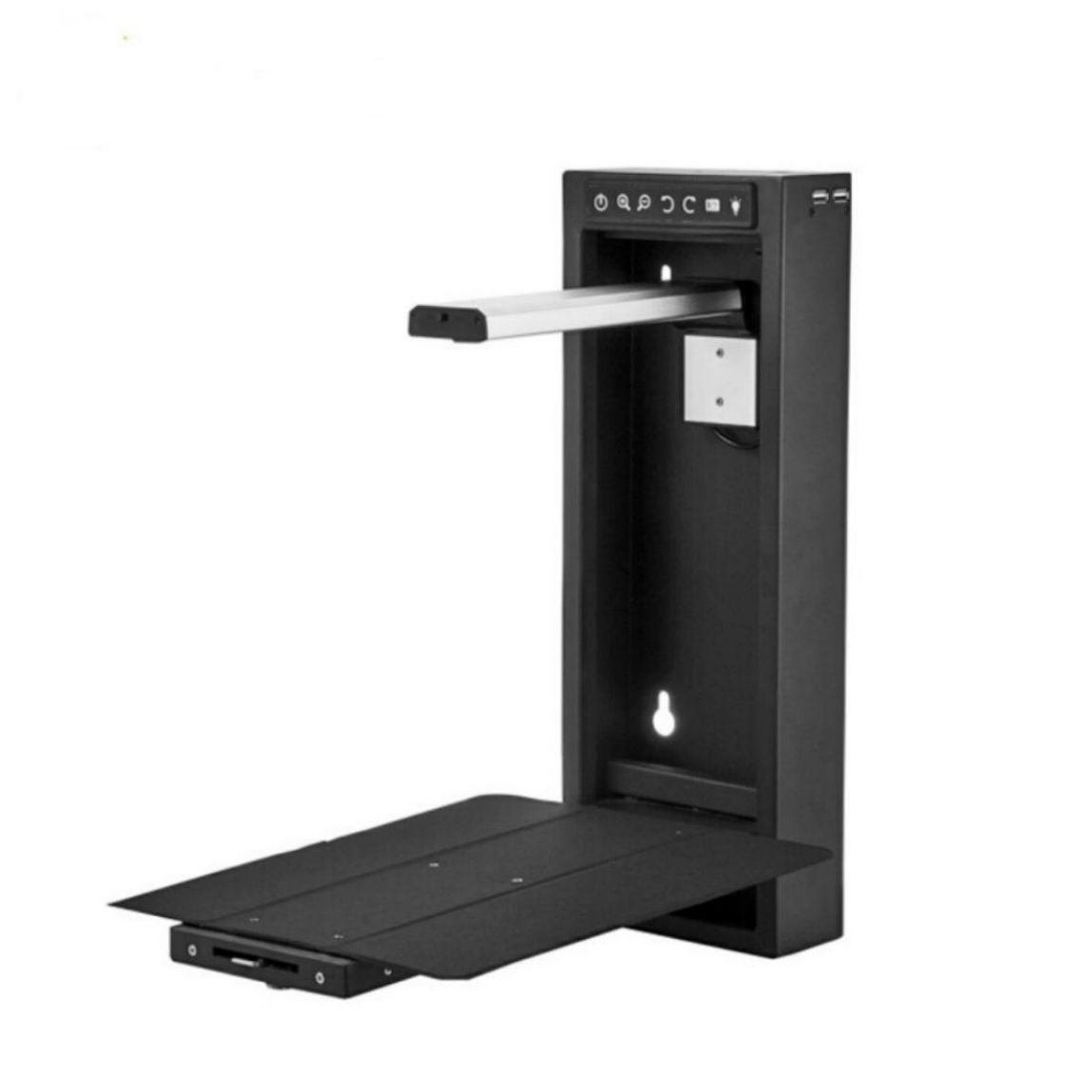
USB Interface Wall-Mounted A4 Visualizer OCR Document Scanner CMOS Sensor 10MP Resolution SDK Included Black 1-Year Stock
An efficient A4 counter scanner for barangay halls, bank desks, logistics counters and service windows that need repeatable capture of IDs, forms and supporting papers.
- 10MP CMOS sensor with OCR workflow
- Wall-mounted design saves counter space
- USB interface and SDK included
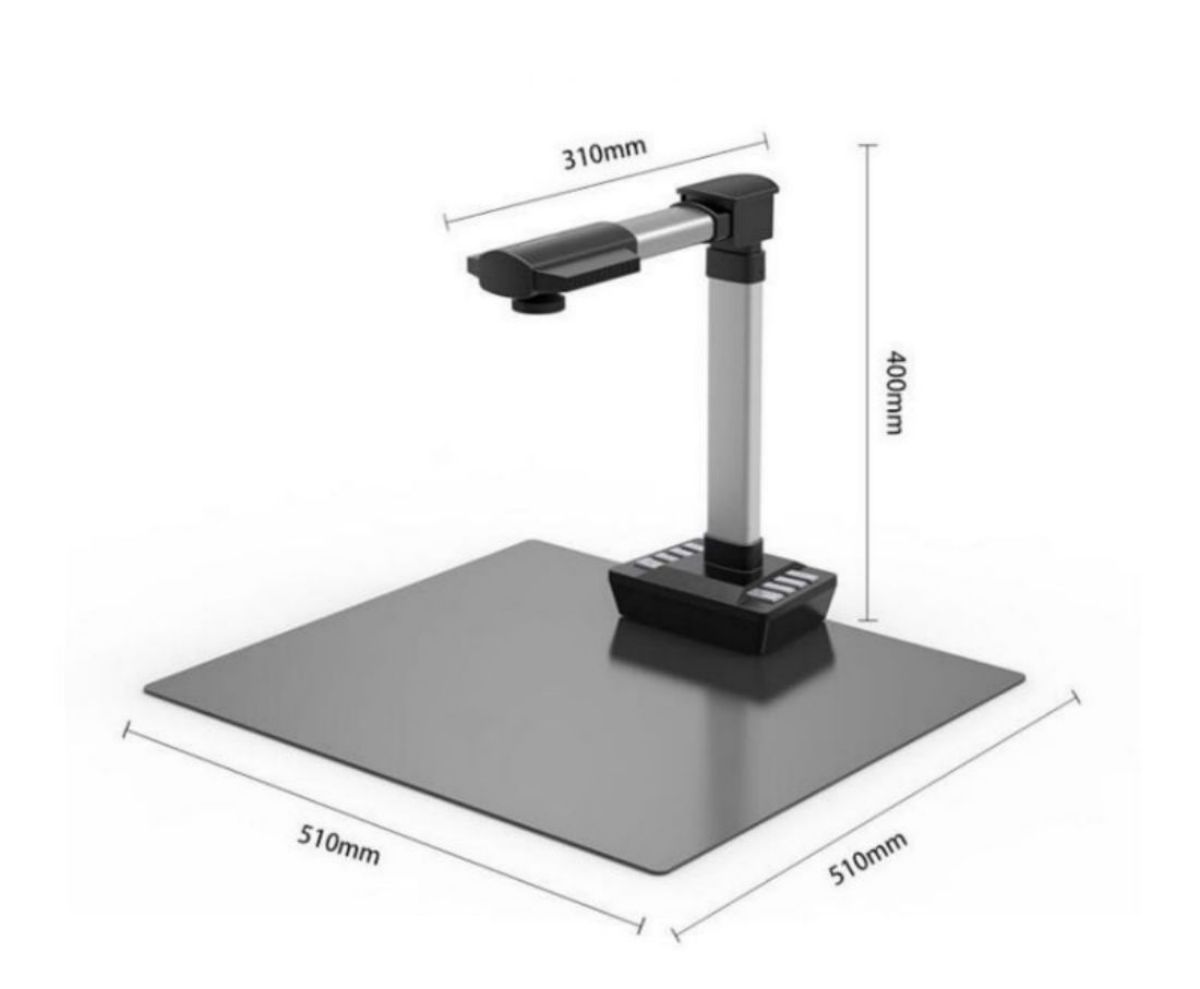
Portable 20MP High-Speed Wireless A3 Document Scanner Professional Book Scanner Foot Pedal USB Interface 24-Bit Color Stock
A flexible A3 scanner for project sites, field audits, school records and mobile archive teams that need quick setup, foot-pedal capture and reliable 24-bit colour output.
- 20MP A3 capture for drawings and books
- Wireless and USB connection options
- Foot pedal supports hands-free page turns
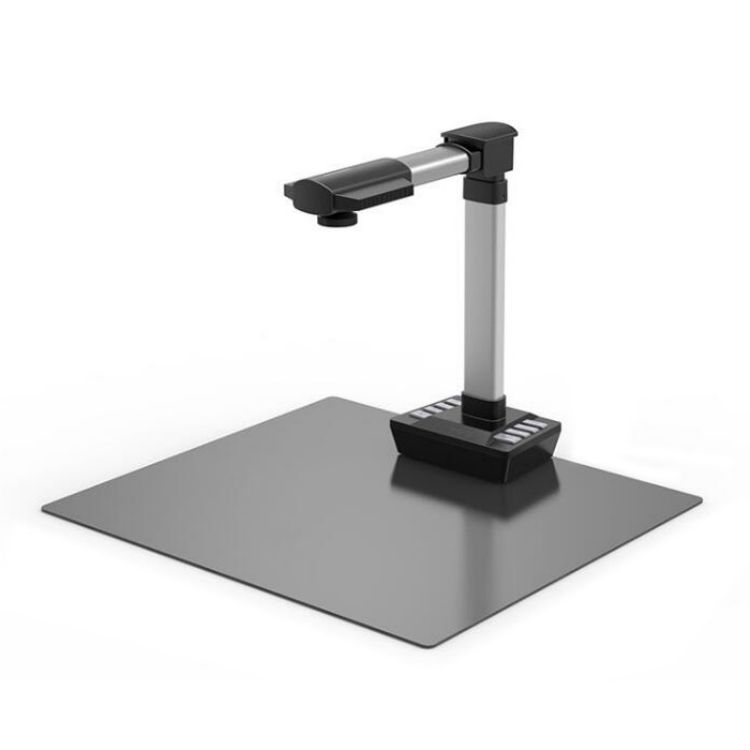
High Resolution Portable A3 Library Book Scanner with Foot Controller USB Interface Automatic Document Scanner Stock Product
Designed for library and records work where bound volumes, periodicals and fragile files must be captured without pressing the spine flat on a glass platen.
- A3 overhead capture for bound materials
- Foot controller for efficient page-by-page work
- USB interface for desk-side workstations
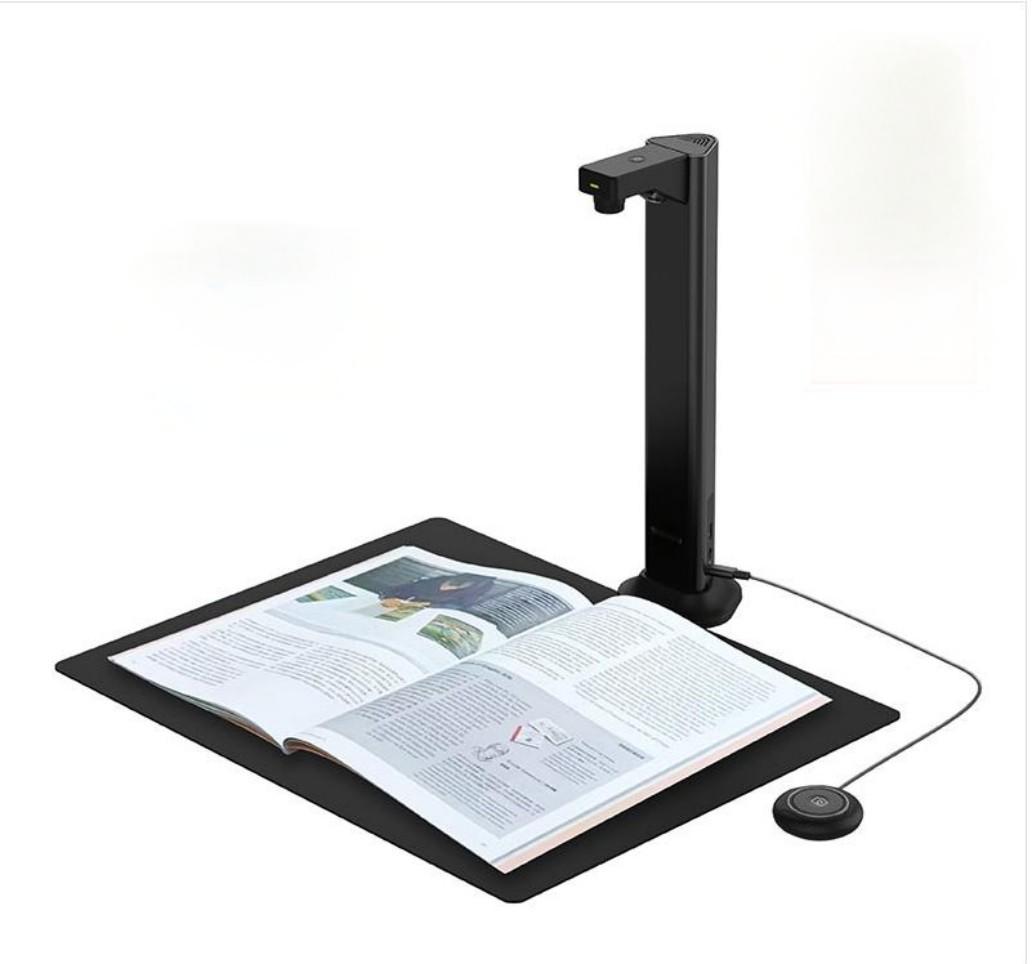
Real 24MP UVC A3 Document Scanner with USB Interface and Text to Speech Feature In-Stock Product
A practical A3 model for accessibility services, e-government counters and offices that want standard UVC connectivity plus text-to-speech support for assisted reading.
- 24MP sensor for A3 documents and plans
- UVC USB interface for simple integration
- Text-to-speech feature supports accessibility
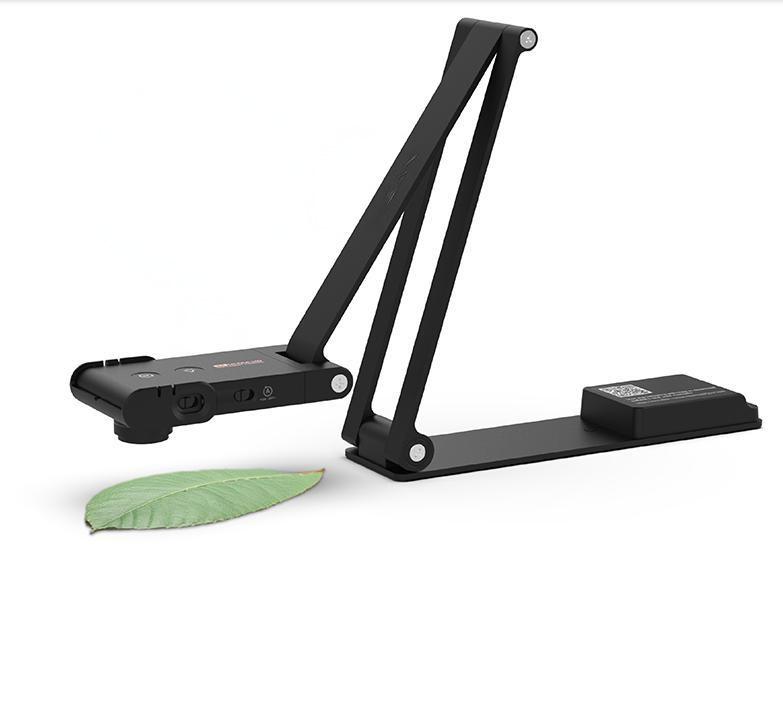
4K 2-in-1 USB 13MP Document Camera Visualizer AI Noise Cancellation 20X Macro Lens Foldable Design Microphone A3 Max 1-Year
A compact 4K visualizer for Caloocan schools, BPO training labs and meeting rooms that need live document sharing, macro detail and a clean built-in microphone workflow.
- 4K output and 13MP document capture
- AI noise cancellation and built-in microphone
- 20X macro lens with foldable A3 design
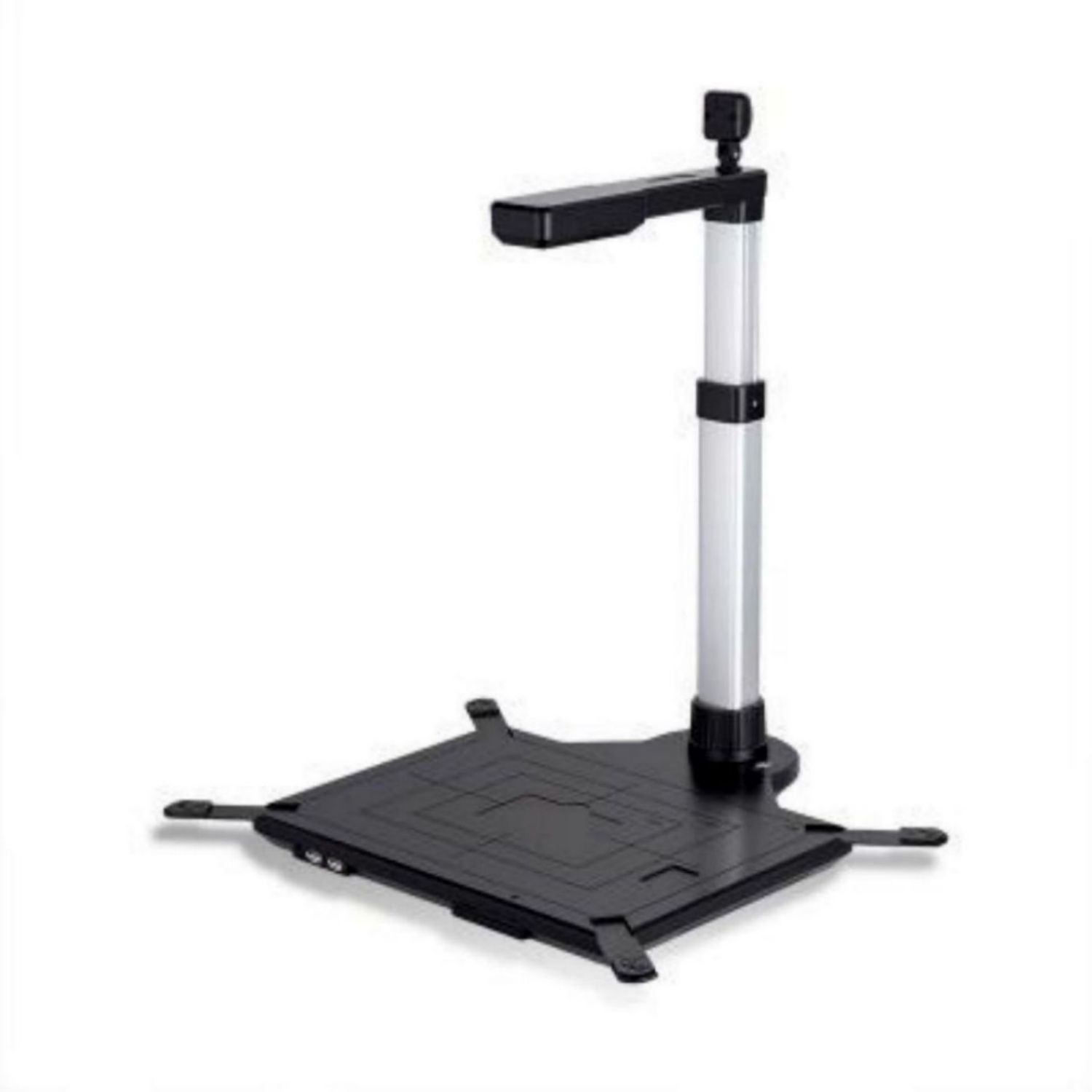
Professional USB Dual Camera Scanner for A3 Documents Supports OCR PDF Multi-Languages High-Speed 1-Second Scan 360-Degree
A dual-camera A3 scanner for high-volume counters and document process outsourcing teams that need rapid capture, multilingual OCR PDF output and flexible viewing angles.
- Dual-camera A3 document capture
- OCR PDF with multi-language output
- High-speed one-second scan workflow
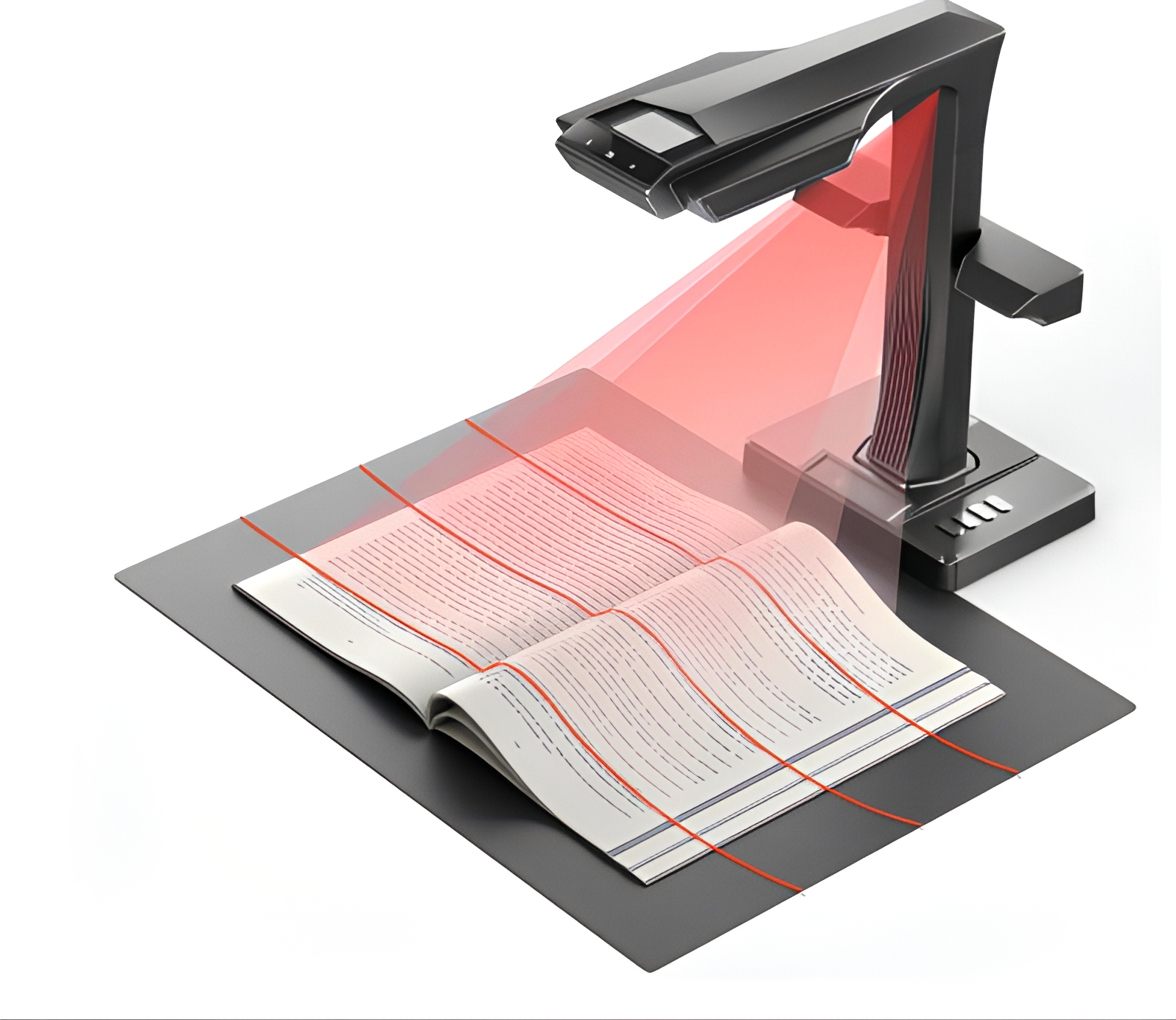
Book Scanner 38MP A3 Document Camera Auto Curve Flattening High Speed Overhead Scanner for Library Office
A high-resolution overhead scanner for library archives, legal records and engineering document rooms where fine annotation, thin linework and book curvature must be handled carefully.
- 38MP resolution for detailed A3 originals
- Auto curve flattening for bound volumes
- High-speed overhead scanning for libraries and offices
Need a custom drawing scanner configuration for a Caloocan distributor, school or engineering office? Contact Us with your drawing sizes, daily volume and software requirements.
Caloocan’s drawing scanner decision is a workflow decision, not only a megapixel contest
Caloocan is not a single buying centre. The market includes commercial corridors around Monumento and Grace Park, busy service counters, barangay offices, schools, logistics firms, print shops, engineering consultancies and growing BPO support teams across North and South Caloocan. A scanner that is ideal for a barangay front desk may be completely wrong for an architecture practice digitising permit drawings, as-built plans and folded site plans.
For this reason, a custom OEM drawing scanner programme should begin with the document, not the camera. What is the true width and height of the largest sheet in millimetres? Is the drawing folded, rolled, bound, pinned or stapled? Does the buyer need searchable OCR text, or is a clean high-contrast image enough for records? Is the output for printing, email, a document management system, a government portal or an SDK-driven local application?
Our recommendation for Caloocan buyers is to validate three layers together: capture area, optical resolution and software workflow. A 24MP A3 overhead scanner is often the practical starting point for permit drawings, P&ID prints, site instructions and bound reports. For larger A2 plan sets or newspaper-style archives, a 38MP or 48MP overhead platform gives more headroom. If a requirement mentions A0, do not assume A2 coverage will satisfy it; request a tiled stitching workflow or a sample scan first.
Another local factor is service access. Buyers in Caloocan often need a supplier who can support a distributor or end user through remote diagnostics, spare parts planning and clear export documentation. The best OEM partner is not the one that simply quotes a camera module; it is the one that helps you define the right image acquisition platform, confirm the output file standard and reduce after-sales surprises.
What serious Caloocan buyers should verify
- Actual drawing size in millimetres, not only “A3” or “A2” labels
- 300 dpi master requirement for linework and small annotations
- Whether OCR, searchable PDF or SDK integration is mandatory
- 220V operation, plug type and packaging for Philippine delivery
- Sample scans of a real Caloocan permit set or folded plan
- Warranty, spare-parts access and remote technical support plan
- FOB, EXW or DDU terms and the buyer’s nominated Manila forwarder
How to specify resolution for drawing scanners in the Caloocan market
At 300 dpi, A3 needs about 17.4 MP and A2 needs about 34.8 MP. For archival masters, old linework and fine annotations, consider 400–600 dpi or validate with a sample scan. Always treat the figure as optical resolution, not software-interpolated resolution.
| Original size | Pixels at 300 dpi | Useful recommendation | Caloocan workflow fit |
|---|---|---|---|
| A4 210 × 297 mm | 2480 × 3508 ≈ 8.7 MP | 10 MP or higher; 13–24 MP gives more cropping room | Barangay clearances, IDs, bank forms, delivery receipts and counter capture |
| A3 297 × 420 mm | 3508 × 4961 ≈ 17.4 MP | 18–24 MP for routine work; 24–38 MP for fine drawings | Permit drawings, engineering details, school records and bound reports |
| A2 420 × 594 mm | 4961 × 7016 ≈ 34.8 MP | 38–48 MP for 300 dpi class masters | Larger site plans, maps, broadsheets and full plan sheets |
| A1 / A0 | 70 MP to 139 MP | Specialist wide-format or tiled stitching workflow | Large infrastructure drawings; request a sample scan before committing |
Resolution headroom at a glance
The chart is a practical planning aid, not a substitute for a sample scan of your actual Caloocan drawing set.
Where drawing scanners create daily value in Caloocan
From permit sets and school records to BPO support documents and library archives, the value of a drawing scanner is measured by how quickly a Caloocan team can turn paper into usable digital information.
LGU records and barangay halls
Digitise permits, clearances, supporting documents and plan attachments for faster retrieval, audit preparation and queue reduction at service windows.
Engineering and construction
Capture permit drawings, as-built plans, site instructions and technical submittals. A3 capture suits many detail sheets, while A2-ready platforms support larger plan sets.
Schools and universities
Visual presenters and portable scanners help teachers share textbooks, modules, experiments and enrolment documents on projectors, TVs and online classes.
Print shops and BPO teams
High-speed one-second capture, OCR PDF and multi-language output help reprographics shops and outsourcing teams process client documents with fewer manual steps.
Libraries and archives
Overhead book scanners with auto curve flattening protect spines while producing high-resolution images of periodicals, manuscripts and legacy records.
Banking, insurance and logistics
Dual-camera and wall-mounted scanners support KYC, claims, waybills and proof-of-delivery capture at counters, branches and warehouse offices.
Localized development trends shaping scanner procurement
Digital records in local government
More LGU teams want searchable PDFs, OCR and organised digital files for permits and clearances. This increases demand for A3 overhead capture and A4 counter scanners.
Construction and permit activity
Ongoing infrastructure and building work across Metro Manila keeps drawing reproduction, as-built documentation and permit archiving relevant for engineering firms and print shops.
Hybrid education and BPO training
Schools and training centers increasingly need visual presenters with HDMI, USB, 4K output and clear macro detail for live demonstrations and remote sessions.
OEM demand from local distributors
Caloocan-area resellers and integrators want their own branding, mixed model selections, SDK access and reliable spare-parts planning rather than one-size-fits-all catalogues.
Caloocan procurement checklist
- Confirm the largest unfolded drawing size in millimetres.
- Test a real folded plan, not a clean studio sample.
- Check optical resolution and edge sharpness at 100% crop.
- Ask whether OCR languages include your required set.
- Confirm Windows, macOS or SDK compatibility for local software.
- Validate 220V operation, plug type and packaging.
- Request import documents, warranty statement and spare-parts list.
- Clarify FOB, EXW or DDU, plus the Manila forwarder arrangement.
From custom OEM request to repeatable Caloocan supply
A transparent six-stage workflow helps distributors, school groups and engineering firms understand what happens after the first inquiry.
Requirement review
Clarify drawing sizes, daily page volume, output formats, OCR needs, operating system and delivery area in Caloocan.
Sample scan and specification lock
Match the sensor platform, lens, lighting and capture area to the document mix, then validate with sample images.
Customization planning
Discuss logo, packaging, housing colour, software branding, SDK integration and selected accessories.
Power and compliance check
Confirm 220V/60Hz suitability, plug type, adapter requirement and any project-specific certification documentation.
Pilot and quality inspection
Check focus, lighting uniformity, driver installation, capture speed, OCR output and export packing before shipment.
Shipping and after-sales
Support FOB, EXW or DDU terms, export documents, remote setup guidance and the listed 1-year warranty.
Why Quibow fits OEM drawing scanner programmes for Caloocan
Guangzhou Quibow Electronic Co., Ltd. develops and supplies image acquisition and conversion equipment, including overhead book scanners, A3/A2 large-format document scanners, flatbed scanners, document cameras and ID card recognition cameras. We work across CIS, CMOS and CCD imaging platforms, which means the recommendation can be based on the document and workflow rather than on a single sensor type.
Our team covers the cycle from product design and development to production coordination, export sales and after-sales support. For Caloocan buyers, this matters because a drawing scanner project often involves more than hardware: file naming, OCR expectations, SDK access, local power configuration and after-sales responsiveness all influence success.
We also support OEM/ODM projects involving logo printing, packaging, housing colour, capture-software branding and SDK integration on selected models. Listed scanner models commonly carry a 1-year warranty with remote technical support, and platform records provide additional transparency through supplier assessment, credit overview, ratings and trade-history pages.
Independent records Caloocan buyers can review
Trust should be verifiable. These platform records help procurement teams check supplier identity, trade activity and buyer feedback before shortlisting.
Supplier Assessment
Onsite check confirming business premises and legal status.
Credit Overview
Platform credit profile and trading reliability indicators.
Ratings & Reviews
Feedback left by verified buyers after completed orders.
Trade Capacity
Export markets, trade terms and logistics capability.
Transaction Level
Platform-measured order volume and performance level.
Trade History
Record of past trade activity on the platform.
Questions Caloocan buyers ask before ordering drawing scanners
These answers reflect common procurement questions from distributors, schools, engineering firms and records teams in the Philippines.
What is a custom OEM drawing scanner for the Caloocan market?
Can these models scan technical drawings, blueprints and folded site plans?
Which resolution should I choose for A3 or A2 drawings?
Do you support 220V operation and Philippine plug requirements?
What is the minimum order quantity for scanners and document cameras?
Can you provide OCR in English and Filipino or Tagalog?
Do you offer an SDK for local software integrators in Caloocan?
How do Caloocan buyers pay and receive the goods?
What warranty and after-sales support are available?
Can we request sample scans or a test unit before a bulk order?
Request a Caloocan-specific drawing scanner proposal
Share your largest drawing size, daily scan volume, OCR or SDK requirement, preferred sensor platform and delivery area in Caloocan. We will recommend a suitable model, confirm customization options and advise on sample scans before quotation.