Eight Proven Visualizer & Scanner Products for Interactive Whiteboard Projects in Makassar
An interactive whiteboard is only as useful as the content it can display. In Makassar, schools and institutions increasingly combine an IWB with a document camera, visual presenter or overhead book scanner so teachers can show textbooks, experiment results, handwritten notes, ID documents, maps and archive material in real time. The eight in-stock products below come from Quibow's current catalogue and link directly to their original product pages.
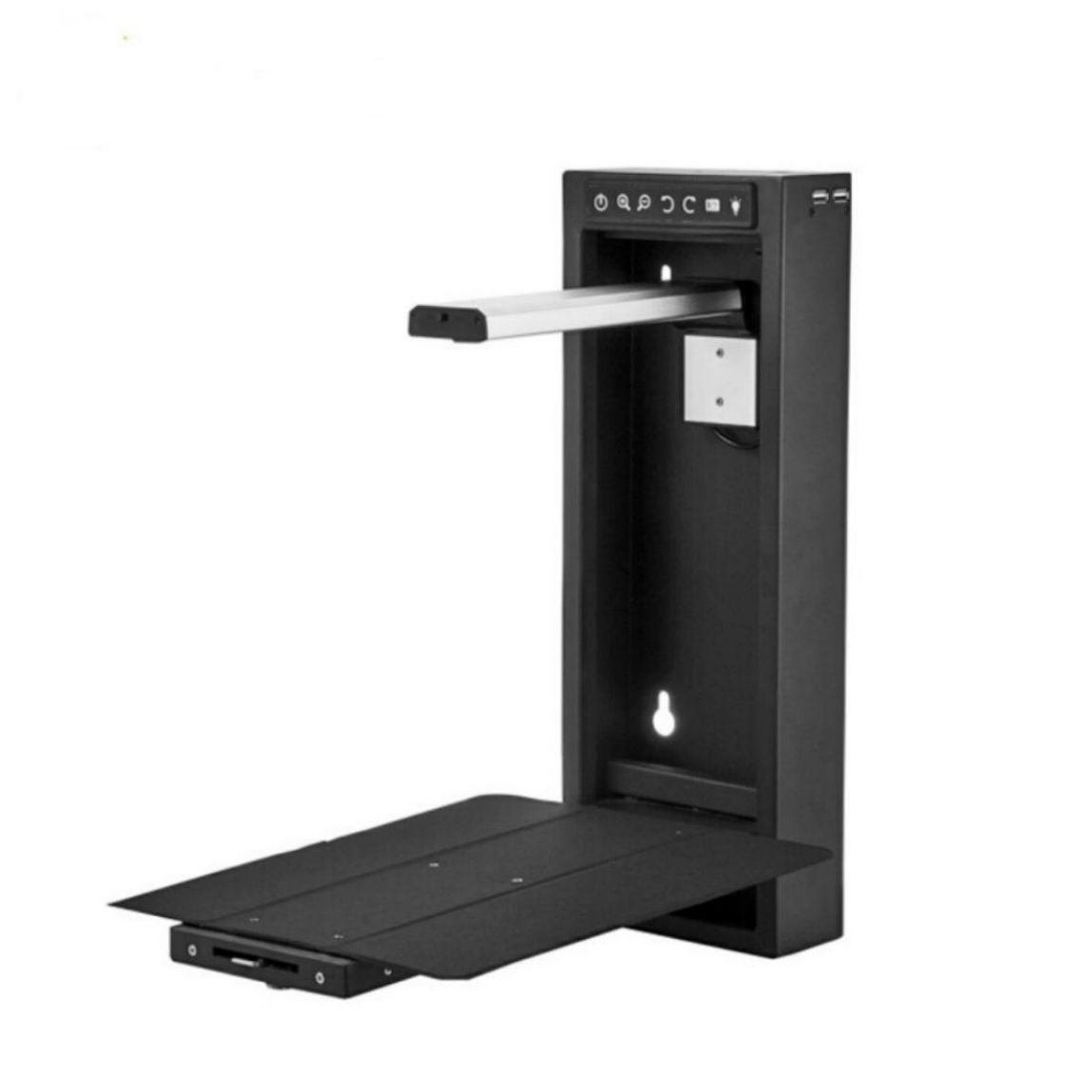
USB Interface Wall-Mounted A4 Visualizer OCR Document Scanner CMOS Sensor 10MP Resolution SDK Included Black 1-Year Stock
Compact classroom and counter capture with SDK support.
- 10MP CMOS sensor with OCR
- Wall-mounted A4 capture area
- Suitable for IWB demonstration
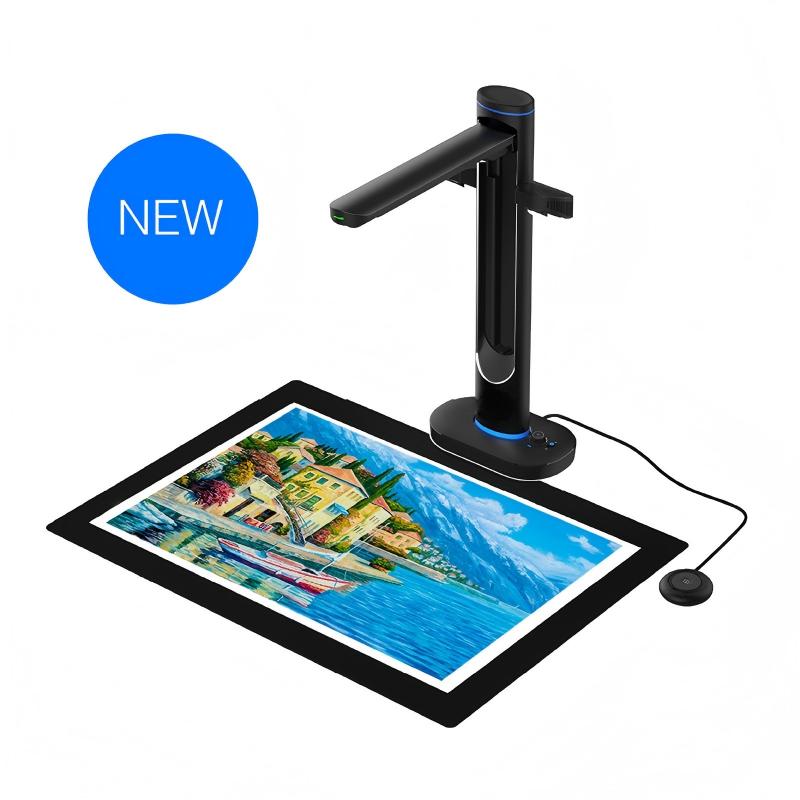
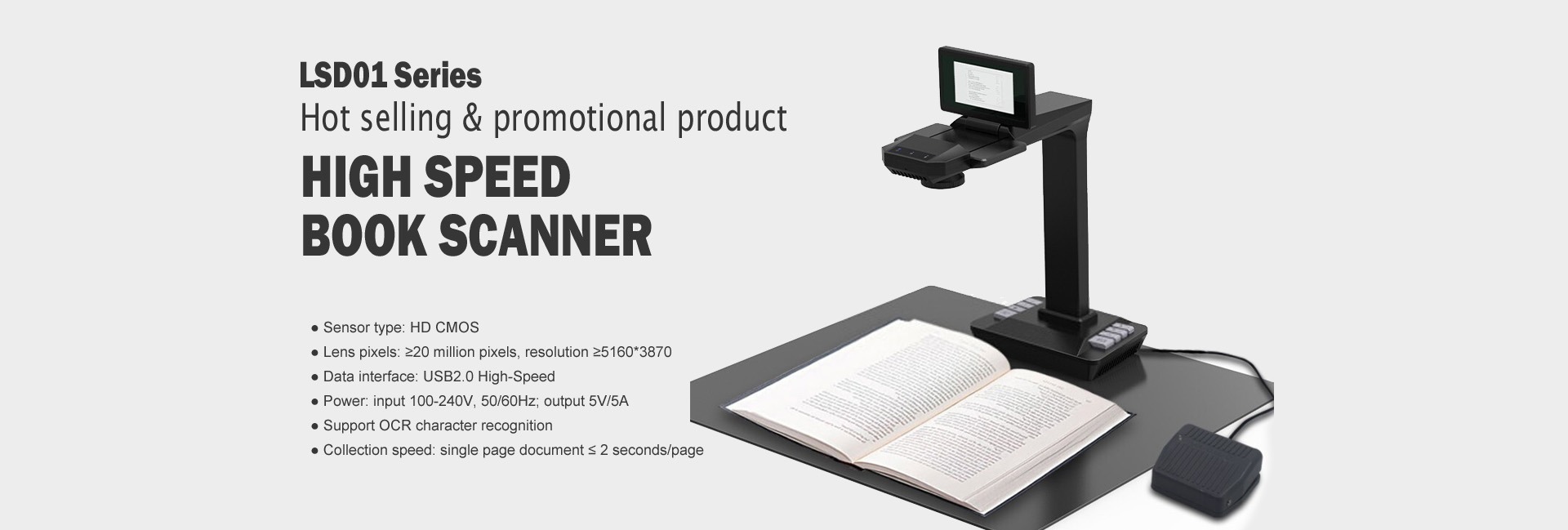
A2 Large Format Book Scanner Dual 48MP CMOS Sensors High-Speed Desktop Overhead Scanner for Windows & MacOS
High-resolution overhead capture for large documents and archives.
- Dual 48MP CMOS imaging
- A2 overhead desktop format
- Windows and macOS workflow
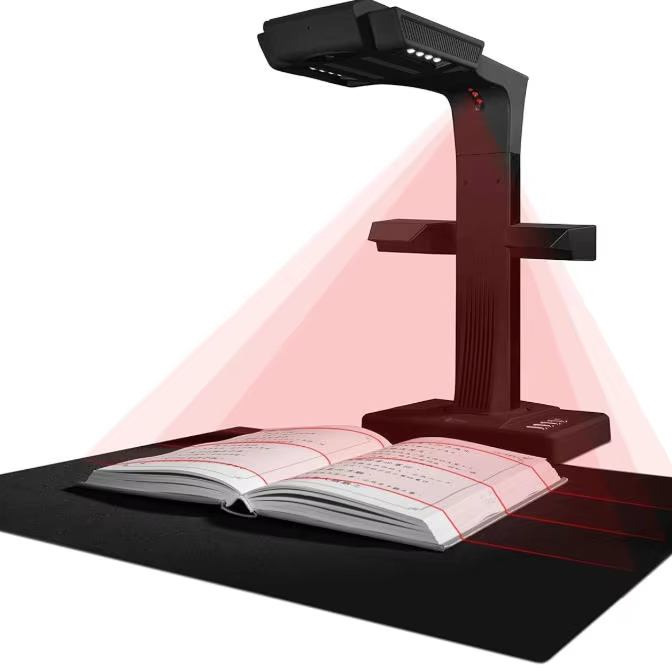
18MP A3 Book Scanner Overhead Document Camera Auto Curve Flattening OCR 180+ HDMI Visual Presenter for Office Library
Blends visual presenter duties with book-friendly scanning.
- 18MP A3 overhead capture
- Auto curve flattening and OCR
- HDMI visual presenter output
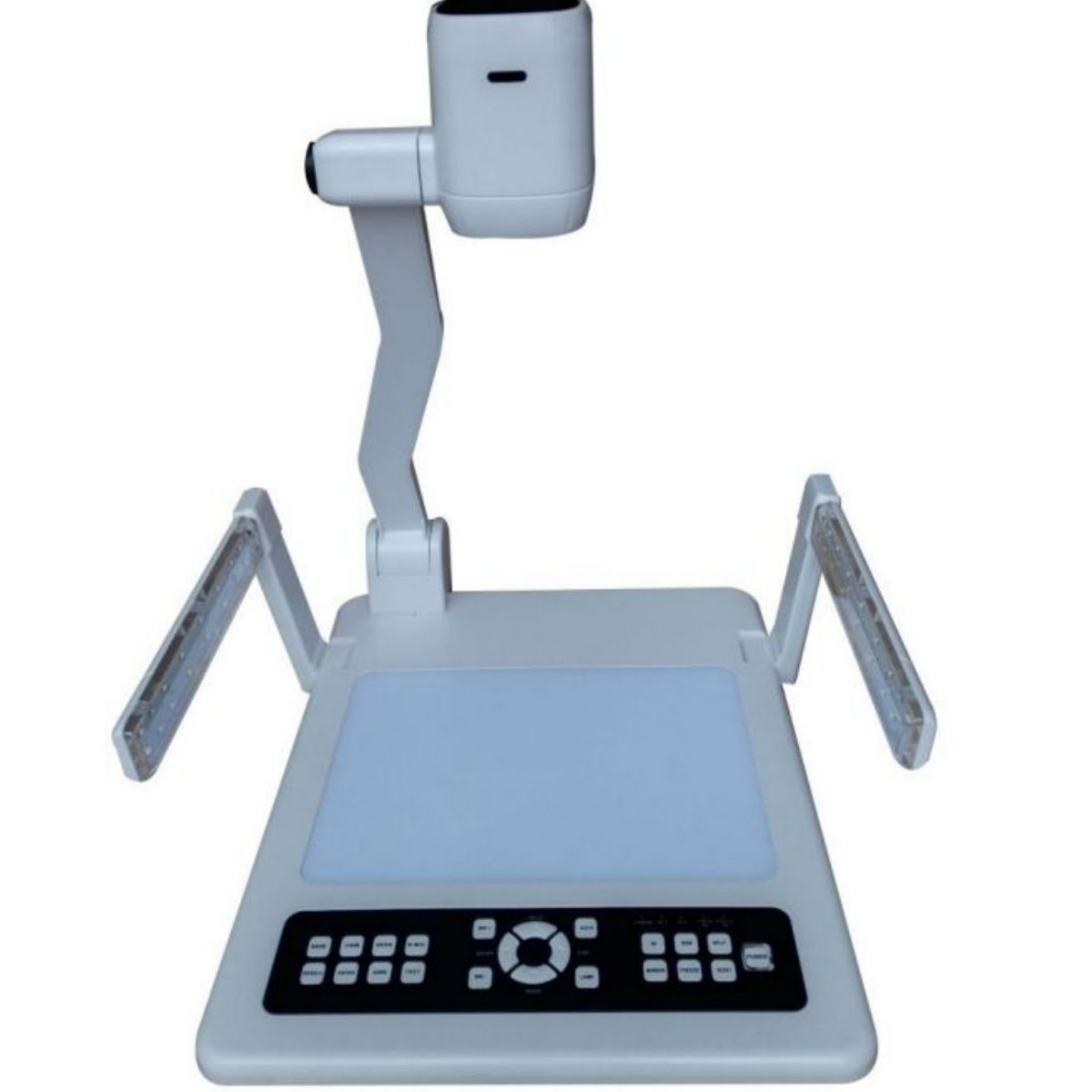
Multi-functional Document Camera Professional in Visual Presenter Also Visualizer in Educational Equipment
A flexible presentation camera for modern classrooms.
- Live visual presenter for teaching
- Document and object demonstration
- Ideal for IWB-connected lessons
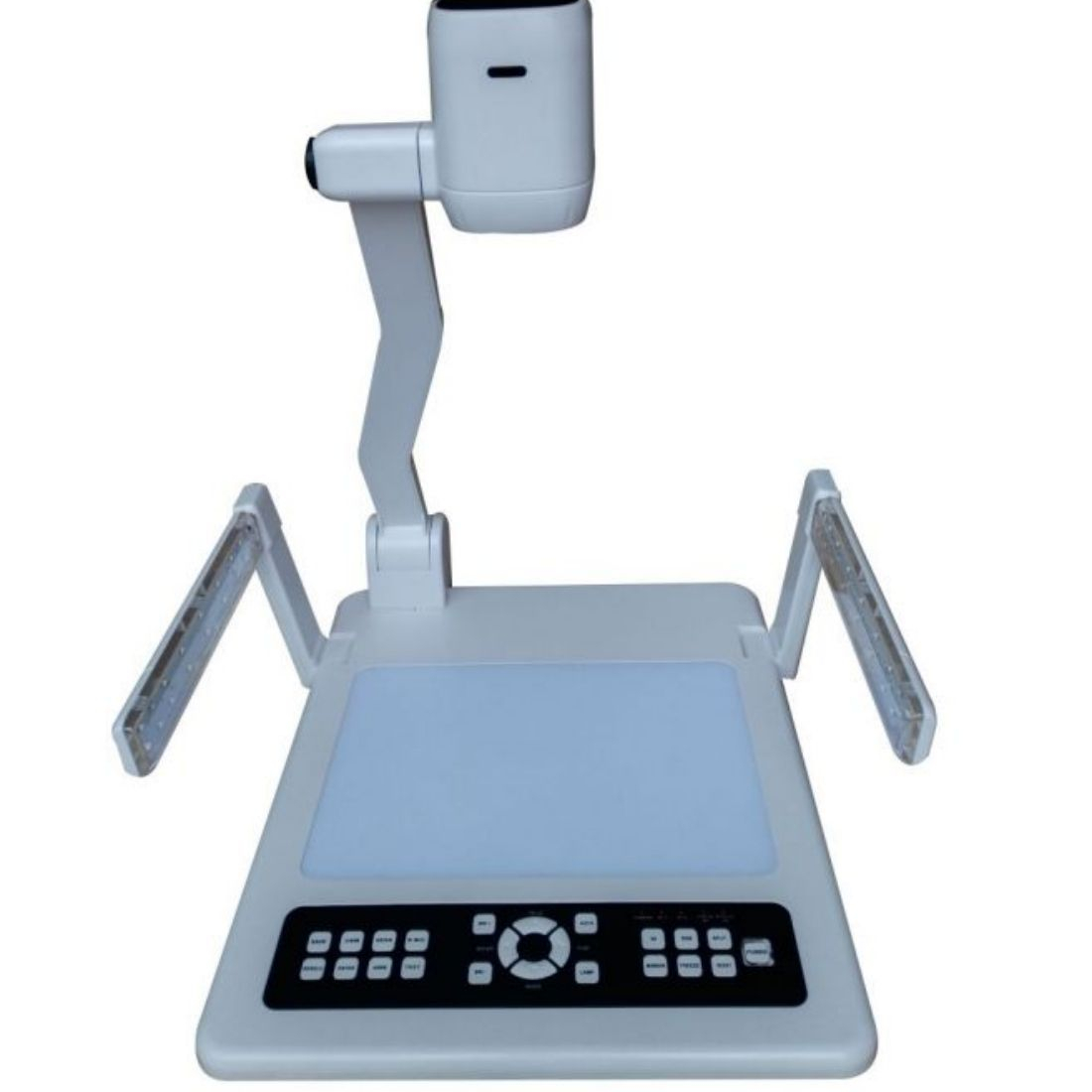
Factory 22X Optical Zoom Desktop VGA HD MI Audio Interface High Resolution Document Camera Visualizer
Optical zoom for lecture halls and detailed demonstrations.
- 22X optical zoom lens
- VGA and HDMI display output
- Desktop presenter format
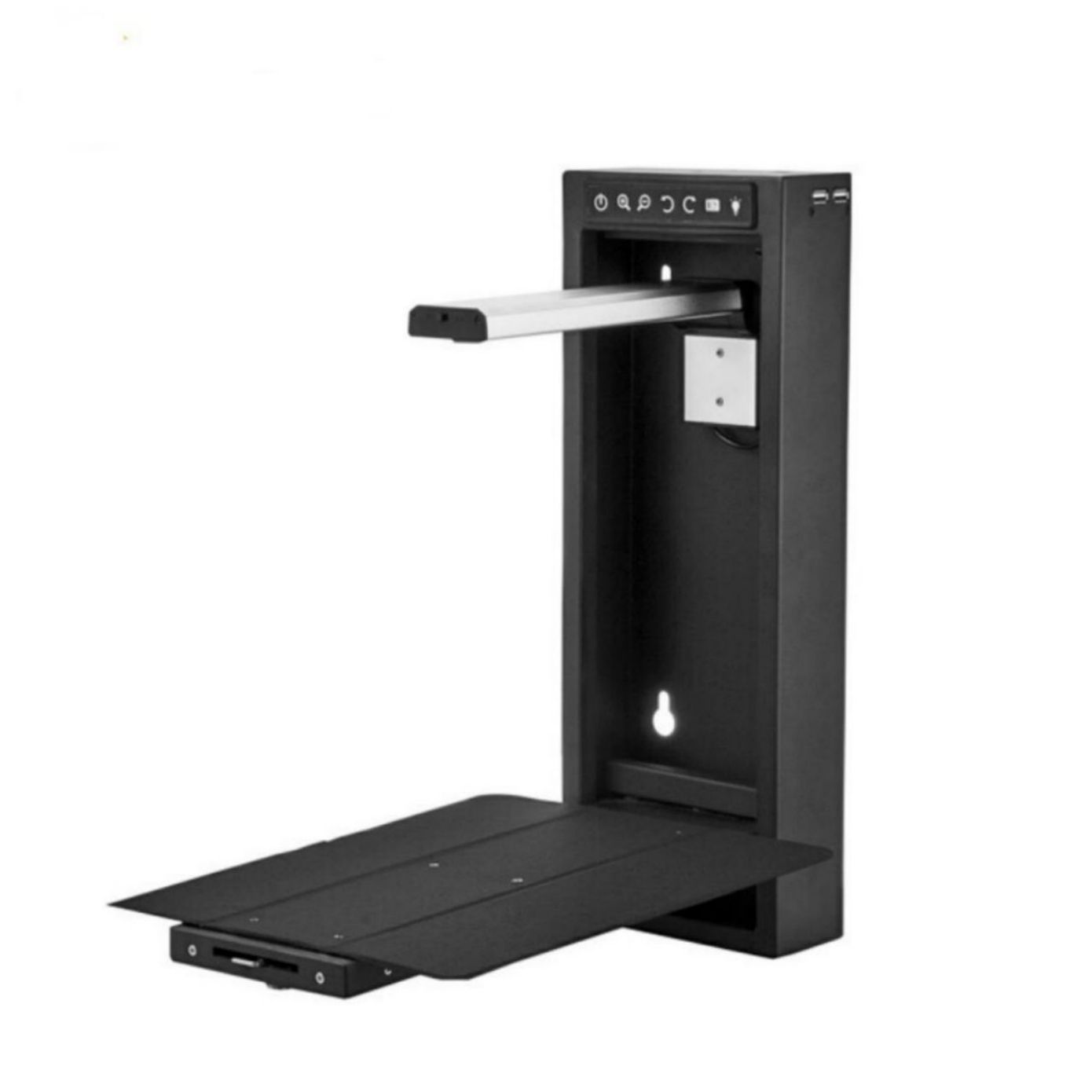
10MP USB CMOS Document Camera Wall Mount Scanner with 1-Second Scan Speed 1-Year Warranty in Stock Classroom Education A4 SDK
Space-saving capture for classrooms, counters and service desks.
- 10MP USB CMOS sensor
- 1-second scan speed claim
- A4 wall-mount design with SDK
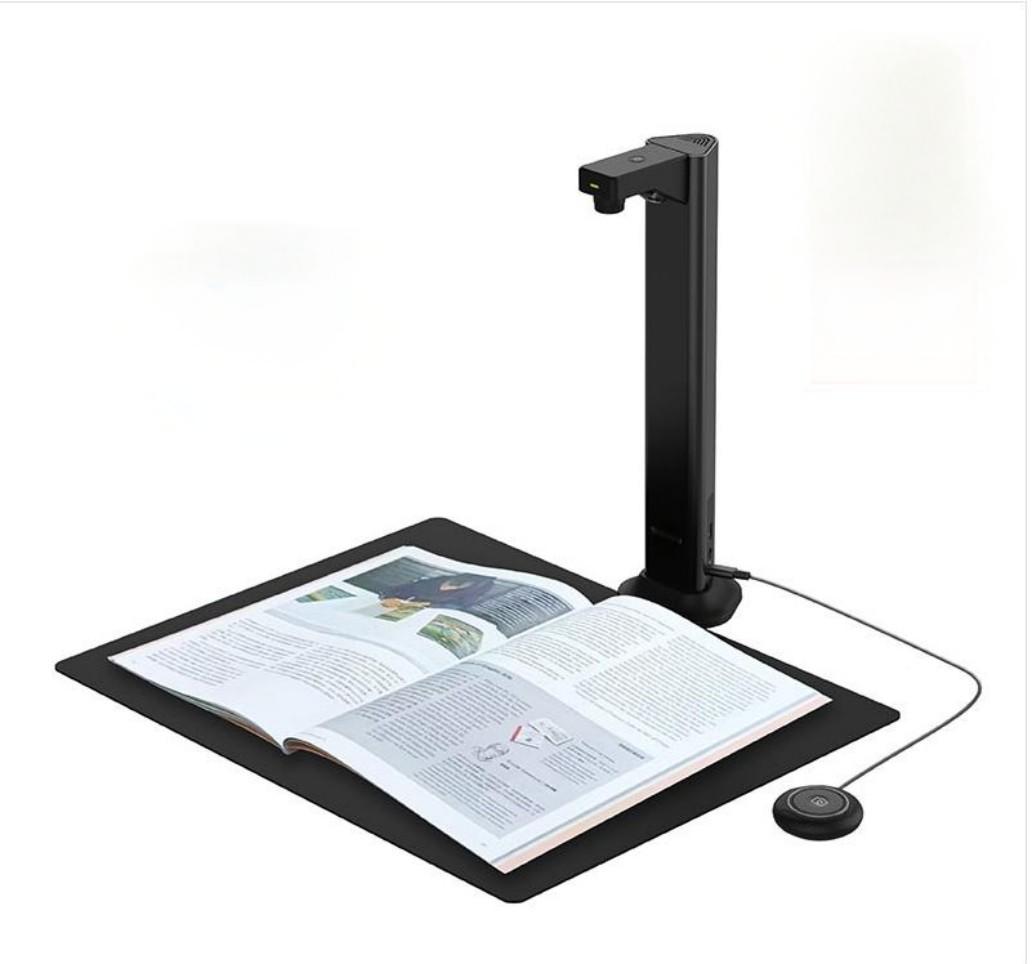
Real 24MP UVC A3 Document Scanner with USB Interface and Text to Speech Feature In-Stock Product
High-resolution A3 capture with accessibility-friendly output.
- 24MP A3 document capture
- USB UVC interface
- Text-to-speech feature
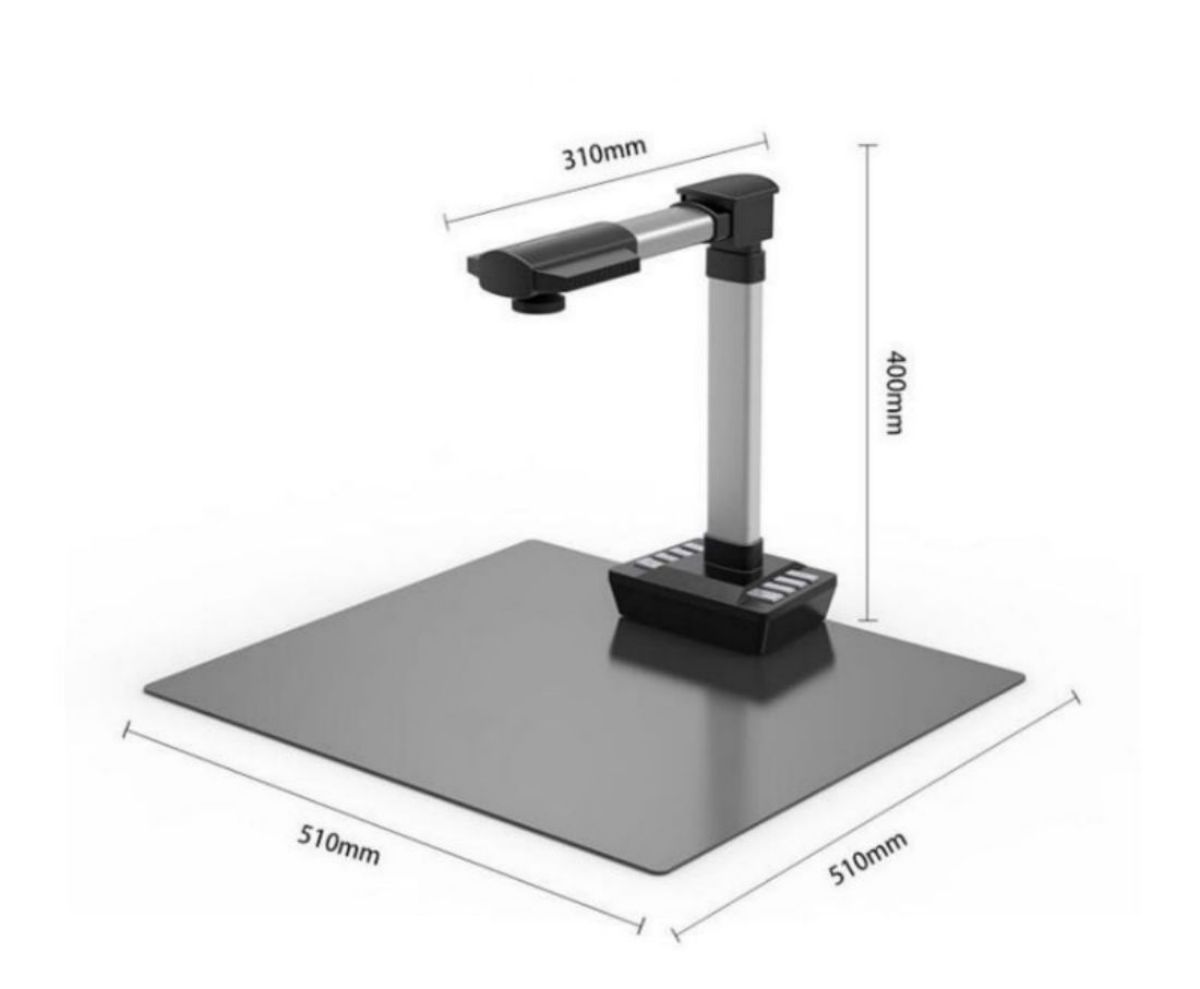
Portable 20MP High-Speed Wireless A3 Document Scanner Professional Book Scanner Foot Pedal USB Interface 24-Bit Color Stock
Flexible scanning for temporary classrooms and field digitization.
- 20MP high-speed A3 capture
- Wireless workflow and foot pedal
- USB interface, 24-bit color
Why Makassar Is a High-Priority Market for Interactive Whiteboards and Visualizers
Makassar is more than a local destination market. It is the economic and administrative gateway to South Sulawesi and the wider Eastern Indonesia region, serving schools, universities, government offices, healthcare providers, hospitality businesses, port operators and distributors. That combination creates steady demand for classroom displays, interactive whiteboards, visual presenters, document cameras and archive scanners.
For buyers in Makassar, the lowest unit price is rarely the lowest total cost. Humidity, power stability, Bahasa Indonesia software expectations, installation access and after-sales response all influence the real return on investment. A credible China supplier should therefore be evaluated as a solution partner rather than a one-off seller.
Education Modernization
Primary and secondary schools, universities and teacher-training colleges are moving from projector-only rooms to interactive flat panels that support annotation, screen sharing, recorded lessons and student participation.
Best paired with A3 visualizers and portable document camerasGovernment and Public Services
Meeting rooms, service counters and training centres need reliable touch displays and document capture devices for forms, ID cards, public notices and interdepartmental presentations.
Prioritize auditability, warranty clarity and spare-part accessTrade and Distribution Hub
Distributors and system integrators in Makassar often serve projects beyond the city, including nearby regencies and Eastern Indonesia. They need OEM/ODM flexibility, stable stock and clear export documentation.
Solution bundling reduces installation and support complexityHybrid Teaching and Training
Teachers and trainers increasingly want a live camera over a textbook, model or document while presenting on an interactive display. A visualizer extends the whiteboard into the physical world.
HDMI/VGA, USB and software compatibility matterTropical Operating Conditions
Makassar's coastal climate and humidity make anti-glare glass, stable power handling, corrosion-resistant materials and proper export packing more important than in dry inland markets.
Confirm 220V/50Hz support, plug type and surge protectionLanguage and Service Readiness
Bahasa Indonesia interfaces, local installation support, remote diagnostics and fast spare-part communication reduce downtime and improve adoption among teachers and staff.
Ask for English and Bahasa Indonesia training materialsWhat a “Top” China Interactive Whiteboard Factory Should Prove to Makassar Buyers
The phrase “top factory” should be tested against evidence. A supplier may be strong in panel assembly but weak in software, or competitive in price but unable to support installation and spare parts. Use the following evaluation framework to compare factories and trading partners on the same basis.
Panel and Glass Quality
Check 4K resolution, brightness, anti-glare treatment, tempered glass, bonding process and color uniformity. A zero-bonding or optical-bonding panel reduces parallax and improves writing feel.
Touch Performance
Infrared touch remains common for value-focused classrooms, while capacitive touch offers a more phone-like feel. Confirm touch points, palm rejection, response time and writing latency in the actual software environment.
OPS and Operating System
Clarify Android vs Windows, OPS PC configuration, RAM, SSD size, dual-system switching and upgrade paths. Schools need simple turn-on-and-teach workflows, not complex setup menus.
Software and Language
Request a Bahasa Indonesia interface or language pack if required. Evaluate whiteboard annotation, screen sharing, file export, student interaction and compatibility with visualizers and document cameras.
Certification and Import Documents
Confirm CE, FCC, RoHS and relevant safety documentation. For Indonesia, work with your importer to verify SNI, customs classification and local compliance requirements before shipment.
Warranty and Spare Parts
Ask for panel warranty terms, touch module availability, OPS replacement policy, power board stock and remote diagnostic support. A 1-year warranty is common on listed Quibow models, with project-specific terms available.
Recommended Interactive Whiteboard Configurations for Makassar Use Cases
These starting configurations help procurement teams compare quotations. Final specifications should be confirmed against room dimensions, lighting, seating layout, network conditions and the intended teaching or presentation workflow.
| Environment | Typical Room / Users | Recommended IWB | Capture Companion | Why It Fits Makassar |
|---|---|---|---|---|
| Primary or secondary classroom | 20–35 students | 65–75 inch 4K interactive flat panel, IR touch, Android + optional OPS | 10MP wall-mounted USB document camera or multi-functional visual presenter | Easy textbook display, low training burden, practical budget and quick installation. |
| University lecture hall | 40–80 students | 86 inch 4K, zero-bonded glass, high brightness, Windows OPS | 22X optical zoom desktop visualizer or 18MP A3 overhead document camera | Large text visibility, detailed experiment demonstration and hybrid lecture recording. |
| Government meeting room | 12–25 officials | 75–86 inch 4K, secure OPS, HDMI/USB-C input, optional camera | 24MP A3 document scanner with text-to-speech or wall-mounted A4 scanner | Clear document review, controlled capture, accountability and simple operation. |
| Library or archive digitization room | 2–6 operators | 65 inch display for preview and quality control | A2 dual 48MP overhead book scanner or portable 20MP A3 scanner | Non-contact capture protects bound books, newspapers and fragile records. |
| Healthcare and training centre | 15–40 trainees | 75 inch anti-glare 4K panel, medical-grade cleaning-friendly surface | 18MP A3 visualizer or 22X optical zoom document camera | Clear demonstration of models, charts and samples without passing objects around. |
| Hotel, tourism and service training | 10–30 staff | 65–75 inch 4K interactive display, mobile stand optional | Portable 20MP A3 wireless document scanner or visual presenter | Flexible room layout, fast onboarding and visual service-standard training. |
| Port, logistics and control training | 10–25 operators | 86 inch 4K display, 24/7-rated OPS and stable power protection | 22X optical zoom visualizer plus high-resolution document camera | Detailed map, manifest and process training with reliable long-session operation. |
Where Interactive Whiteboards and Visualizers Deliver Value in Makassar
The strongest projects are designed around daily workflows rather than hardware alone. The scenarios below show how schools, public institutions and businesses can combine an interactive display with document capture products from Quibow's current range.
Smart Classrooms
Teachers can annotate digital textbooks, display a student's workbook through a visualizer, record a lesson and share it with absent learners. Bahasa Indonesia content and simple controls improve daily adoption.
Government and Public Service Counters
Staff can display forms, verify documents and capture ID cards or supporting papers with a wall-mounted scanner while keeping the interaction visible to citizens and supervisors.
Higher Education and Teacher Training
Micro-teaching labs, STEM demonstrations and remote observation sessions benefit from an IWB plus a document camera that can show small components, handwriting and experiment progress.
Healthcare and Telemedicine
Training rooms can display charts and anatomical models clearly, while document cameras help capture notes and forms for case discussions. Anti-glare panels are important in bright rooms.
Enterprise, Hospitality and Tourism
Hotels, travel operators and service companies can use interactive displays for onboarding, service-standard training, menu development and live document review during team meetings.
Libraries, Archives and Publishing
Book scanners and overhead cameras support cultural preservation, newspaper archiving, research digitization and searchable PDF creation without placing pressure on fragile bindings.
What Is Changing in Makassar's Education and Public-Sector Technology Procurement
Buyer behaviour in Makassar is becoming more sophisticated. The conversation is shifting from “which screen is cheapest” to “which supplier can deliver a stable solution, train users and support the installation after delivery”.
From Projector to Interactive Flat Panel
Schools and meeting rooms are replacing lamp-based projectors with interactive panels that offer brighter images, touch annotation, longer service life and lower maintenance.
Solution Bundling
Buyers increasingly request the display, OPS PC, wall mount, visualizer, installation accessories and training as one package. This reduces compatibility risk and simplifies procurement.
Language and Local Content
Bahasa Indonesia menus, local training videos and familiar file workflows are becoming expected features, not optional extras. Suppliers that ignore localization face slower adoption.
Hybrid and Recorded Learning
Recorded lessons and remote participation are encouraging institutions to think about HDMI routing, camera placement, microphone pickup and visualizer integration at the design stage.
Humidity-Resistant Hardware
Coastal humidity makes packing, anti-corrosion treatment, ventilation and power protection part of the specification. Buyers are asking for evidence, not just assurances.
Logistics-Aware Planning
Makassar buyers are planning around sea freight schedules, customs clearance and installation windows. Suppliers that understand the route via Jakarta or Surabaya can reduce costly delays.
Why Quibow Is a Practical China Supplier for Makassar Projects
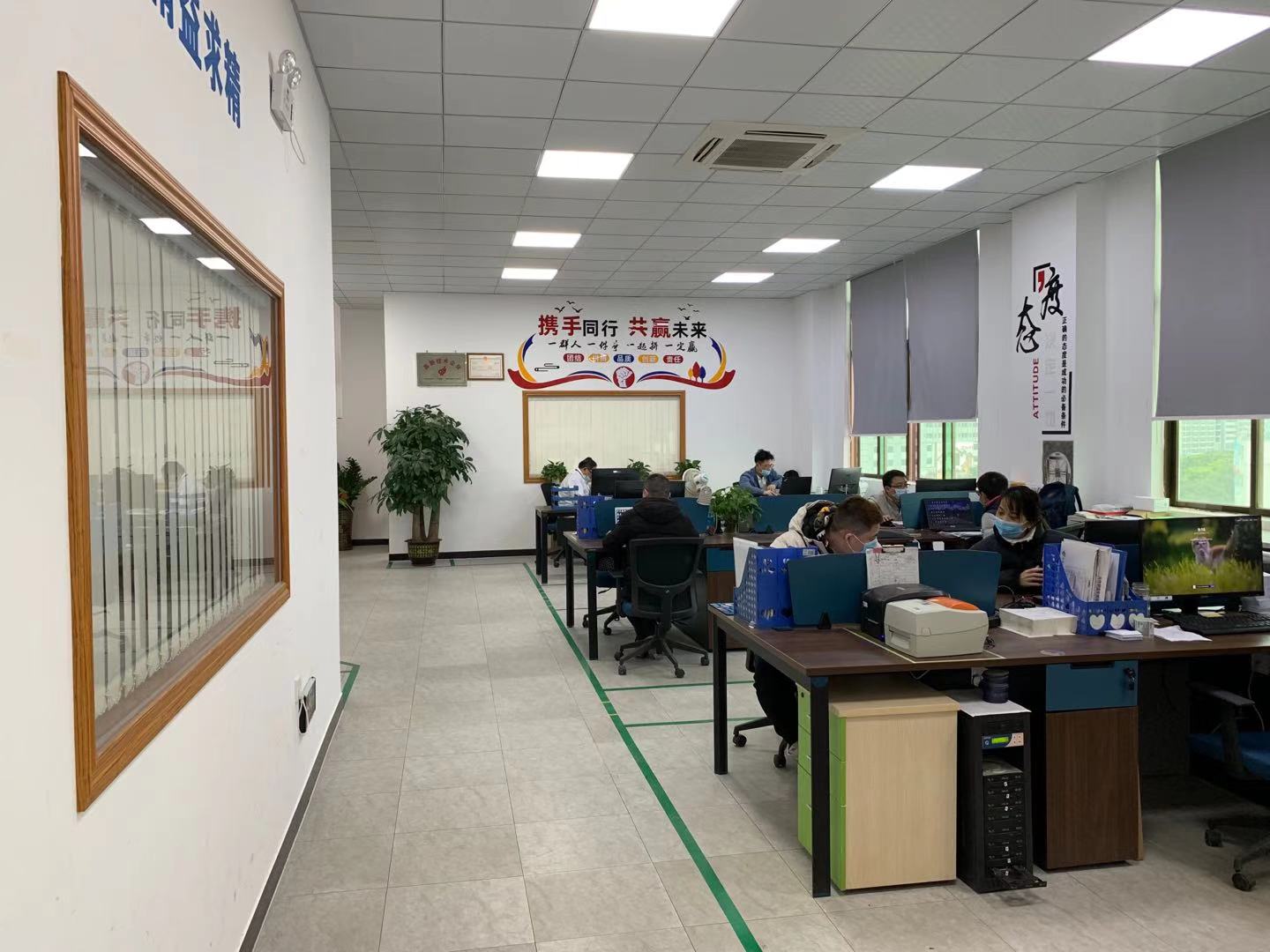
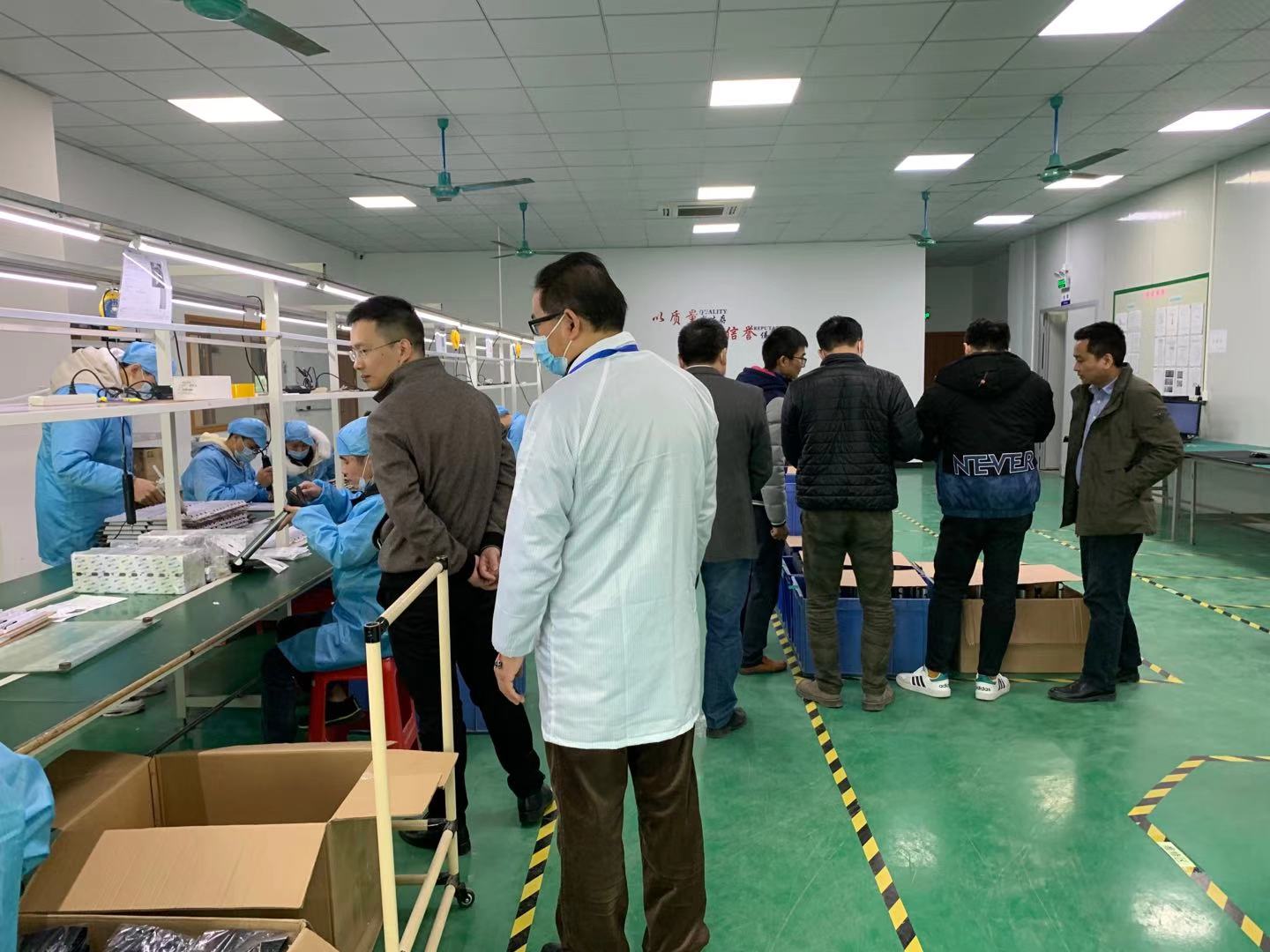
Guangzhou Quibow Electronic Co., Ltd. is a technology-driven supplier focused on image data acquisition and conversion. Our team develops and supplies photoelectric information equipment, including high-speed document cameras, book scanners, flatbed scanners and ID card recognition cameras. Working across CIS, CMOS and CCD imaging platforms gives us the expertise to match the capture device to the document, room and workflow.
For interactive whiteboard projects, this imaging expertise matters. The display is the presentation layer, but the document camera or scanner is often the capture layer that determines whether teachers and staff can actually use the system every day. We support OEM/ODM projects including logo printing, packaging, housing colour, capture software branding and SDK integration on selected models. Our product pages preserve the original model information so that technical teams can compare specifications before an inquiry.
- Business type
- Trading company, onsite checked
- Location
- Guangzhou, Guangdong, China
- Year established
- 2020
- Main markets
- Eastern Europe, North and South America, worldwide
- Annual revenue
- US$1M – US$2.5M
- Team
- 5–10 dedicated specialists
Shipping, Installation and After-Sales Planning for Makassar
Makassar's geography makes logistics a strategic part of supplier selection. A well-packed shipment and a clear service plan are as important as the product specification itself.
Sea and Air Freight
Sea freight from South China to Makassar usually moves through Jakarta or Surabaya before the final feeder leg. Air freight is suitable for samples or urgent spare parts. Confirm the planning range at inquiry.
Power and Environment
Indonesia uses 220V/50Hz. Confirm plug type, surge protection, grounding and ventilation. For coastal humidity, request desiccant, moisture-barrier packing and inspection before shipment.
Import Documents
Work with your importer on commercial invoice, packing list, HS code, warranty statement and any required SNI or safety documents. Clear documentation reduces clearance risk.
Installation Support
Plan wall structure, viewing height, power outlets, network and cable routing before delivery. Remote commissioning and local installer coordination can be discussed per project.
Spare Parts Strategy
Keep critical spares such as touch modules, OPS units, power boards and cables in mind when planning multi-school rollouts. A spare-parts list should be agreed before purchase.
Training and Remote Support
Request concise quick-start guides, video training and remote diagnostic support. Training should cover the IWB basics, visualizer switching, document capture and common troubleshooting.
Makassar Buyer FAQ: Interactive Whiteboards, Visualizers and Factory Sourcing
These are the questions most commonly raised by schools, distributors, government buyers and integrators when comparing Chinese interactive whiteboard factories and document camera suppliers.
What is the minimum order quantity for Quibow visualizers and scanners?
Most stock book scanners, A2 large-format scanners and flatbed scanners start from 1 piece or 1 set. Several document camera models start from 2 pieces. OEM/ODM quantities are confirmed per project based on branding, packaging and software requirements.
Can you supply an interactive whiteboard together with a document camera or visualizer?
We can coordinate compatible interactive displays, OPS modules, wall mounts, document cameras, book scanners and installation accessories as a project bundle. The exact panel specification, interface requirements and warranty terms are confirmed per inquiry so that the IWB and capture device work together before shipment.
How long does shipping to Makassar usually take?
Air freight is typically used for samples and urgent spare parts, while sea freight is more economical for classroom rollouts. Depending on the route via Jakarta or Surabaya, port congestion and customs clearance, sea freight planning is usually measured in weeks rather than days. Confirm the current schedule at the time of inquiry.
Are the products compatible with 220V/50Hz power and Indonesian use?
Indonesia uses 220V/50Hz. Confirm the plug type, power adapter, surge protection and grounding requirements for each model. Software language depends on the model and operating system; Bahasa Indonesia menus or training materials should be requested during specification review.
What warranty and after-sales support is available?
Listed models such as the A3 flatbed scanners, A2 overhead scanners and selected document cameras come with a 1-year warranty, backed by remote technical support. Warranty terms for projects, spare parts and OPS modules should be agreed in the quotation.
Do you support OEM and ODM orders for Makassar distributors?
Yes. We support OEM/ODM projects including logo printing, packaging, housing colour, capture software branding and SDK integration on selected models. Distributors and integrators should share target volume, branding assets and technical requirements for a project-specific review.
What payment and delivery terms do you accept?
We accept T/T, L/C, PayPal and Western Union in USD, EUR, HKD or CNY, with FOB, EXW and DDU delivery terms. The most suitable option depends on order value, destination and the importer's customs arrangements.
How can I verify product quality before shipment?
Ask for sample scans, video inspection, detailed packing photos and a pre-shipment quality check. For larger projects, define the test checklist in advance: touch response, display uniformity, HDMI/VGA/USB input, OCR sample pages, driver installation, capture speed and accessory completeness.
Are the scanners compatible with Windows and macOS?
Many models, including selected A2 large-format scanners and A3 flatbed scanners, support Windows and macOS, and some are verified on Apple M1 Macs. Compatibility should be confirmed for each model before shipment because driver and software versions can vary.
Request a Market-Specific Interactive Whiteboard and Visualizer Quotation
Share your room sizes, target quantities, preferred panel size, software language, installation timeline and delivery city in Makassar. Our team can recommend compatible IWB configurations, visualizers, document cameras and book scanners, then confirm sample scans, warranty terms and shipping options. For faster matching, include your school or project name, power requirements and whether local installation support is needed.