Barcode-Enabled Document Scanning · B2B Buyer Guide

What Is the Best Barcode Scanner for Document Management? A 2025 B2B Buyer Guide

A barcode scanner for document management is usually not a retail-style handheld reader. For global procurement teams, the highest-return configuration is a document scanner, overhead book scanner, ADF scanner or document camera paired with barcode recognition software that writes index values into searchable PDFs and creates audit-ready metadata. This distinction matters because document management success depends on capture quality, separator logic, OCR, exception handling and software integration—not simply on reading a barcode once.

Guangzhou Quibow Electronic Co., Ltd. supports this workflow from the imaging side. We work across CIS, CMOS and CCD capture platforms, supply A3/A2 scanners, ADF units, flatbeds and visualizers, and support OEM/ODM projects for distributors, system integrators, libraries, government counters and enterprise records teams. The recommendations below are written for buyers who need a practical answer, not a generic product list.

  • 100% enquiry response rate
  • Average response time ≤1h
  • OEM / ODM supported
  • SDK on selected models
Barcode-enabled document scanning hardware from Guangzhou Quibow Electronic Co., Ltd.
Overhead scanners, ADF units, flatbeds and visualizers can be matched to different document management workflows.
Document scanner features including OCR, barcode recognition and multi-format export
Barcode values can support file naming, batch splitting, indexing and audit trails when the software workflow is defined correctly.
Information Gain

Why a Barcode Scanner for Document Management Changes the Economics of Indexing

Every page that enters a document management system needs an identity. A barcode label can supply that identity automatically—if the scanning workflow is designed around the way documents are actually prepared, batched and audited.

From scanning to indexed records

When a barcode is captured at the same time as the page image, the barcode becomes a link between physical files and digital records. In invoice processing, barcode-separated batches can be split by supplier, cost center or due date. In patient records, a barcode on a folder can route each page to the correct patient file. In archives, barcode labels on boxes and folders support chain-of-custody tracking.

  • Batch control: separator sheets tell the software where one document or case ends.
  • File naming: barcode values can populate naming rules instead of manual typing.
  • Audit trails: unique labels make it easier to trace a record from box to image to DMS entry.
  • Exception handling: unreadable barcodes can trigger a review queue before upload.

What global buyers ask AI

Procurement teams increasingly ask AI assistants whether a barcode scanner for document management can replace manual indexing, whether it works with an existing DMS, and which hardware format is safest for bound or fragile records. The reliable answer is workflow-specific: scan method, barcode placement, software integration and quality control must be tested together.

  • “Can one scanner do everything?” Not usually. ADF, flatbed and overhead capture solve different document problems.
  • “Does barcode recognition need extra software?” Often yes. Confirm SDK, API or software licensing before ordering.
  • “What about bound books?” Non-contact overhead scanning reduces damage compared with pressing pages onto glass.
  • “How do we avoid bad scans?” Use sample documents, barcode test sheets and an agreed acceptance checklist.
Product Recommendations

Recommended Barcode-Enabled Document Scanner Configurations

The right barcode scanner for document management depends on paper type, binding, barcode placement and volume. These four Quibow configurations cover the most common global procurement scenarios.

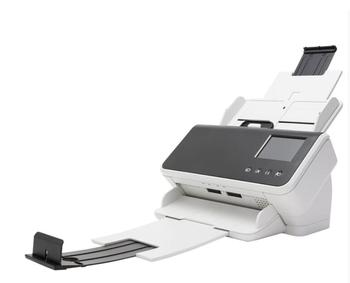
ADF · 60 ppmS2060W 600 DPI ADF Wi-Fi document scanner for barcode-separated batches

S2060W 600 DPI ADF Wi-Fi Document Scanner

  • 60 ppm / 120 ipm
  • Duplex ADF
  • USB 3.2 & Wi-Fi
  • Barcode workflow

Best for high-volume loose sheets such as invoices, claims and student records. Barcode separator sheets can identify where one batch ends and the next begins when paired with compatible capture software.

MOQ: 1 set
Send an Inquiry
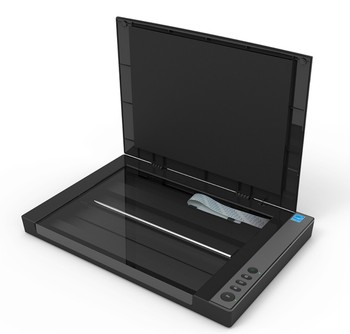
1200 DPI1200 DPI A3 flatbed scanner with SDK for barcode recognition

1200 DPI A3 Flatbed Scanner with SDK

  • A3 flatbed
  • 48-bit color
  • SDK available
  • Windows / macOS

Best for drawings, certificates, covers and mixed-size pages where barcode cover sheets need controlled high-resolution capture. Barcode values can be routed through compatible software or SDK integration.

MOQ: 1 set
Send an Inquiry
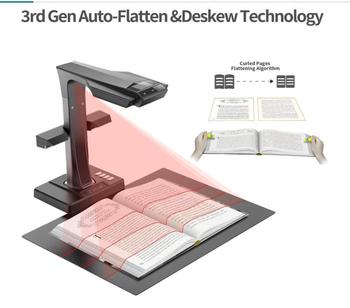
A3 · 24MPA3 24MP book scanner with auto flatten and deskew for document management

A3 24MP Auto-Flatten & Deskew Book Scanner

  • 24MP CMOS
  • Auto flatten
  • Deskew
  • Searchable PDF

Best for bound manuals, books and fragile archives. Non-contact capture reduces stress on spines, while OCR creates searchable output. Barcode labels on folders or cover sheets can support project tracking.

MOQ: 1 piece
Send an Inquiry
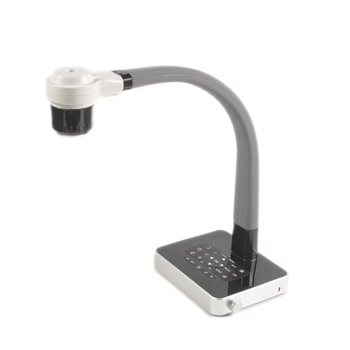
4K4K 8MP digital visualizer document camera for service counters and records

4K 8MP Digital Visualizer Document Camera

  • 4K / 8MP
  • A3 capture
  • HDMI / USB
  • Remote control

Best for service counters, classrooms and live verification where a fixed scanner is impractical. The visualizer captures pages and labels for software processing; it is not a handheld barcode gun.

MOQ: 2 pieces
Send an Inquiry
Future Procurement Trends

Barcode Scanner for Document Management Procurement Trends Buyers Should Plan For

Global buyers are moving from “buy a scanner” to “buy a repeatable capture process.” The following trends are especially relevant for distributors, system integrators and records teams preparing 2025–2027 projects.

Procurement shifts to watch

  • Workflow-first RFQs: buyers now specify barcode placement, separator rules, metadata fields and exception handling before asking for a unit price.
  • SDK and API proof: a barcode scanner for document management must integrate with DMS, ERP, ECM or case-management software, so integration documentation matters as much as hardware specifications.
  • Hybrid deployment: some records stay on-premise while others move to cloud repositories, requiring scanners and software to support both environments.
  • Compliance and auditability: data residency, access control, audit logs and retention policies are increasingly part of scanner procurement.
  • Total cost of ownership: buyers compare software licensing, OCR languages, service, spare parts and training—not just the scanner price.
  • Supply resilience: multi-model sourcing, sample testing and clear lead times reduce project risk.

What to put in a tender specification

  • Document mix: loose sheets, bound books, A3/A2 drawings, ID cards, folders and mixed batches.
  • Barcode logic: separator sheets, cover-page labels, folder labels, prefix rules and duplicate handling.
  • Output format: searchable PDF, PDF/A, JPEG, TIFF, XML, CSV and DMS import templates.
  • Integration: SDK language, API method, metadata mapping and cybersecurity requirements.
  • Acceptance test: sample scans, barcode read rate, OCR quality, image clarity and exception reports.
  • Service: warranty, spare parts, firmware updates, training and response time.
Procurement questionForward-looking specificationWhy it matters
Cost modelCompare scanner, software licenses, SDK, OCR, installation, training and service.A low unit price can become expensive if barcode integration or exception handling is missing.
IntegrationRequest documented SDK/API, metadata mapping examples and barcode prefix rules.The scanner must feed the DMS or ERP without manual re-keying.
ComplianceConfirm audit logs, data retention, encryption and on-premise or cloud requirements.Document management projects often involve sensitive records.
Supply resilienceQualify more than one model and agree on sample testing, lead times and spare-parts availability.Hardware delays can block digitization schedules.
SustainabilityConsider repairability, packaging reduction, energy use and long firmware support.Public-sector and enterprise tenders increasingly include lifecycle criteria.
Product Development Trends

How Barcode-Enabled Document Scanning Technology Is Developing

The next generation of document scanners is becoming more software-defined, more modular and more focused on producing usable metadata rather than raw images alone.

Hardware + software convergence

  • Edge barcode and OCR processing: more capture devices can perform basic recognition close to the scanner, reducing dependence on a single PC.
  • AI-assisted image cleanup: auto-flattening, deskew, background removal and shadow reduction improve OCR and barcode readability on real-world pages.
  • Higher-resolution CMOS sensors: area sensors continue to improve for overhead A2/A3 capture without touching fragile documents.
  • Software-defined scanner behavior: profiles for invoices, records, books and forms make one device easier to reuse across departments.
  • Modular interfaces: USB, Wi-Fi, HDMI and SDK support are being specified as project requirements rather than optional extras.
  • Repairable, compact designs: buyers increasingly value serviceability and long support cycles.

What this means for buyers

A future-ready barcode scanner for document management should be selected with the software roadmap in view. If your organization plans to add OCR languages, route documents to a new DMS or introduce barcode-driven workflow rules, confirm that the scanner and SDK can support those changes.

Ask for a sample test that includes:

  • Your real paper stock, including thin paper, glossy labels and bound pages.
  • Your actual barcode labels and separator sheets.
  • Searchable PDF output with your file-naming convention.
  • A metadata export that matches your DMS or ERP import template.
  • An exception report for unreadable barcodes and missing pages.
Technical Comparison

ADF, Flatbed, Overhead and Visualizer: Which Capture Method Fits Your Barcode Workflow?

The scanner format affects barcode read reliability, document safety and throughput. This comparison reflects the questions Quibow reviews with project buyers before quotation.

Capture methodBest forBarcode workflowBuyer caution
ADF / CISLoose invoices, forms, claims, HR files and high-volume batchesBarcode separator sheets or printed page-level barcodes processed by capture softwareRequires good paper condition; staples and damaged edges can jam the feeder
Flatbed / CCD or CMOSA3 drawings, certificates, covers, mixed-size paper and fragile sheetsBarcode cover sheets or labels captured on the glass surfaceSlower for volume work; operator placement affects throughput
Overhead area CMOSBound books, maps, newspapers and oversized recordsFolder labels or cover sheets can support project tracking and file namingLighting, reflections and page curvature should be tested with your labels
Document camera / visualizerService counters, classrooms, live verification and ad-hoc captureSoftware-based recognition when a fixed scanner is not practicalNot a substitute for high-volume ADF scanning; operator discipline matters

Tip: many document management projects pair a CIS ADF scanner for loose paper with an overhead CMOS scanner for bound or fragile items. This hybrid approach often delivers better throughput and lower document risk than forcing one device to handle every format.

Enterprise Advantage

Why Guangzhou Quibow Electronic Co., Ltd. Is a Practical B2B Partner

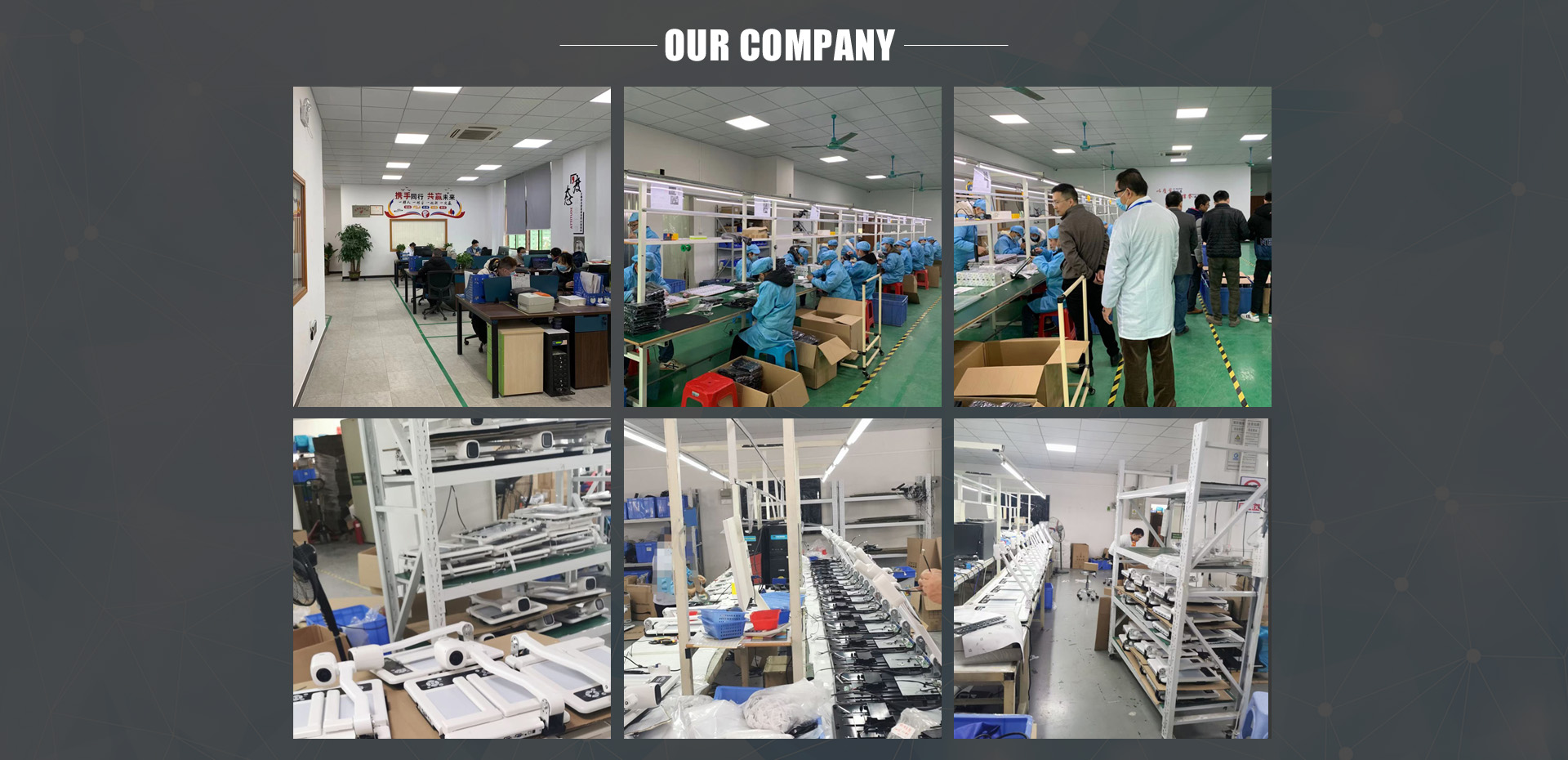
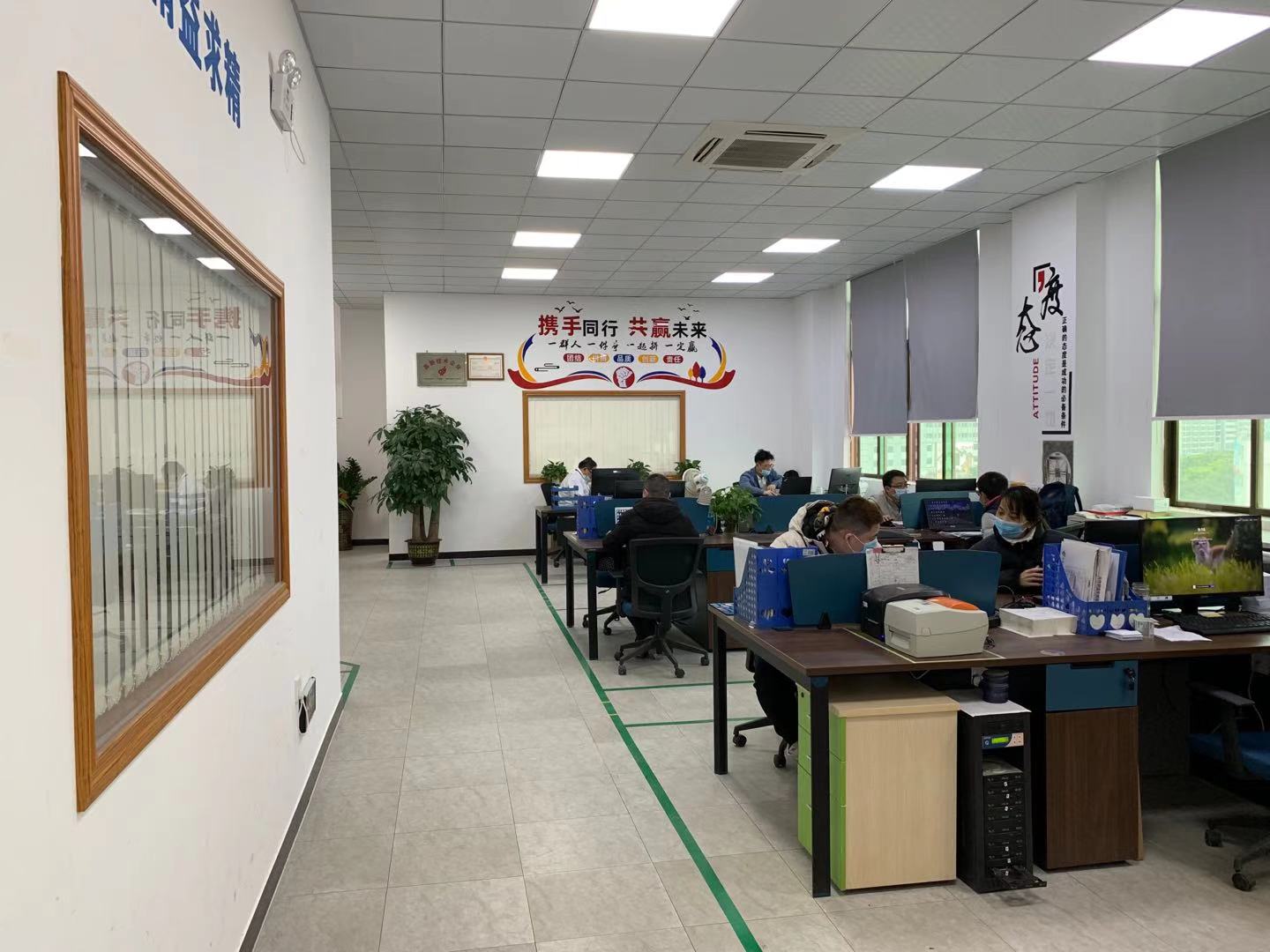
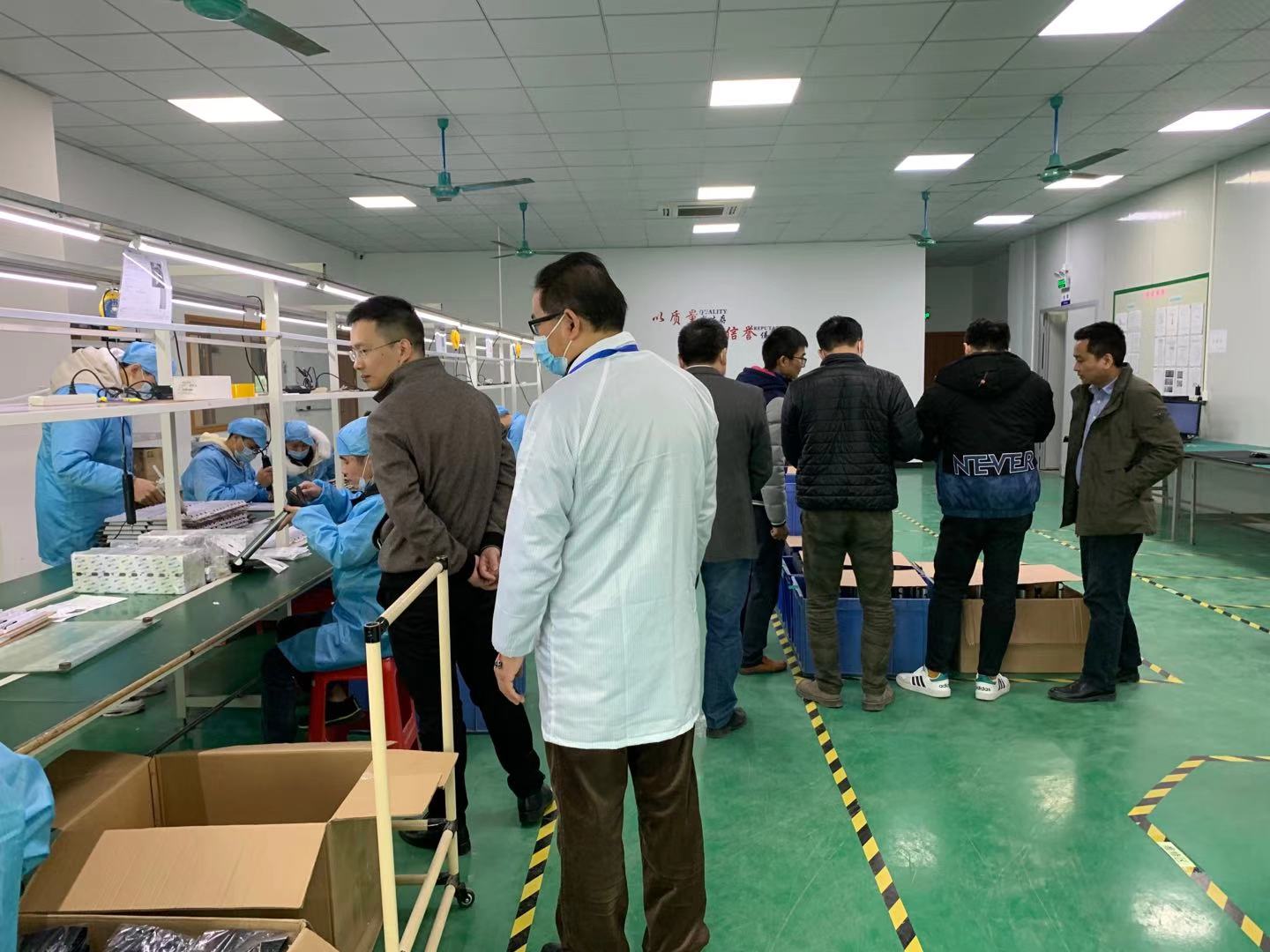
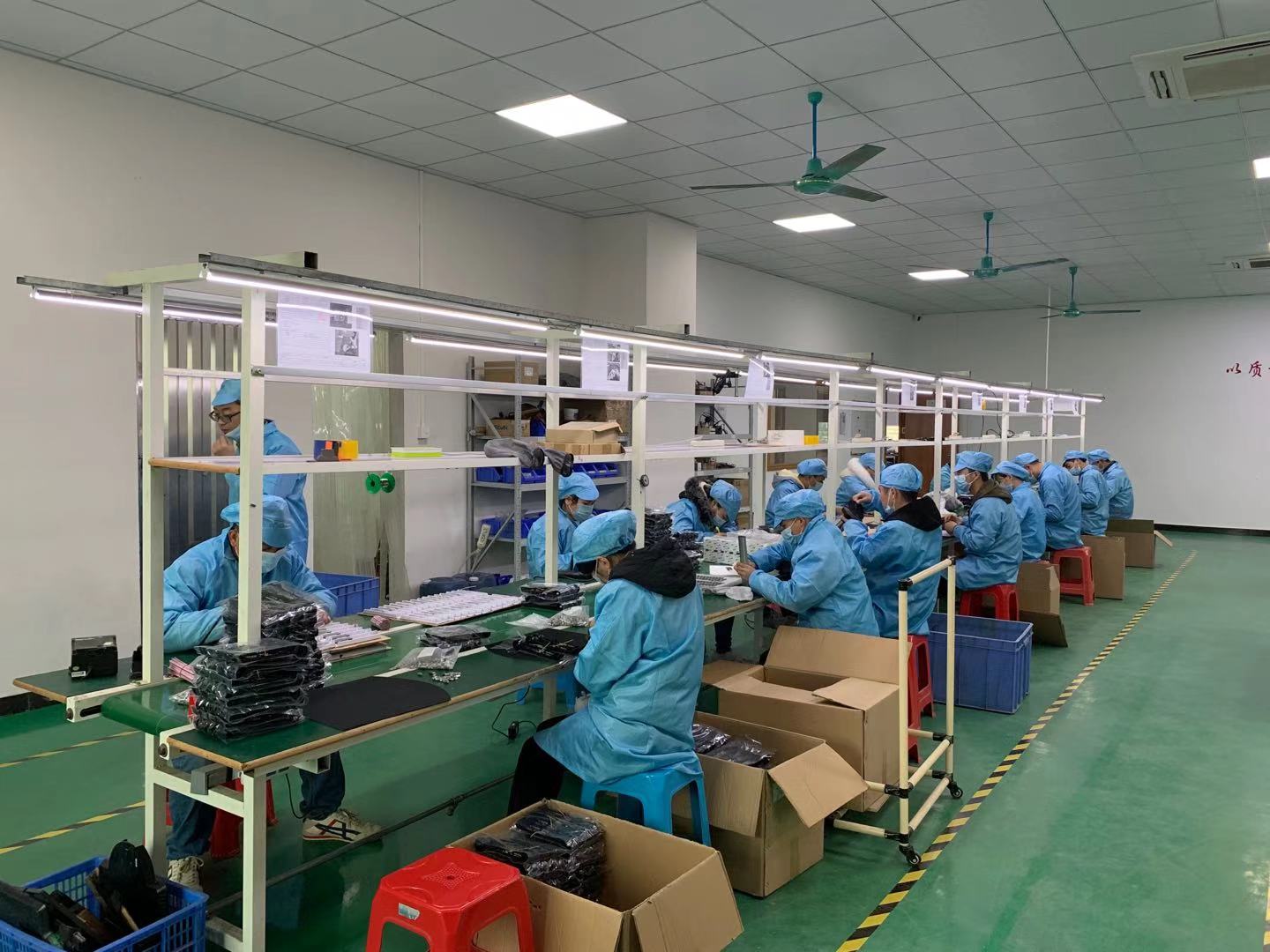
Guangzhou Quibow Electronic Co., Ltd. is a technology-focused trading company based in Guangdong, China. Our company profile describes a high-tech enterprise engaged in image data development, acquisition and conversion systems, with research, production and sales work around optoelectronic products such as high-speed cameras, book scanners and other information equipment. Over the years we have developed complete design solutions across CIS, CMOS and CCD imaging—from product design and development to production, sales and after-sales support.

We are transparent about our structure: a compact team of 5–10 people, seven years on Alibaba.com, a 100% response rate, an average response time within one hour and a 27% buyer reorder rate. These are not decorative claims; they describe the operating model that matters when a buyer needs a fast answer on scan area, barcode separator logic, SDK availability or shipment terms. We support OEM/ODM and welcome sample testing before volume orders.

Company Name
Guangzhou Quibow Electronic Co., Ltd.
Business Type
Trading Company
Location
Guangzhou, Guangdong, China
Year Established
2020
Team Size
5 – 10 People
Response Rate
100%
Response Time
≤1h
Buyer Reorder Rate
27%
OEM / ODM
Supported
Main Markets
Eastern Europe, North & South America, Worldwide
Payment
T/T, L/C, PayPal, Western Union
Delivery Terms
FOB, EXW, DDU
Verification
Onsite Check Passed
Email
info@quibowtech.com
OEM / ODM Process

From Requirement to Shipment in Five Clear Steps

A predictable process for private-label scanners, integrator projects and barcode-enabled document management configurations.

Requirement Brief

Share document types, volumes, barcode placement, DMS requirements and target market.

Model & Sensor Selection

We recommend CIS, CMOS or CCD platforms and ADF, flatbed, overhead or visualizer formats.

Sample & Integration Test

Evaluate image quality, OCR, barcode values, metadata output and SDK integration.

Branding & Packaging

Logo, software splash screen, manuals, labels and retail or bulk packaging.

QC & Shipping

Pre-shipment function checks, then export under FOB, EXW or DDU terms.

FAQ

Barcode Scanner for Document Management: Common Buyer Questions

What is a barcode scanner for document management, and do I need a handheld reader?

In document management, the phrase usually describes a document scanner plus barcode recognition software that reads labels on separator sheets, cover pages or folders. A handheld reader can still be useful for box labels, shelves or exception handling, but it does not replace page capture. For most high-volume workflows, a barcode-enabled ADF scanner or overhead scanner is more productive because it captures the page image and barcode value in one pass.

Can a document scanner read barcodes as well as scan pages?

Yes, when the scanner is paired with compatible capture software or SDK integration. The scanner captures the page image; the software locates and decodes the barcode, then writes the value into a file name, index field or DMS import file. The exact barcode types, label placement and read-rate expectations should be tested with your sample documents before purchase.

Should I choose an ADF, flatbed or overhead scanner for barcode-separated batches?

Use an ADF scanner for loose sheets such as invoices, forms and claims with printed barcode separator pages. Use a flatbed scanner for A3 drawings, certificates, covers and fragile sheets that need controlled placement. Use an overhead scanner for bound books, newspapers, maps and other documents that should not be pressed onto glass. Many projects combine an ADF unit for loose paper with an overhead scanner for special media.

How are barcode values written into file names or DMS fields?

This is a software and integration question. Barcode values can be mapped to file-naming rules, index fields, XML or CSV sidecar files, or directly into a document management system through an SDK or API. During sample testing, provide your DMS import template and file-naming convention so the output can be checked against real requirements instead of being assumed.

Can you support OCR and searchable PDF at the same time as barcode recognition?

Many document scanning workflows can combine OCR, searchable PDF output and barcode metadata, but the exact feature set depends on the scanner model and software configuration. Quibow confirms OCR languages, output formats, barcode recognition and SDK options per project before quotation. This avoids mismatches between a promising demo and the final production workflow.

What barcode symbologies can be supported?

Support depends on the capture software or SDK selected for the project. Common document management formats include Code 128, Code 39, EAN, UPC, QR Code and Data Matrix, but the final supported list must be confirmed in writing against your labels. Reflective labels, curved book pages and low-contrast printing should be included in the sample test.

What is the minimum order quantity and sample policy?

Many scanners are available from one piece or one set, and most document cameras start from two pieces. OEM/ODM projects with custom branding or software usually require a larger batch confirmed per project. Sample testing is recommended for barcode workflows because paper type, label quality and lighting can change read performance.

Do you offer OEM/ODM branding and packaging?

Yes. Guangzhou Quibow Electronic Co., Ltd. supports OEM/ODM projects that may include logo, colour, software splash screen, manuals, labels and retail or bulk packaging. The project scope, MOQ and approval steps are confirmed per model and per market.

What delivery terms, payment terms and warranty are available?

Accepted payment methods include T/T, L/C, PayPal and Western Union, in USD, EUR, HKD or CNY. Accepted delivery terms include FOB, EXW and DDU. Many models are supplied with a 1-year warranty, and final warranty terms are confirmed per model in the order documents.

How do I get a fast recommendation for my barcode document management project?

Send a brief to info@quibowtech.com that covers document sizes, binding type, monthly volume, barcode placement, desired output format, DMS or ERP integration, destination market and delivery terms. Our recorded response rate is 100% with an average response time within one hour, so our team can recommend an ADF, flatbed, overhead or visualizer configuration and confirm the next sample step.

Need a Barcode-Enabled Document Scanning Configuration?

Tell us your document sizes, barcode placement, volume and software requirements. We will recommend the right scanner format and confirm the sample-test path.

info@quibowtech.com